
 Script Planner Assistant▸
 AI Apps
 AI News

Lightshot: A Fast and Easy Screenshot Tool
Lightshot: A Fast and Easy Screenshot ToolIntroduction
Lightshot is a convenient, multi-platform screenshot tool that supports Windows, Mac, Chrome, Firefox, and more. Users can select any area on the screen to capture, and edit instantly or later using the online editor. Lightshot offers the ability to upload screenshots to the cloud, allowing users to share them via generated links.
Lightshot is very easy to operate, making it ideal for users who need to take frequent screenshots. Additionally, Lightshot supports a variety of editing operations after capturing, such as adding text, arrows, and highlighted areas—it's incredibly convenient.
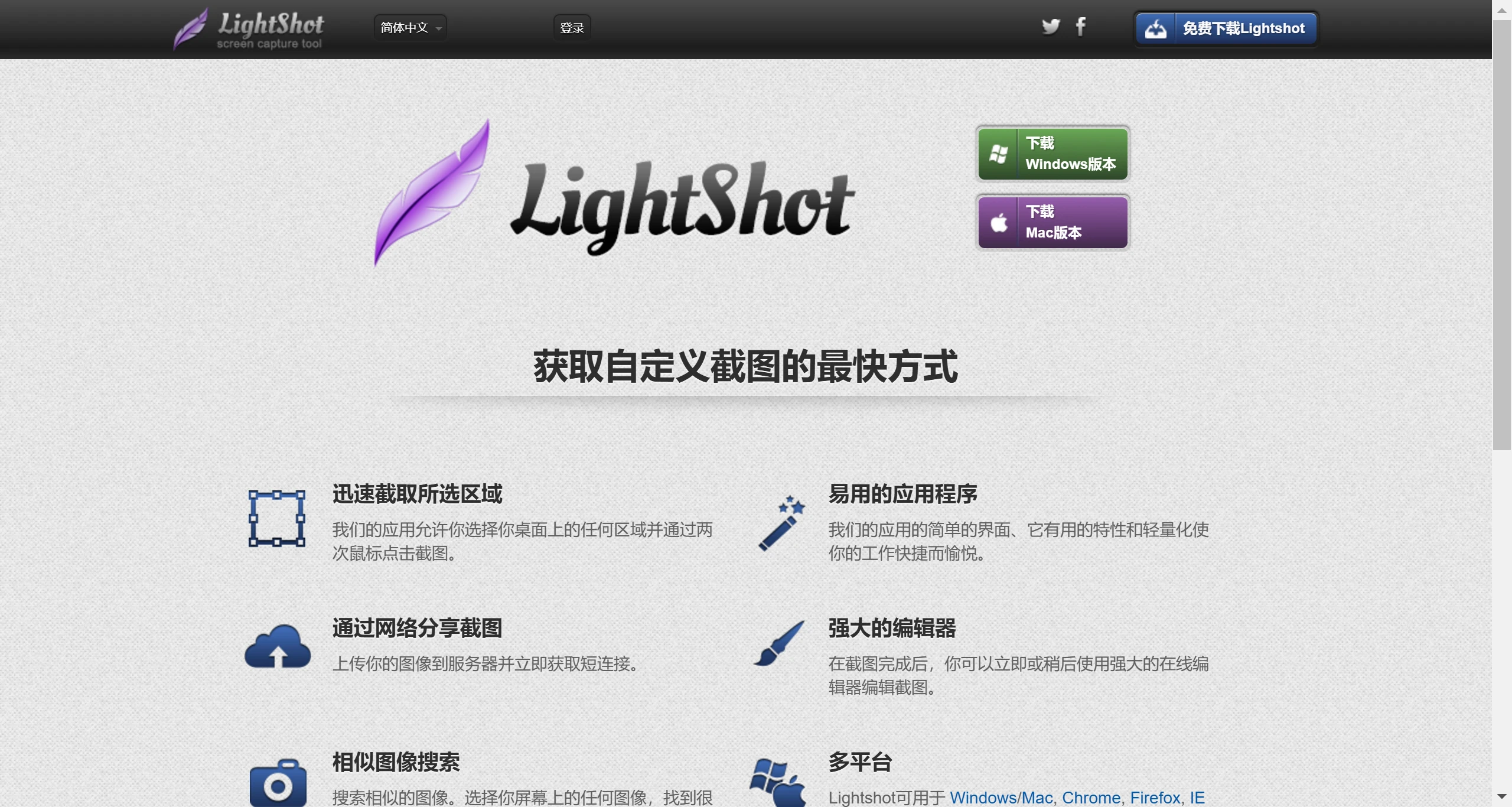
Key Features of Lightshot:
Cross-Platform Compatibility
Multi-System Support: Lightshot not only supports Windows but is also fully compatible with macOS, ensuring a consistent screenshot experience across different operating systems.
Simple and Fast Screenshots
One-Click Screenshot: Quickly launch with a hotkey (usually Prnt Scrn), allowing users to instantly capture any area of the screen with fast response and smooth operation.
Area Selection: Allows users to freely choose the screenshot area, whether it's the full screen or a specific portion of the screen, capturing it precisely.
Powerful Editing Features
Instant Annotation: After taking a screenshot, Lightshot provides a built-in set of editing tools, including arrows, text, geometric shapes, and more, making it easy to annotate and explain screenshots.
Brush Adjustment: Supports adjusting brush thickness by scrolling the mouse wheel, adding flexibility and precision to editing.
Cloud Sharing
Quick Upload: After taking a screenshot, users can upload it to Lightshot's online server with one click and receive a short link for easy sharing on social media or via email.
Online Gallery: Uploaded screenshots are stored in a personal online gallery, making them easy to manage and access later.
Personalization Settings
Custom Settings: Users can adjust software settings according to personal preferences, including hotkeys, image formats (PNG, JPEG), language, and more, to optimize the experience.
Efficient Search
Image Search: Lightshot features the ability to search screenshot content, integrated with search engines to help users find similar images or retrieve background information about the image.
Free and Ad-Free
Zero-Cost Experience: Lightshot is free software and contains no advertisements during use, providing users with a clean experience.
Download and Installation:
Lightshot can be downloaded from its official website and supports both Windows and macOS operating systems. Additionally, users can install the Lightshot extension in Chrome and Firefox browsers for more convenient screenshots while browsing the web.
Simple and Fast Use Cases
Work: Quickly capture important information or create tutorials at work.
Study: Students can use it to record class notes or share study materials.
Social: Users can easily share interesting web content or game screenshots.
Lightshot also offers an image search-like feature, allowing users to find similar images by selecting any image on the screen, which is very useful.
Related Information:















