
 Script Planner Assistant▸
 AI Apps
 AI News

OpenShot: A Free, Open-Source Video Editor
OpenShot: A Free, Open-Source Video EditorIntroduction
OpenShot is a free, open-source video editing software that supports multiple operating systems, including Linux, macOS, and Windows. OpenShot offers a rich set of video effects, title, and audio track features, allowing users to easily perform video editing, add special effects, and adjust audio. OpenShot is simple and easy to learn, making it ideal for beginners. In addition, all of its features are available for free and it does not add watermarks to videos, making it an ideal choice for YouTube video editing beginners.
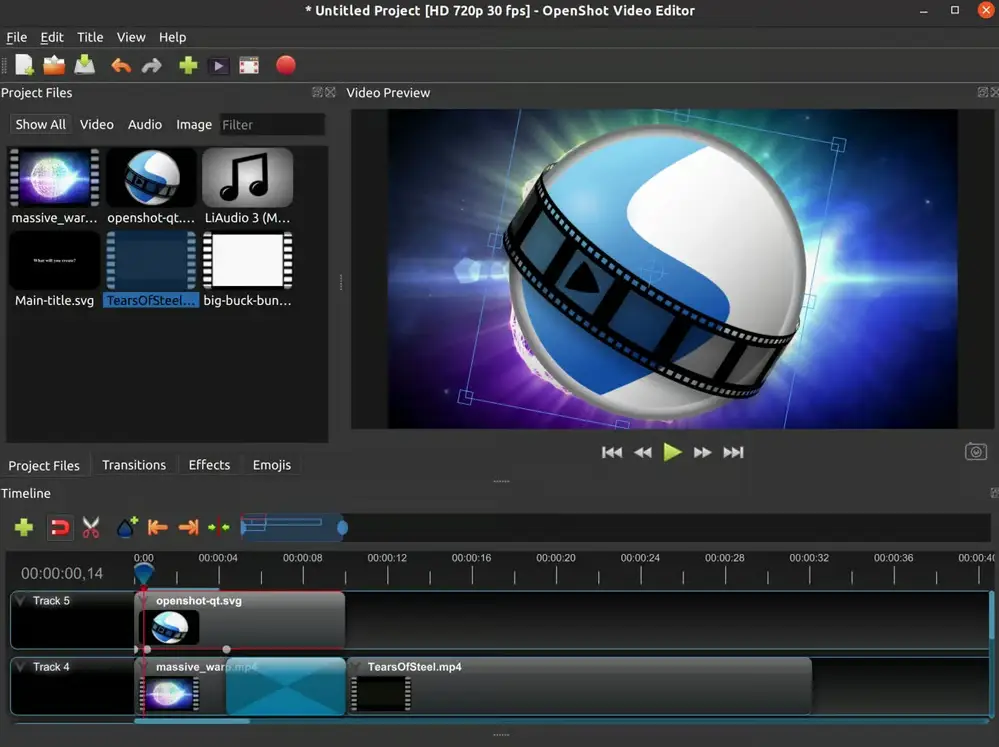
OpenShot Main Features
Video Cutting and Trimming: Users can easily cut and trim video clips.
Multi-Track Editing: Supports unlimited tracks and layers, allowing users to work with multiple video and audio tracks in the same project.
Effects and Animations: Provides a rich set of video effects, title, and animation options.
Keyframe Animation: A curve-based keyframe animation feature that allows users to create complex animation effects.
Extensive Transitions: Provides over 400 effects and transitions to help users enhance the professionalism of their videos.
Audio Editing: Supports audio mixing and editing to enhance the audio quality of videos.
3D Animation and Titles: Built-in basic 3D animation tools that allow adding effects such as flying text and lens flares, as well as over 40 vector title templates.
Multi-Format Support: Can be saved to a variety of popular file formats, including HEVC 4K, H.264, VP8, AVI, and DVD formats.
OpenShot Installation and Usage:
1.Download and Install: Users can first download the latest version from OpenShot's official website, which is compatible with various operating systems such as Linux, macOS, and Windows.
2.Video Import and Editing: After opening OpenShot, you can start importing your video materials.
3.Add Effects and Subtitles: OpenShot has a rich effects library that allows you to add various cool effects to your videos. OpenShot also provides a variety of subtitle styles and animation effects to make your subtitles more vivid and interesting.
4.Download and Export: When you finish editing your video, you can output your work in various formats. OpenShot supports multiple output formats including MP4, AVI, RAW, and more.
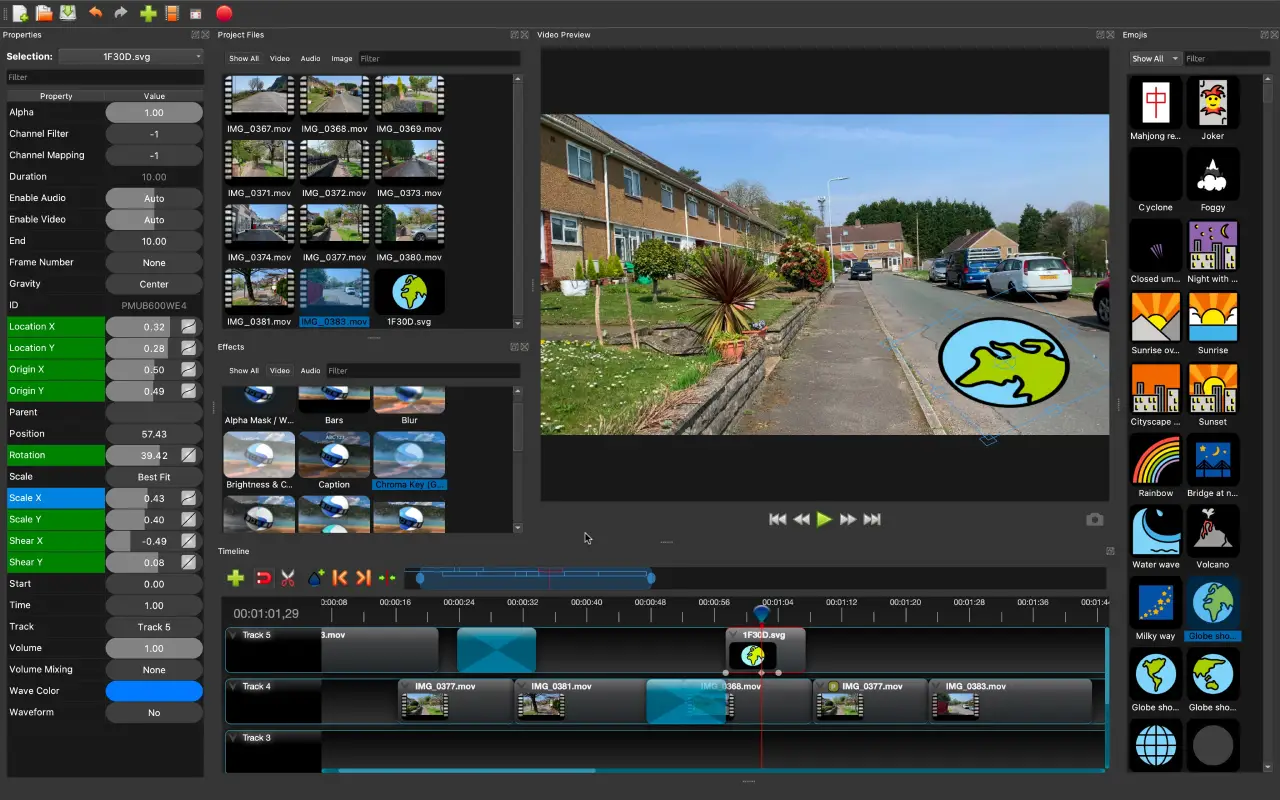
OpenShot also supports 172 languages. In addition, OpenShot's core features are developed based on Python and PyQt5, while its audio editing features are based on the JUCE library. OpenShot also supports multiple video compression formats, including WebM, AVCHD, and HEVC, and can render multiple video formats such as MPEG4 and 4K UHD3.
As a video editing tool suitable for beginners and intermediate users, OpenShot provides a rich set of video editing features and is suitable for users of all levels for video creation, but it may not be suitable for handling high-demand videos or professional users who need advanced features. With continuous development, it is constantly improving in terms of features and stability.
OpenShot founder Jonathan Thomas released OpenShot 3.3 on the 22nd, which is a major update to the open-source, cross-platform, free video editing software.















