
 Script Planner Assistant▸
 AI Apps
 AI News

Flixier: AI Online Video Translation & Editor
Flixier: AI Online Video Translation & EditorIntroduction
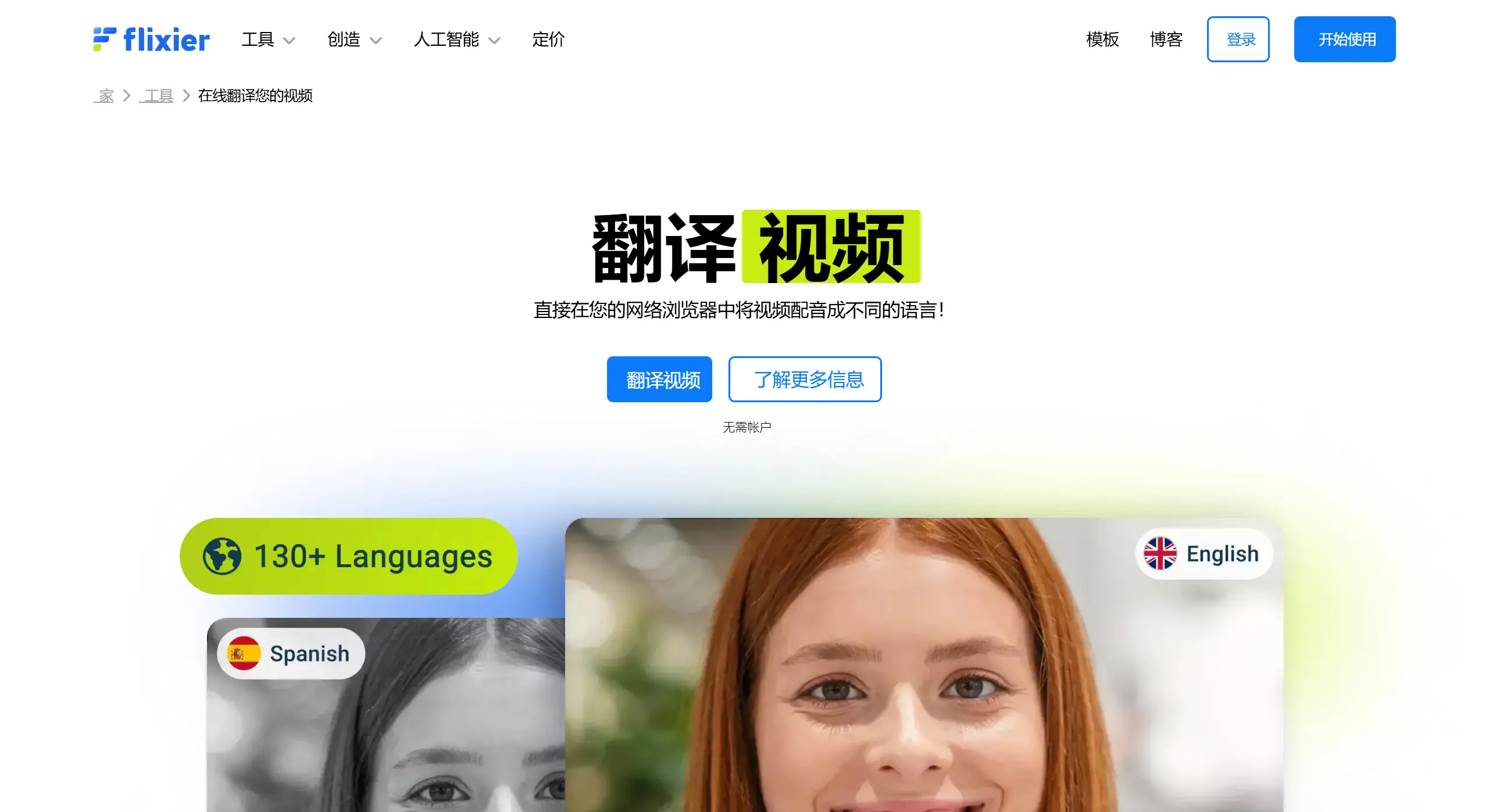
Flixier is a powerful online video editing tool that offers video translation features. With Flixier, users can translate videos into over 130 languages and add subtitles as well as voiceovers.
Flixier supports automatic subtitle generation and uses AI technology for translation, making it ideal for creating webinars, courses, and marketing videos. There is no need to download software or register an account—simply upload your video and translation can be done effortlessly.
Flixier Features:
AI Video Translation: With AI, Flixier can quickly translate video subtitles into over 130 languages, including common ones such as English, Chinese, and Spanish, as well as many other regional languages.
Real-Time Subtitle Translation: Flixier supports real-time translation, allowing users to instantly view translated subtitles. This is well suited for scenarios such as online education and live international conferences.
Floating Subtitle Experience: Flixier's floating subtitle feature lets users clearly see the translated subtitles even when watching videos in full-screen mode.
Multilingual Subtitle Generation: Users can not only translate existing subtitles but also generate or auto-generate subtitles directly on the Flixier platform and then convert them into multiple languages, simplifying the workflow for creating multilingual video versions.
High-Quality Output: Flixier supports translation and editing of 4K videos, ensuring that video quality is not compromised during the translation process—ideal for professional-grade video content.
Cloud-Based Architecture: Being cloud-based means users don't have to worry about local hardware limitations. You can edit videos directly in your web browser without downloading or installing anything.
Customized Services: For enterprise users with special requirements, Flixier provides customized solutions, including advanced features and integration services.
Flixier Highlights:
Translate Videos in the Browser: Simply open Flixier's video translator in your browser and start generating video translations of your content. You can easily convert audio to text, translate the transcribed text, and use it to generate voiceovers that can replace the audio in your video. No need to watch lengthy YouTube tutorials or deal with complicated installations.
Generate Lifelike Voiceovers in Multiple Languages: Convert audio to text, then use our AI voiceover generator to create new audio that sounds like a native speaker of French, English, Chinese, and more—with over 100 AI voice options to choose from. Whether you prefer a child's voice, a male voice, or a female voice, each option has its own unique and charming tone.
Generate and Translate Subtitles: Even when muted, you can use Flixier's online subtitle translator to translate your subtitles into multiple languages. During the translation process, you can customize subtitle styles, such as font style, text color, position, and size, giving you full control over the appearance of your translated subtitles.
How to Use Flixier:
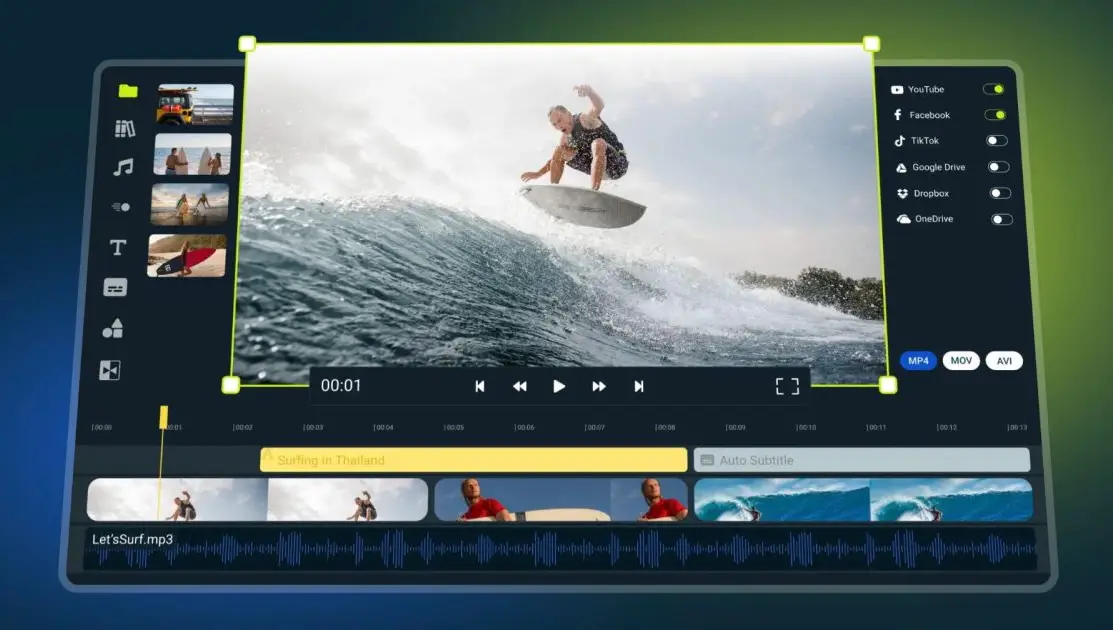
Upload Your Video: Click the blue "Get Started" button above. Upload the video you want to translate. You can also paste a link to the video, and Flixier will automatically import it into your library.
Translate the Video: Drag and drop the video onto the timeline, then right-click it and select "Generate Subtitle." Next, go to the "Translate" tab and choose the target language you want to translate the subtitles into.
Save or Publish: Once the translation is complete, users can click the export button to download the video within 3 minutes. You can choose to export as an MP4 video, MP3 audio, or GIF format.
Flixier Pricing and Permissions:
Flixier offers a free version, but it comes with limitations on usage time and video quality.
The free version only allows you to play one minute of video every 10 months, with exports limited to 720p quality.
The paid version removes these restrictions, offering longer viewing time and higher video quality.
The minimum subscription price is $14 per month, providing 300 minutes of video and 60 minutes of subtitle usage.
The paid version supports 1080p video quality and additional editing features.
Flixier Use Cases:
Flixier is not just a video translation tool—it's also a comprehensive video editing platform suitable for a wide range of users, such as video bloggers, educators, and marketing professionals. It helps them create multilingual webinars, courses, and marketing videos.
Related Articles:
How to Translate Videos? 9 Video Translation Software Recommendations for You!















