
 Script Planner Assistant▸
 AI Apps
 AI News

BlipCut: Online Batch Video Translation Tool
BlipCut: Online Batch Video Translation ToolIntroduction
BlipCut ai is an online video translation tool that can translate video content into English and over 35 other languages. You only need to provide a YouTube video link, no download required, and you can batch translate videos. BlipCut features human-like AI voice and voice cloning capabilities, supports video dubbing and automatic subtitle generation, helping users easily achieve video internationalization and localization. Free members can process 1 minute of video content per session.
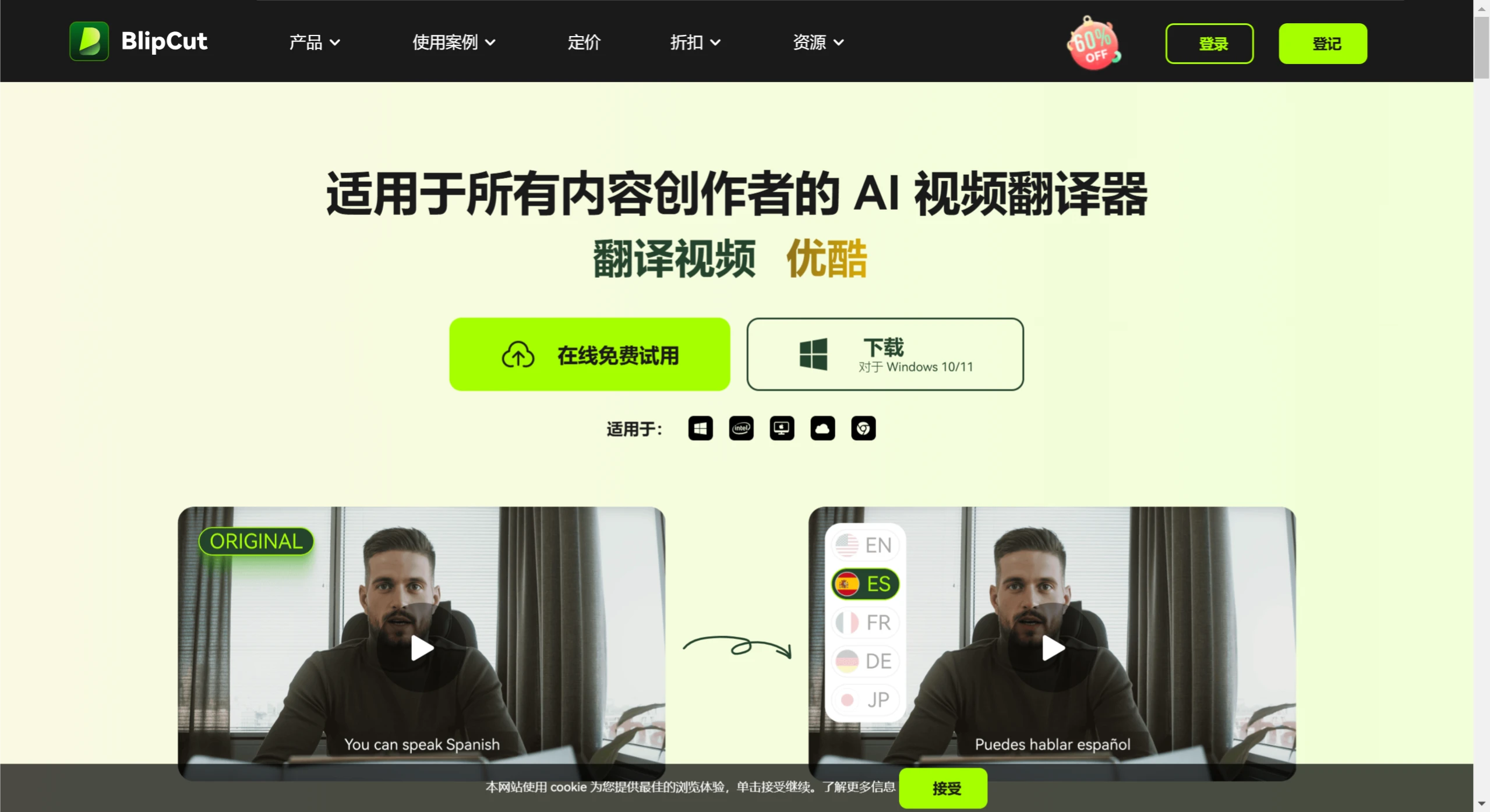
Main features and functions of BlipCut:
Multi-language support: BlipCut can translate videos into 95 languages, including mainstream languages such as English, Chinese, Spanish, Japanese, as well as many more less common languages.
AI dubbing and voice cloning: BlipCut provides high-quality AI dubbing services that can mimic different voice styles and even replicate a specific person's voice through voice cloning technology.
Automatic subtitle generation and translation: After uploading a video, BlipCut can automatically generate subtitles and translate these subtitles into any language selected by the user.
Video editing and preview: Users can preview the video after translation and make necessary edits, including adjusting subtitle positions, dubbing, or fine-tuning the translated content.
Batch translation feature: For users who need to process large volumes of video content, BlipCut supports batch translation.
One-click upload and download: Users can upload local video files or directly provide a YouTube link. After translation is complete, the translated video can be downloaded directly, supporting multiple formats.
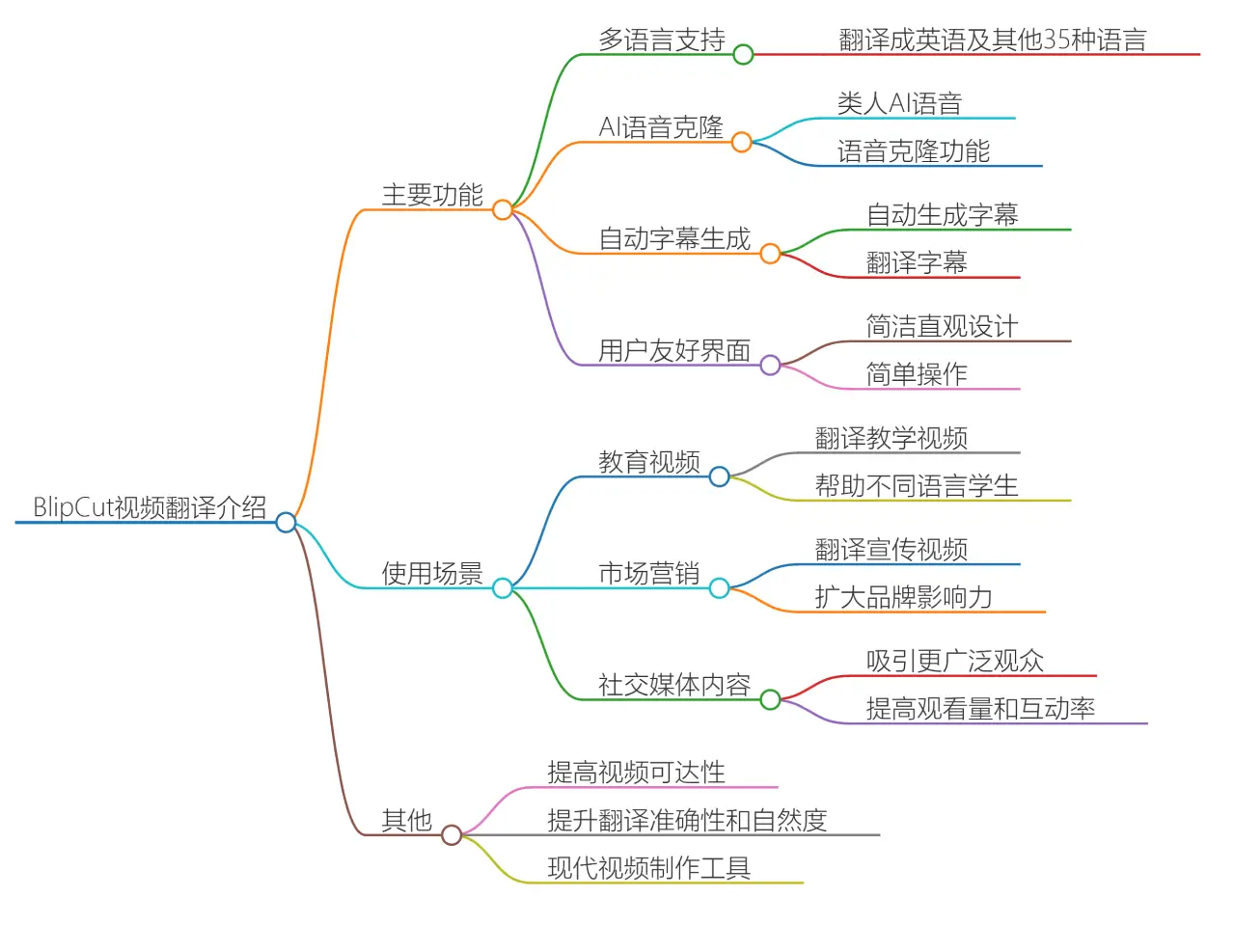
Use cases for BlipCut:
Educational videos: Teachers can use BlipCut to translate teaching videos into multiple languages for educational videos and presentations, helping students from different language backgrounds understand course content.
Marketing: Businesses can use this tool to translate promotional videos into the language of target markets, expanding brand influence.
Social media: Content creators can share translated videos on platforms such as TikTok and Instagram to attract a wider audience.
Personal creation: Suitable for video bloggers, photographers, and artists in their creative work.
How to use BlipCut - step by step?
Register and log in: Visit BlipCut's official website and register or log in.
Upload video: On the website, you can choose to upload a local video file, or directly paste a YouTube video link for translation.
Select target language: After uploading the video, you need to select the target language you want to translate into. BlipCut supports translation in over 130 languages.
Generate translation: Click the generate translation button, and BlipCut will automatically process the video and generate the translated content. This process usually does not require queuing and is relatively fast.
Preview and edit: After translation is complete, you can preview the translated results and make edits as needed.
Download video: Finally, you can download the translated video, or choose to generate subtitle files for use on other platforms.
BlipCut video translator also supports batch processing, allowing users to upload multiple videos for translation at once, which is convenient for users who need to process large amounts of content. In addition, BlipCut provides free AI voice options, allowing users to choose different voice styles to suit various types of video content. With these features, BlipCut greatly improves the efficiency of video translation.
Related Information:
How to translate videos? 9 video translation software recommendations for you!















