
 Script Planner Assistant▸
 AI Apps
 AI News

Dapaidang Editing Assistant: All-in-One Video Editing Toolkit
Dapaidang Editing Assistant: All-in-One Video Editing ToolkitIntroduction
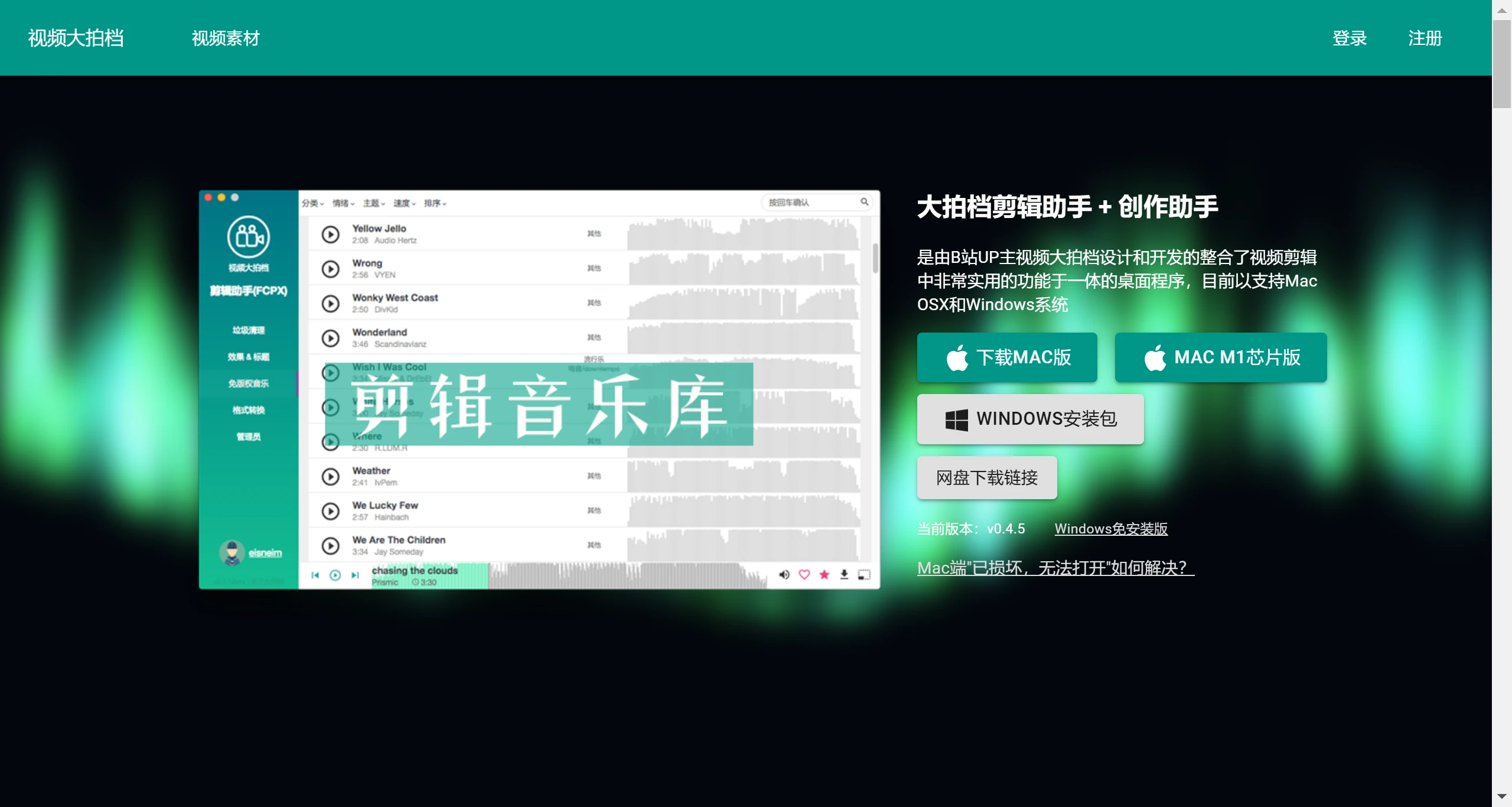
Dapa Patner Editing Assistant (大拍档剪辑助手) is a video editing tool designed and developed by Bilibili UP creator Dapa Patner. It integrates a wide range of highly practical features for video editing and currently supports both Mac OSX and Windows systems.
Dapa Patner Editing Assistant Features:
Editing Assistant: Provides cropping, merging, audio adjustment, adding special effects, and other functions, simplifying the video post-production process.
Creation Assistant: Offers help during the pre-shooting stage, including shooting angle suggestions, scene selection, photography technique guidance, and more.
Visual Video Script: Helps improve scriptwriting efficiency, with support for adding images, audio, video, and other elements.
Subtitle Generator: Generates video subtitles through ai speech recognition, with support for exporting to Final Cut, Premiere, and other software.
AI Material Analyzer: Quickly finds the material clips you want from your videos, supporting multiple training models.
Material Trimmer: Supports segmenting by duration, splitting by visual differences, audio-based splitting and trimming, and more.
AI Cutout: Automatically removes the background from videos and images, cutting out people/characters.
Content-Aware Scaling: Adjusts the video size while maintaining the proportions of the video content.
Editing Material Packs: Provides curated packs of popular internet meme editing materials, making it easy for users to find matching editing assets.
Batch Format Conversion: Supports conversion between mainstream video, audio, and image formats including ProRes, H264, H265, and more.
Royalty-Free Music Library: A vast library of royalty-free music and sound effects dedicated to video editing.
AI Auto-Editing: The software also features AI auto-editing capabilities, which can automatically generate videos based on the materials provided by the user.
Video Editing Aids: Mind maps, royalty-free fonts, auto-editing, and material trimmer.
Effects & Titles Plugins: Provides specially designed titles and transition effects to enhance the visual appeal of your videos.
Dapa Patner Editing Assistant Use Cases:
VLOG Production
Educational Videos
Marketing & Promotional Videos
Personal Short Video Creation
Dapa Patner Editing Assistant also includes the ability to clean up Final Cut cache files, helping users optimize the running efficiency of their editing software. For Premiere and Final Cut users, Dapa Patner Editing Assistant offers a marketplace of effects, titles, and transition plugins, further enriching the possibilities of video creation.
If you've captured a piece of great video footage, all you need to do is open Dapa Patner Video, use its powerful Editing Assistant to cut and adjust your video, and then incorporate the suggestions provided by the Creation Assistant—your video will become more professional and engaging. Whether you're making VLOGs, promotional videos, or short videos, it will make your work stand out.















