Script Planner Assistant▸
 AI Apps
 AI News
FontPlayer: Open-Source Font Design Tool
FontPlayer: Open-Source Font Design ToolIntroduction
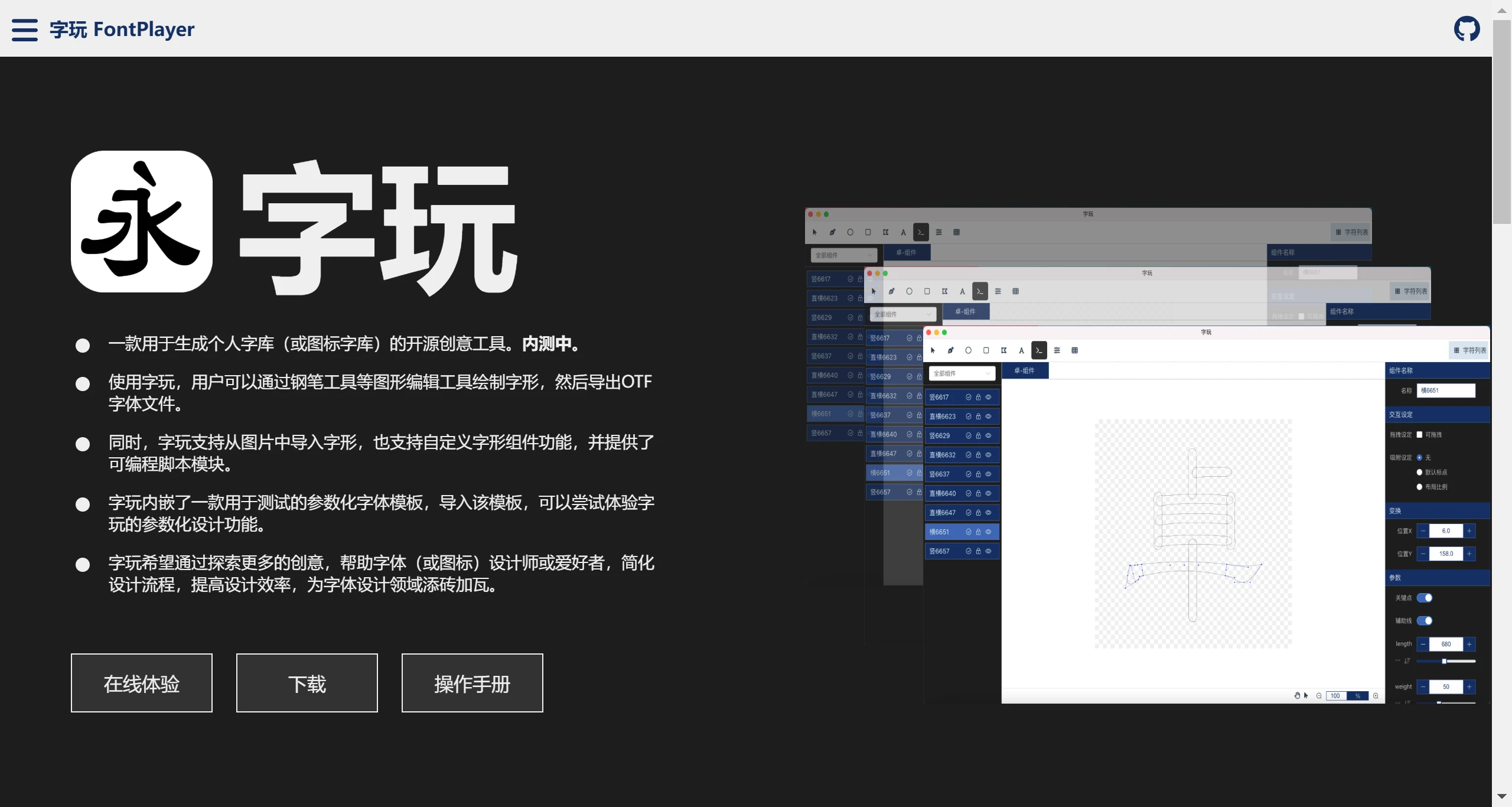
FontPlayer is an open-source font creation tool used for generating personal font libraries and icon font libraries. With FontPlayer, users can draw glyphs using graphic editing tools such as the pen tool, and then export OTF font files. At the same time, FontPlayer supports importing glyphs from images, as well as a custom glyph component feature, and provides a programmable script module. FontPlayer comes embedded with a parametric font template for testing. By importing this template, users can experience FontPlayer's parametric design features.
Main features of FontPlayer:
Graphic editing tools: FontPlayer provides a rich set of graphic editing tools, such as the pen tool, rectangle, ellipse, polygon, etc., allowing users to precisely draw and edit glyphs.
Import and export functions: Users can import images to extract glyphs, or design fonts directly, and export them as OTF font files for use in various applications.
Custom components: Supports custom glyph components, increasing design flexibility.
Programmable scripts: Provides a programmable script module, enabling advanced users to further customize font designs through programming.
Parametric templates: Embedded parametric font templates allow users to experience parametric design features and simplify the design workflow.
Open source and free: All features of FontPlayer are completely open source and free, allowing users to freely modify and distribute.
Installing FontPlayer:
Windows installation: Can be installed via the winget command-line tool with the command: winget install --id=HiToysMaker.fontplayer -e.
macOS installation: Users can download and install from the GitHub page.
Installing dependencies: First, you need to install dependencies using the command: npm run install.
Running the program: After installation, the program can be run with the command: npm run dev.
Electron application: After packaging via npm run build:electron, you can launch it with npm run electron:start.
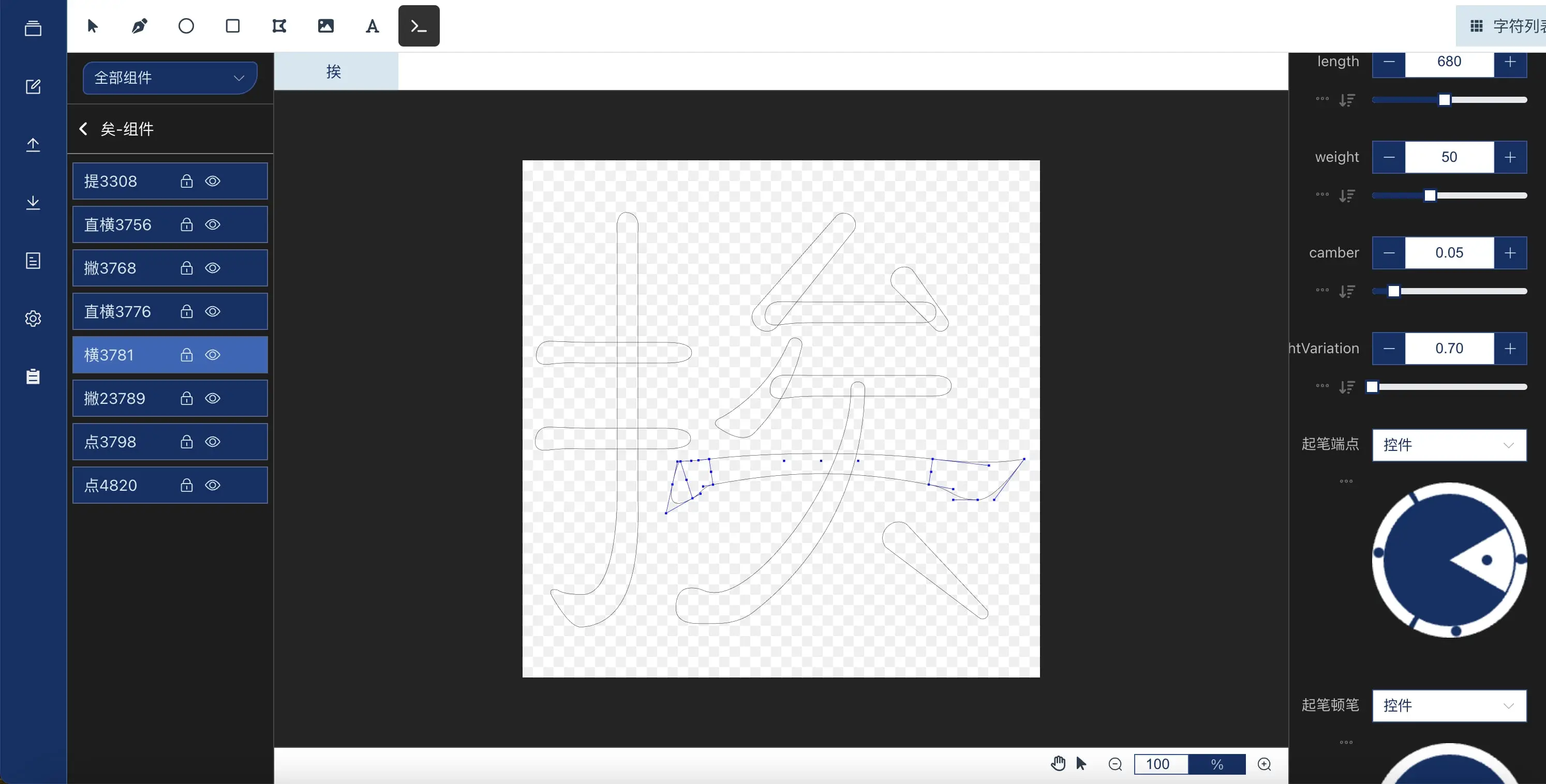
FontPlayer hopes to explore more creativity and provides a powerful platform for font designers and enthusiasts, helping font (or icon) designers or enthusiasts simplify their design workflow, improve design efficiency, and freely create personalized fonts, contributing to the field of font design.
FontPlayer official website: www.font-player.com
Online experience: https://toysmaker.github.io/fontplayer_demo/
GitHub: https://github.com/HiToysMaker/fontplayer/releases