Script Planner Assistant▸
 AI Apps
 AI News

Xiaomoying Editor – WeChat Official Account Layout & Formatting Tool
Xiaomoying Editor – WeChat Official Account Layout & Formatting ToolIntroduction
Xiaomoying Editor is an online graphic typesetting tool designed specifically for WeChat Official Accounts, helping users create graphic content efficiently and beautifully. Xiaomoying Editor provides a rich library of materials and templates, supporting typesetting needs for various industries and themes, and can be applied to multiple scenarios including corporate promotion, product marketing, event planning, education and training, and personal creation. The main features of Xiaomoying Editor include graphic typesetting, smart typesetting, multimedia support, cloud storage and export, etc. Through the one-click typesetting function, high-quality graphic layouts can be quickly completed, and it supports inserting multimedia content such as function formulas, tables, audio, and videos.
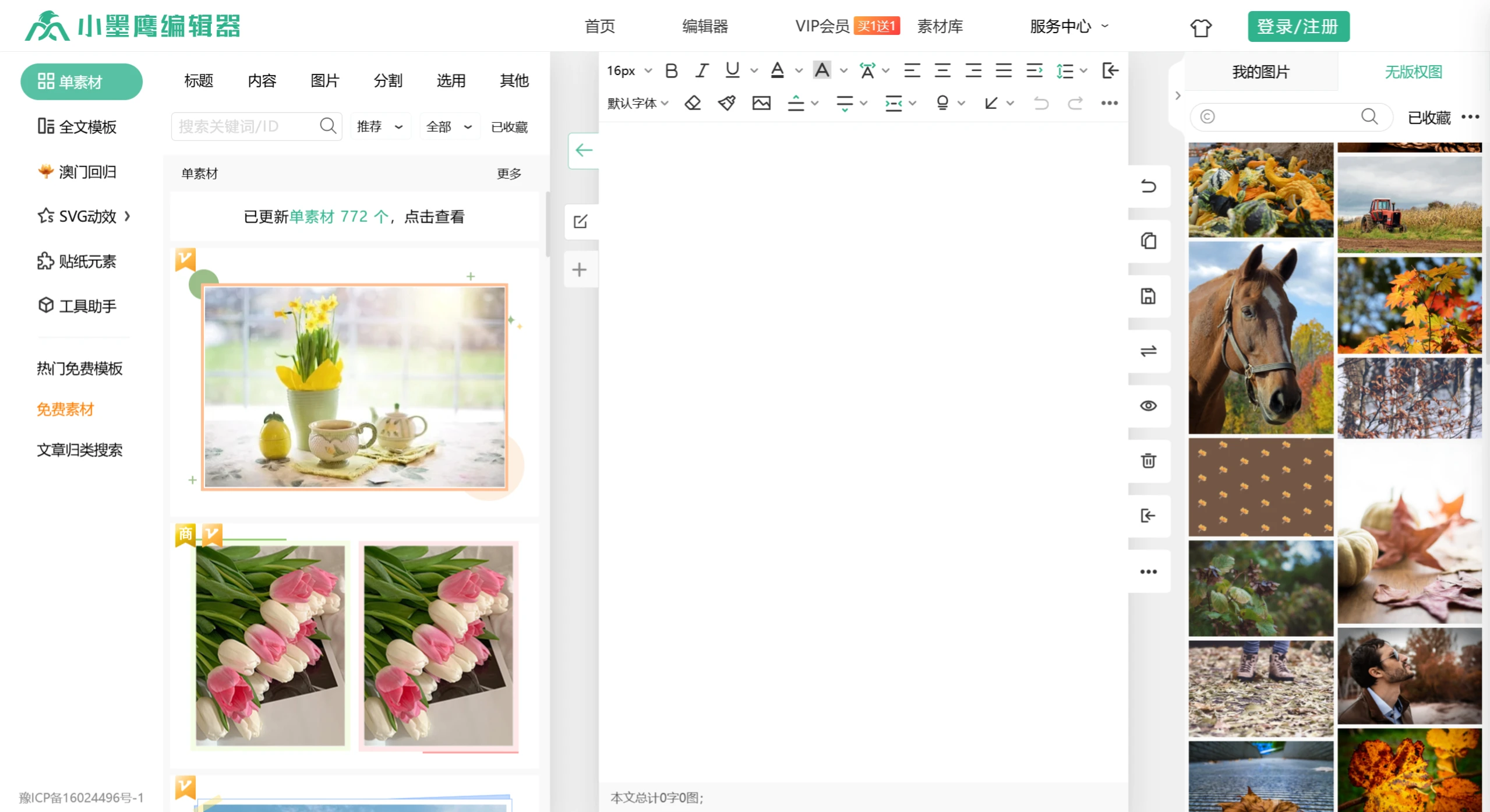
Xiaomoying Editor Features and Characteristics
Rich Material Library: Contains over 200,000 graphic typesetting materials, covering 45 major industries, offering a variety of templates such as SVG animations, dynamic images, background images, title symbols, QR code templates, etc.
Efficient Typesetting Tools: Supports rapid typesetting, including font settings, image insertion, use of GIF and SVG elements, as well as marketing tools such as WeChat graphic and video extraction and one-click follow pages.
Sync and Import Functions:
Copy Function: After editing is done, you can copy the content directly to the WeChat Official Account platform.
Sync Function: After binding the Official Account, you can sync articles directly from the editor to the account, suitable for articles containing special materials such as SVG animations.
Official Account Authorization Management:
Users need to authorize Xiaomoying Editor by scanning a QR code with the WeChat of the Official Account administrator to ensure secure binding.
Authorization can be canceled at any time through the editor interface, or managed directly on the WeChat Official Account platform.
AI Smart Typesetting:Features one-click instant refresh, AI smart typesetting and other functions to improve typesetting efficiency.
Color Tag Management: Supports one-click color picking, color tag management and detail adjustments, making the article color-rich and unique.
Pricing and Permissions:
Basic Functions Free: Xiaomoying Editor provides basic functions for free use.
Advanced Functions Paid: Some advanced features and materials require payment to unlock.
VIP Membership: VIP membership service is offered; purchasing a VIP membership unlocks more advanced features.
Steps to Use Xiaomoying Editor:
Login and Authorization: Log in to Xiaomoying Editor and complete the Official Account authorization binding.
Edit and Typeset: Use the editor's tools and material library to edit and beautify articles.
Save and Sync: After editing is complete, choose the saving method—you can copy it directly to the WeChat Official Account platform, or use the sync function to upload it directly to the authorized Official Account.
Manage and Optimize: Manage articles through the editor, adjust the layout, and ensure the perfect presentation of content.