Script Planner Assistant▸
 AI Apps
 AI News

Douyin Live Companion
Douyin Live CompanionIntroduction
Douyin Live Companion is the official PC live streaming tool of Douyin, perfectly compatible with Xigua Video, Douyin, and Douyin Volcano Version. You can start streaming with one click without any other operations, and it can clearly display public screen information and gift records.
If you want to do PC game streaming, stream PC games/PC screens, or use your computer for course streaming and presentations, you can use Douyin Live Companion to output your computer screen/game screen to the Douyin live room!
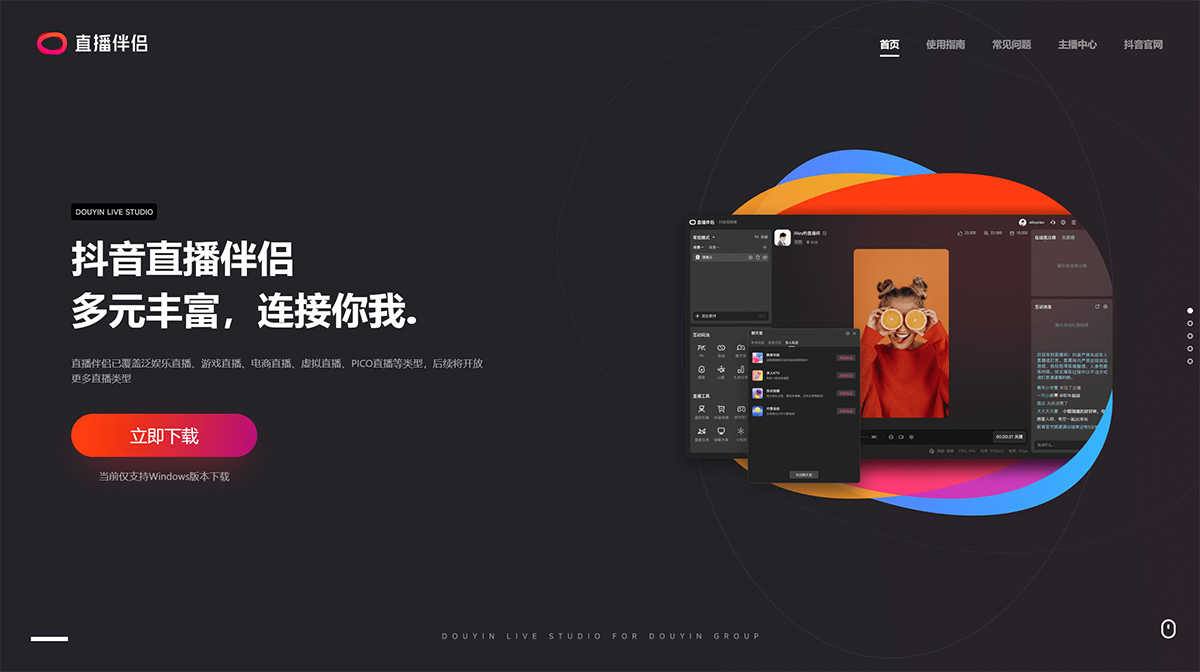
Douyin Live: Companion with diverse and rich features, connecting you and me. Live Companion has covered pan-entertainment streaming, game streaming, e-commerce streaming, virtual streaming, PICO streaming, and other types.
Entertainment Streaming: There are not only chat-filled carnival parties, but also talent shows featuring singing, dancing, and playing instruments, as well as a constant stream of great content such as traditional opera and anime. Entertainment streaming takes you into a dreamy stage, giving you an up-close look at the wonderful shows prepared by the streamers.
Rich and professional streaming capabilities, diverse screen types, including video, images, capture cards, mobile phone screen mirroring, virtual avatars...
First-time streaming process on Douyin Live:
1. Verify & start streaming on the Douyin app, download Live Companion, download Live Companion.
2. Download Live Companion, apply for streaming permission, apply for streaming permission.
3. Apply for streaming permission.