
 Script Planner Assistant▸
 AI Apps
 AI News

PaiShiJuan: Online Exam Paper Erasure and Text Recognition
PaiShiJuan: Online Exam Paper Erasure and Text RecognitionIntroduction
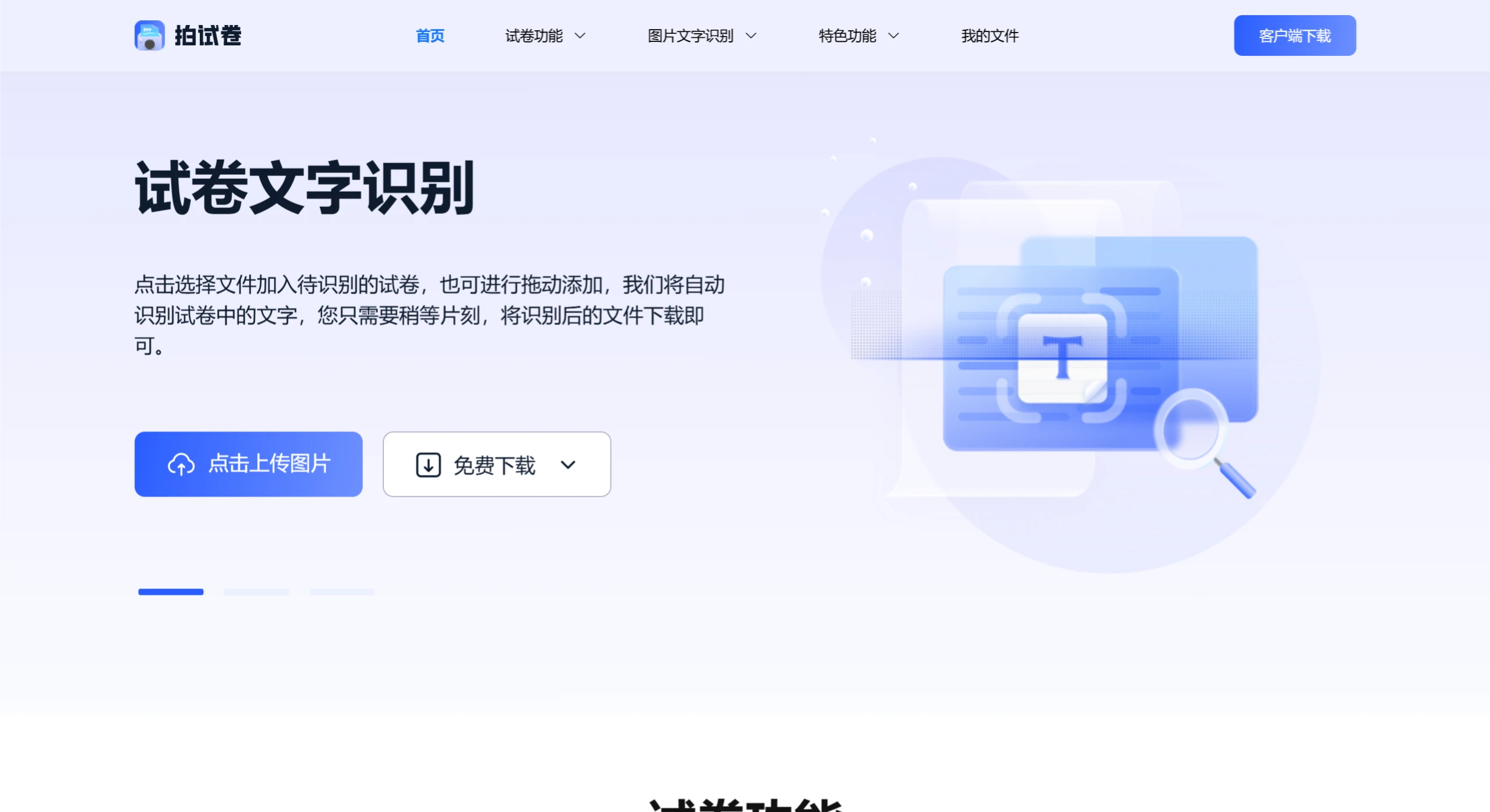
Pai Shijuan is a multifunctional test paper processing software that helps users scan paper test papers, erase handwritten marks, and recognize the content of the test papers into editable files. You can convert test papers into Word documents through Pai Shijuan, making it easier to analyze and review test papers. In addition, Pai Shijuan also features image translation, PDF conversion, and other functions, making it very convenient.
Main features of Pai Shijuan:
Test Paper Scanning: Users can use the phone camera to capture paper test papers, and the software will automatically recognize and extract the text content from the test papers.
Handwritten Mark Erasure: Pai Shijuan can erase handwritten correction marks on test papers with one click, restoring a blank test paper so that users can practice again.
Text Recognition: The software supports OCR (Optical Character Recognition) technology and can convert scanned test paper content into editable files.
Document Export: Users can export the processed test paper content as a Word document.
Multifunctional Support: In addition to test paper processing, Pai Shijuan also features practical functions such as image translation and image compression.
Test Paper Text Recognition Feature:
The test paper text recognition feature helps users quickly recognize the text content in test paper images and turn it into editable text format, making it easy for users to modify, copy, and paste the content. With the help of OCR text recognition technology, the test paper text recognition feature offers fast scanning speed and high recognition accuracy, while preserving the original layout format of the test paper text content in the image.
How to Use the Test Paper Text Recognition Feature:
First, enter the test paper text recognition feature page and upload the test paper image in JPG, PNG, or BMP format to be recognized;
Set the conversion mode and recognition effects, then click the "Start Recognition" button;
After recognition is completed, download and save the test paper text recognition result document.
Test Paper Erasure Feature:
The test paper erasure feature helps users quickly erase test paper answers or correction marks from JPG, PNG, and BMP format images, helping students review exams and improve learning efficiency. The test paper erasure feature can preserve the text layout format of the original test paper content, saving time on subsequent editing and layout.
How to Use the Test Paper Erasure Feature:
First, enter the test paper erasure feature page and upload the test paper image in JPG, PNG, or BMP format to be processed;
Set the output format of the image after the marks are erased, then click the "Start Conversion" button;
After the test paper erasure is completed, download and save the test paper image file with the marks erased.
Use Cases for Pai Shijuan
Student Review: Students can use Pai Shijuan to process completed test papers, making it easier to review and identify gaps in their knowledge.
Teacher Grading: Teachers can use this software to quickly grade test papers, saving time and improving work efficiency.
Test Paper Analysis: By converting test paper content into electronic documents, teachers can more easily perform test paper analysis and summaries.
Pai Shijuan not only supports the processing of single test papers, but also has the capability for batch processing, allowing users to upload multiple test papers at once for recognition and erasure.















