
 Script Planner Assistant▸
 AI Apps
 AI News

Dzine AI: Formerly Stylar AI, a Powerful AI Image Generation and Editing Tool
Dzine AI: Formerly Stylar AI, a Powerful AI Image Generation and Editing ToolIntroduction
Dzine ai (formerly known as Stylar AI) is a powerful AI image generation and editing tool. Dzine AI not only provides image generation features but also offers image editing capabilities. Users can upload design sketches and leverage AI technology to transform them into eye-catching product design images. At the same time, Dzine also supports conversions from text-to-image, image-to-image, and even image-to-video.
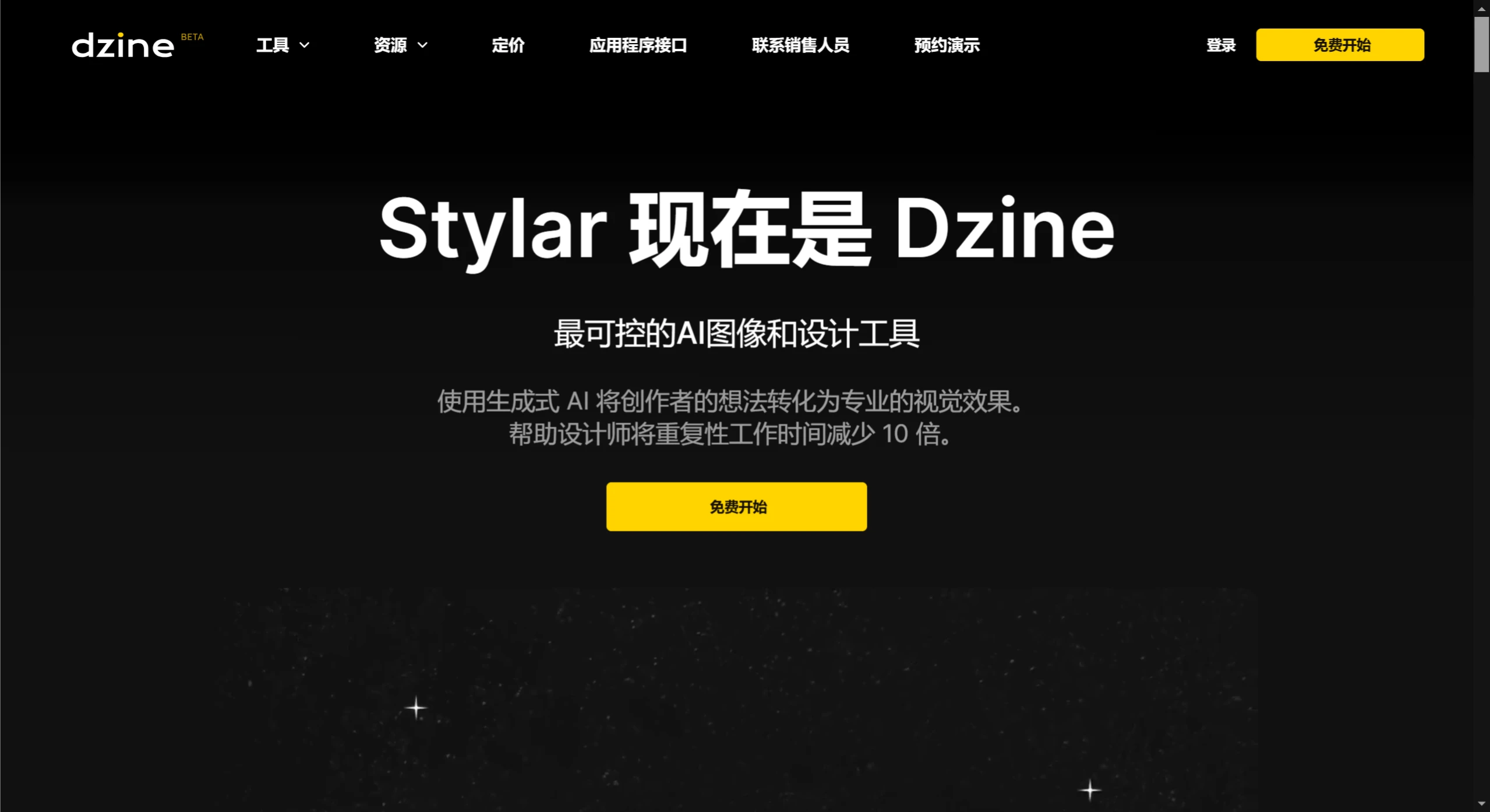
Core Features and Functions of Dzine AI:
High Controllability: Dzine AI is renowned for its high level of control, allowing users to adjust every detail of images and designs.
All-in-One Workflow: Dzine AI integrates image generation, editing, stylization, and various design functions such as graphic design, interior design, Logo creation, and more.
Custom Styles: For ease of use, Dzine AI offers a variety of custom styles, enabling even design beginners to easily create professional-looking works.
Rich Core Functions: Including AI photo filters, image compositing, generative fill, object removal, background removal, and more.
Text Effects and Logo Design: The built-in text effect generator and Logo creation tools make brand LOGO and text effect design quick and easy.
Game and Animation Design: Particularly worth mentioning is that Dzine AI excels at converting 2D sketches into dynamic 3D characters, providing an excellent tool for game and animation designers.
Design Assistance: As a user's graphic design partner, Dzine AI assists design through AI technology, significantly boosting efficiency.
Use Cases for Dzine AI
Content Creation: Suitable for content creators, designers, art editors, etc., for quickly processing images and designs.
Commercial Design: Helps businesses and individuals with commercial image design, such as advertisements, posters, and more.
How to Create Animations in Dzine AI?
Register and Log In: Create an account on the Dzine AI website and log in. After registering, you will receive 100 free credits to try out some basic features.
Choose the Animation Tool: After entering the main interface, find the animation tool or feature module.
Upload Assets: If you have existing images or sketches, you can upload them to Dzine AI. Dzine AI supports uploading images in multiple formats.
Use AI to Generate Animations: Based on your needs, select the appropriate generation mode (such as text-to-image or image-to-image), enter prompts or choose a style. The AI will generate images based on your prompts.
Edit and Adjust: After generating the image, you can use the editing tools provided by Dzine AI to make adjustments. You can modify colors, add effects, adjust composition, and other details.
Export Animation: Once editing is complete, you can export your work as a video format or GIF format.
After Dzine was renamed from Stylar, the updated version of Dzine has become even more powerful, making it ideal for users without an image editing background. Whether you need to quickly process images for work, or are a self-media creator, designer, art editor, etc., Dzine's powerful AI image tool allows you to easily complete your work in a short time.















