Script Planner Assistant▸
 AI Apps
 AI News

VideoDL: Free YouTube Video Downloader
VideoDL: Free YouTube Video DownloaderIntroduction
VideoDL is an open-source Python tool developed by CharlesPikachu, specifically designed for video downloading. It supports downloading video content from multiple platforms, including popular video-sharing websites such as YouTube and Bilibili. Users can easily save online videos to their local devices for offline viewing or archival purposes.
VideoDL can effortlessly convert YouTube videos to MP3 or MP4 files. As a reliable YouTube-to-MP3 converter and YouTube-to-MP4 tool, it offers multiple video quality download options. Compared with other tools, VideoDL is faster and more stable, and it is fully compatible with all major browsers, including Chrome, Safari, Firefox, and Opera.
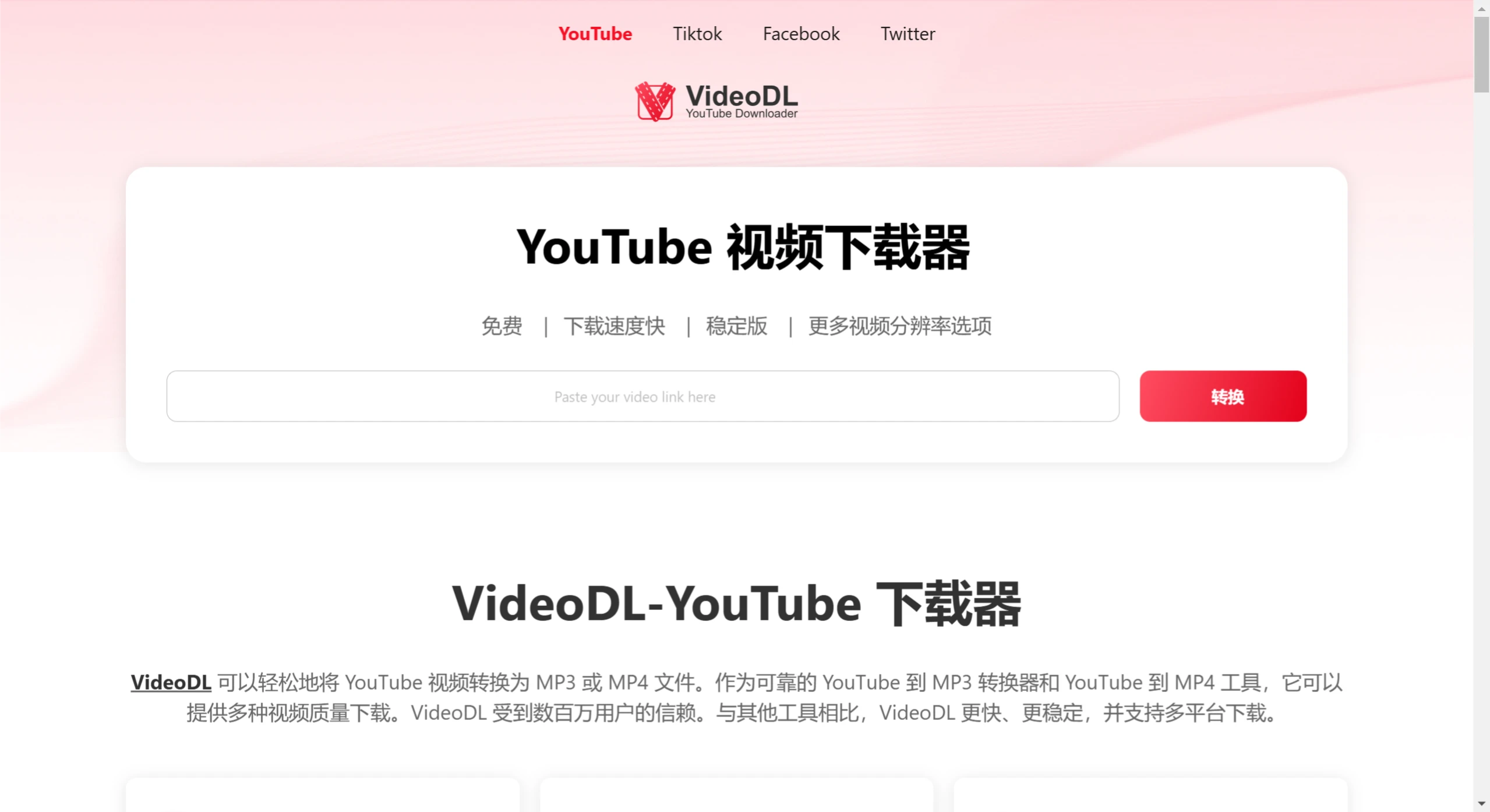
VideoDL Features:
Completely Free: VideoDL is a completely free YouTube converter. You can start using it immediately without registration. Simply paste the YouTube link, select the desired format, click convert, and you can easily download high-quality MP3 or MP4 files.
Multi-Platform Download Support: The site allows you to parse and download videos from YouTube, TikTok, Facebook, Twitter, and more.
No Registration Required: You don't need to log in or register to convert and download YouTube videos to mp4 and mp3 formats.
High-Speed Download: VideoDL provides you with the fastest YouTube video download speed, up to 1GB/s, with no waiting required.
Support for Multiple Video Qualities: VideoDL allows you to download high-quality YouTube videos, such as 320p, 420p, 720p, 1080p, and more.
100% Safe and Reliable: Compared with other tools, we offer a more stable environment and 100% safe and reliable downloads.
No File Size Limit: VideoDL does not impose strict file size limits, but the download size may vary depending on your choices. The video resolution (such as 360p, 720p, 1080p, or even 4K), file format (such as MP4, AVI, FLV), and MP3 audio bitrate will all affect the final file size.
Privacy Protection: At VideoDL, we take your privacy very seriously. You don't need to register or provide any personal information to use our service, so you don't have to worry about your data being tracked or leaked.
How to Use VideoDL to Convert YouTube to MP4?
Open YouTube.com and search for the video you want to download.
Once you've found the video, copy its URL from the browser's address bar.
Open VideoDL and paste the video URL into our search box.
Select your desired "QUALITY" and "FORMAT".
Then, simply click the "Download Now" button. The conversion will begin and may take anywhere from a few seconds to a few minutes, depending on the length of the video. We will attempt to convert the video in the best possible quality.
Once the download is complete, you can play the video.
Beyond that, VideoDL offers users even more convenience. Whether it's saving videos offline, overcoming network speed limitations, or providing flexible download options for content creators, we are committed to delivering an excellent experience for you.