
 Script Planner Assistant▸
 AI Apps
 AI News

Newledge: Connect Knowledge Snippets into Your Personal Knowledge Network
Newledge: Connect Knowledge Snippets into Your Personal Knowledge NetworkIntroduction
Newledge (XinZhi) is an AI assistant for the personal era. Its earlier version was known as "RexBrain," and it integrates features such as web clipping, WeChat clipping, AI article summaries, web reading annotations, ready-to-use card notes, and Notion database integration, helping users efficiently manage information and build their personal knowledge network.
Newledge (XinZhi) is suitable for the information management and knowledge management needs of both personal and professional users, helping them collect and organize article content, record inspirations, and engage in immersive reading.
Newledge (XinZhi) supports multi-platform use, including a Chrome browser extension, web version, and mobile version. A desktop client is currently under development...
Newledge (XinZhi) Features:
AI Summary: Capable of automatically summarizing long articles and generating summaries for lengthy texts, helping users quickly grasp the core content of articles.
Clipping Function: Supports one-click collection of article content from different platforms (such as web pages and WeChat), making it convenient for users to organize information.
Inspiration Recording: Users can record inspirations anytime in multiple formats (text, images, voice), whether on WeChat, in the browser, or in the App.
Immersive Reading: Provides an optimized reading experience on both mobile and desktop, removing redundant elements so they can concentrate more on the content.
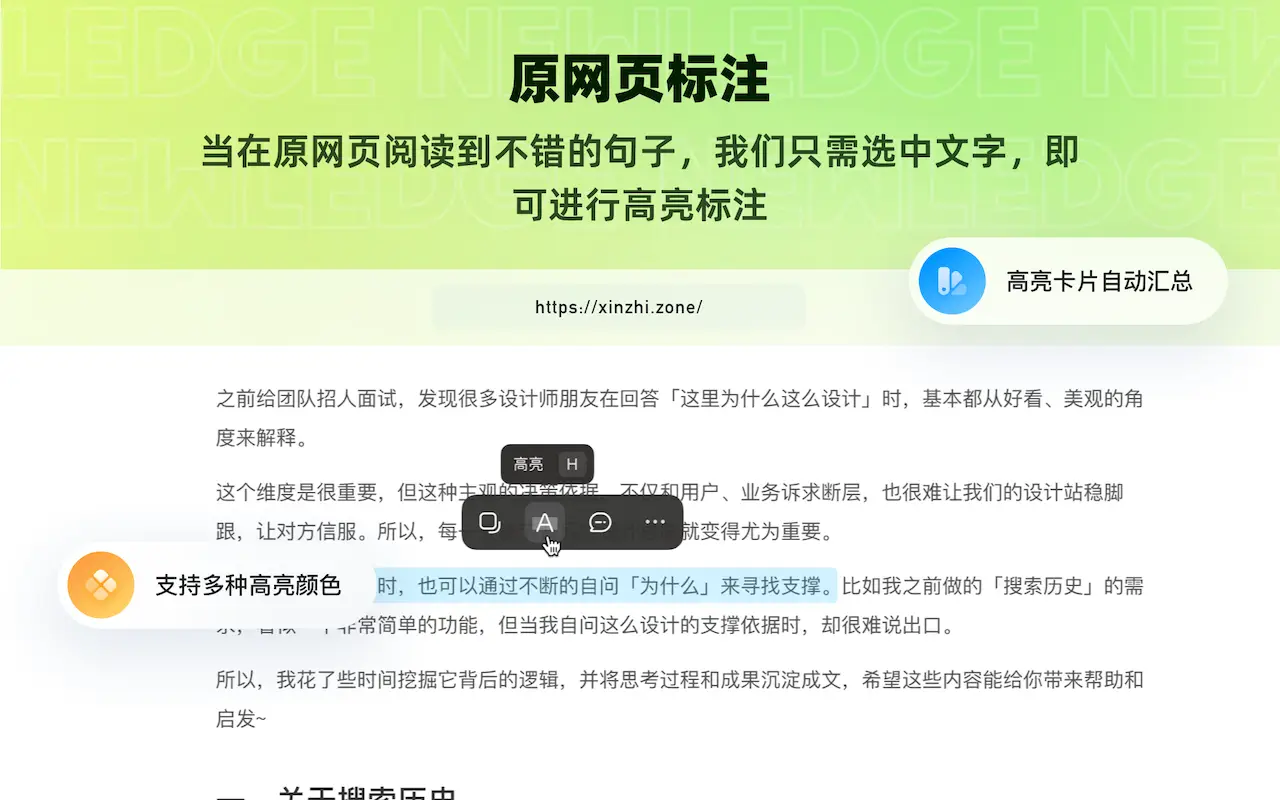
Annotation and Highlighting: During reading, users can highlight text and add annotations, enhancing interactivity and depth of understanding.
Related Notes: Organizes users' highlighted annotations and thoughts for easy reference and search.
Notion Sync: Synchronizes data with third-party note-taking software such as Notion, enhancing the flexibility of information management.
Newledge Extension:
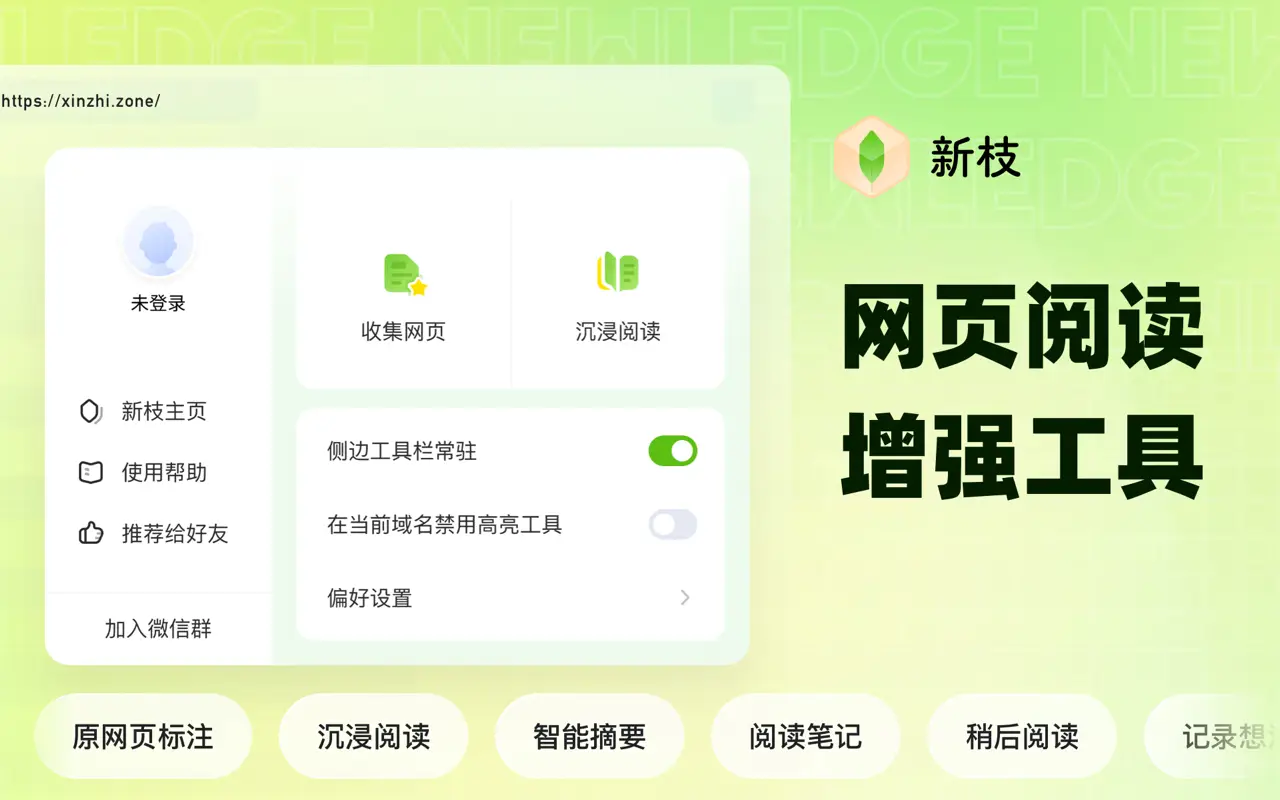
The Newledge extension is an all-in-one web reading tool that supports web content annotation, saving, intelligent summarization, reading mode, and other features.
Newledge Extension Download Address:https://chromewebstore.google.com/detail/%E6%96%B0%E6%9E%9D/ihfnbpdlmhbnhlflilcggepoegalhikb
Save any web page to the Newledge APP;
Mark up content on web pages;
Generate summaries of web page content;
Enter immersive mode for in-depth reading;
How to Use Newledge?
Registration and Login: Visit Newledge's official website or download its mobile app, complete the registration, and log in.
Setup and Sync: If you plan to sync with Notion, you need to configure the corresponding settings and check the sync configurations to maintain data consistency.
Web Clipping:
Browser Extension: Install the Newledge browser extension. When you encounter valuable content, you can click the extension icon and choose to save it.
WeChat Assistant: Use Newledge's assistant service in WeChat to forward articles or text to the assistant for quick collection.
AI Article Summary: After saving an article, use the AI feature to generate a summary to understand the key points of the content.
Annotation and Highlighting: Highlight key paragraphs and add personal annotations.
Building a Knowledge Network: Use Newledge's organization features to link related content together and form a knowledge network.
As a tool focused on personal information management and knowledge management, Newledge is suitable for users who need extensive reading and information organization, such as academic research, professional learning, and personal interest exploration. In the knowledge management field, Newledge competes with tools such as FlowUs and Kimi.ai; for example, FlowUs's AI-assisted writing and multi-dimensional tables are quite practical.















