Script Planner Assistant▸
 AI Apps
 AI News

LogoCreator: An Open-Source Logo Generator
LogoCreator: An Open-Source Logo GeneratorIntroduction
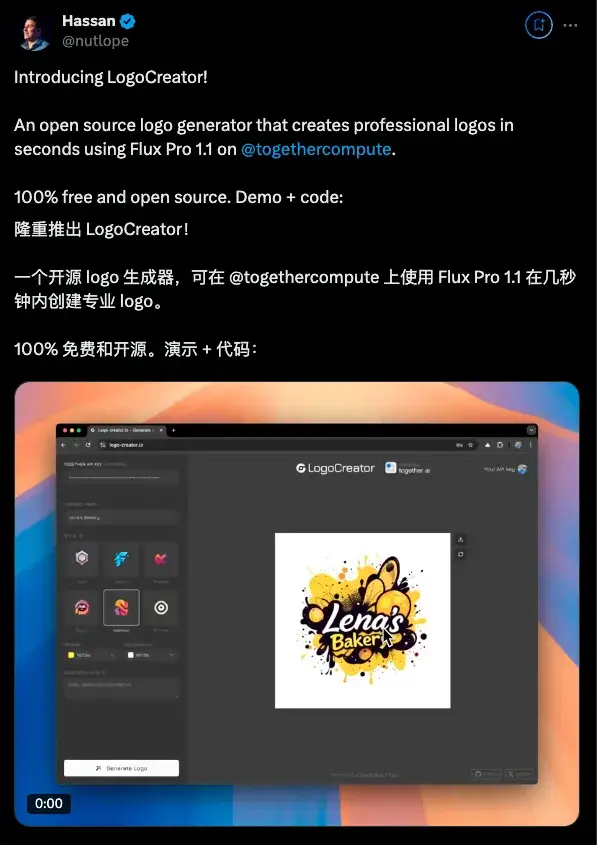
LogoCreator is an AI Logo design tool created by open-source enthusiast Hassan. It is powered by the Flux model from the Together AI platform. Users only need to provide some basic information, and it can generate logos that meet their needs, making it very convenient and practical.
LogoCreator Features
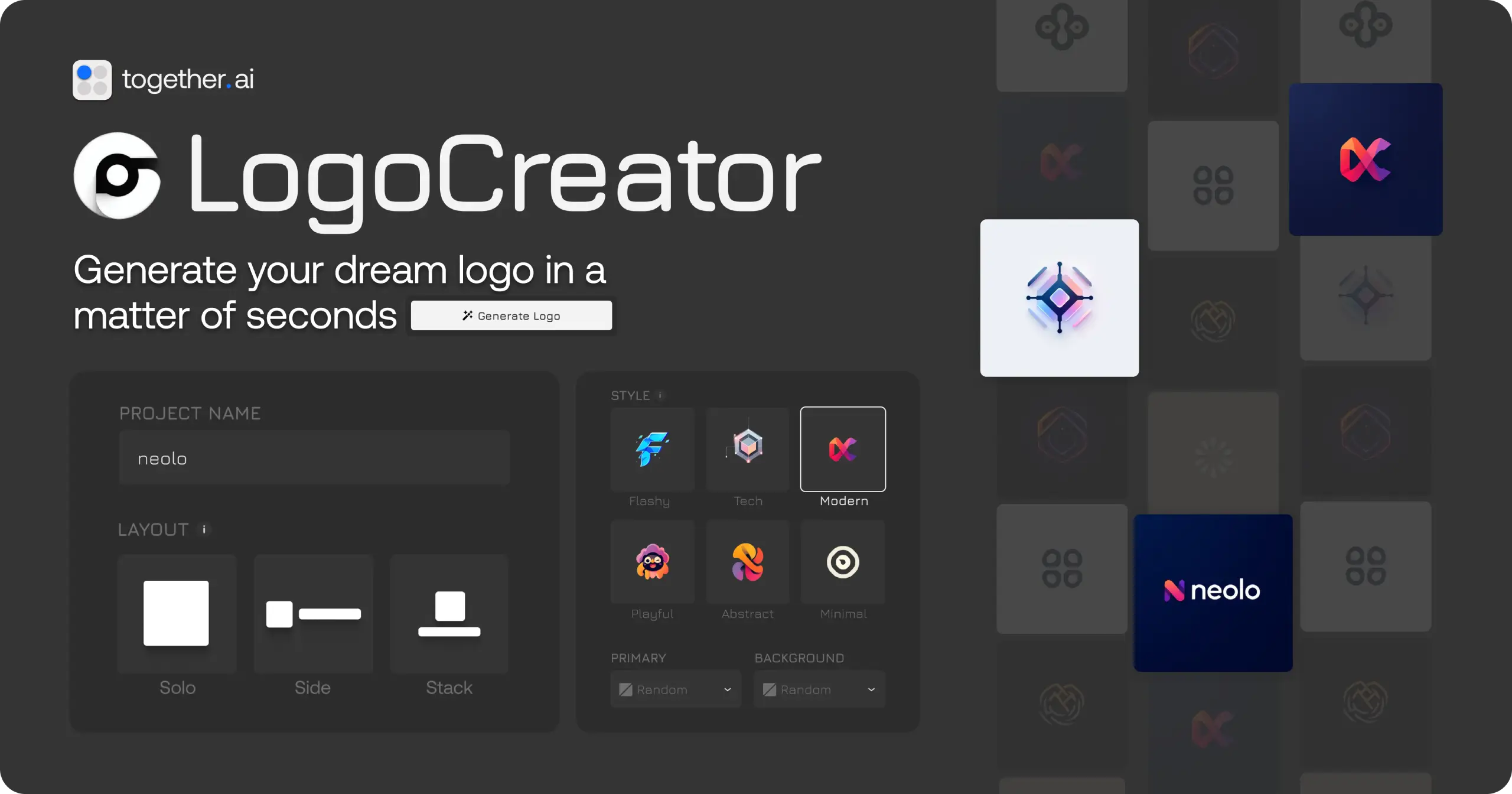
Smart Generation: Users only need to enter the company or project name, select style and color preferences, and LogoCreator can quickly generate multiple logo options.
Diverse Style Choices: Offers six styles—Tech, Playful, Ornate, Abstract, Modern, and Minimalist—meeting various needs from serious business to creative and casual.
High-Resolution Export: Supports up to 1440x1440 resolution, ensuring clarity in printing, advertising, and other scenarios
SVG Format Support: SVG format output is planned or already implemented, making it easy to further edit and optimize.
Easy to Use: No design background required, complete logo creation in just a few simple steps.
Open Source and Self-Hosting: The project is open source, allowing developers to set up the service locally by cloning the code, and even generate revenue through it.
LogoCreator Highlights
Fast Generation: Create professional logos in seconds.
Highly Customizable: Supports multiple styles and design options.
Open Source Project: Code is public, encouraging users to participate and contribute
How to Get LogoCreator
Online Experience: Offers a web version for direct use, no software installation required, quickly generate logos.
Developer Friendly: Get the source code via GitHub, follow simple installation steps (clone the code, install dependencies, configure API key) to run your own logo generation service.
Local Deployment: For developers, you can clone the GitHub repository Nutlope/logocreator and follow the provided guide for installation and configuration.
LogoCreator Installation Steps:
Clone the code:
git clone https://github.com/Nutlope/logocreator
Install dependencies and run (frontend project execution)
npm install & npm run dev
Configure the API key and you're ready to go
LogoCreator Use Cases
Personal Use: Quickly create unique logos for your own brand or project.
Commercial Services: Provide logo design services to others as a side hustle or startup venture.
Teaching and Training: Teach logo design principles, leveraging AI tools to assist teaching.
LogoCreator greatly lowers the barrier to logo design through AI technology, saving a lot of time, and enables non-professional designers to easily create professional and distinctive logos. It's truly a design marvel. It can also serve as an inspiration generator.
Demo URL: logo-creator.io
GitHub URL: https://github.com/Nutlope/logocreator