Script Planner Assistant▸
 AI Apps
 AI News

Zfont: A Free Commercial-Use Font Download Platform
Zfont: A Free Commercial-Use Font Download PlatformIntroduction
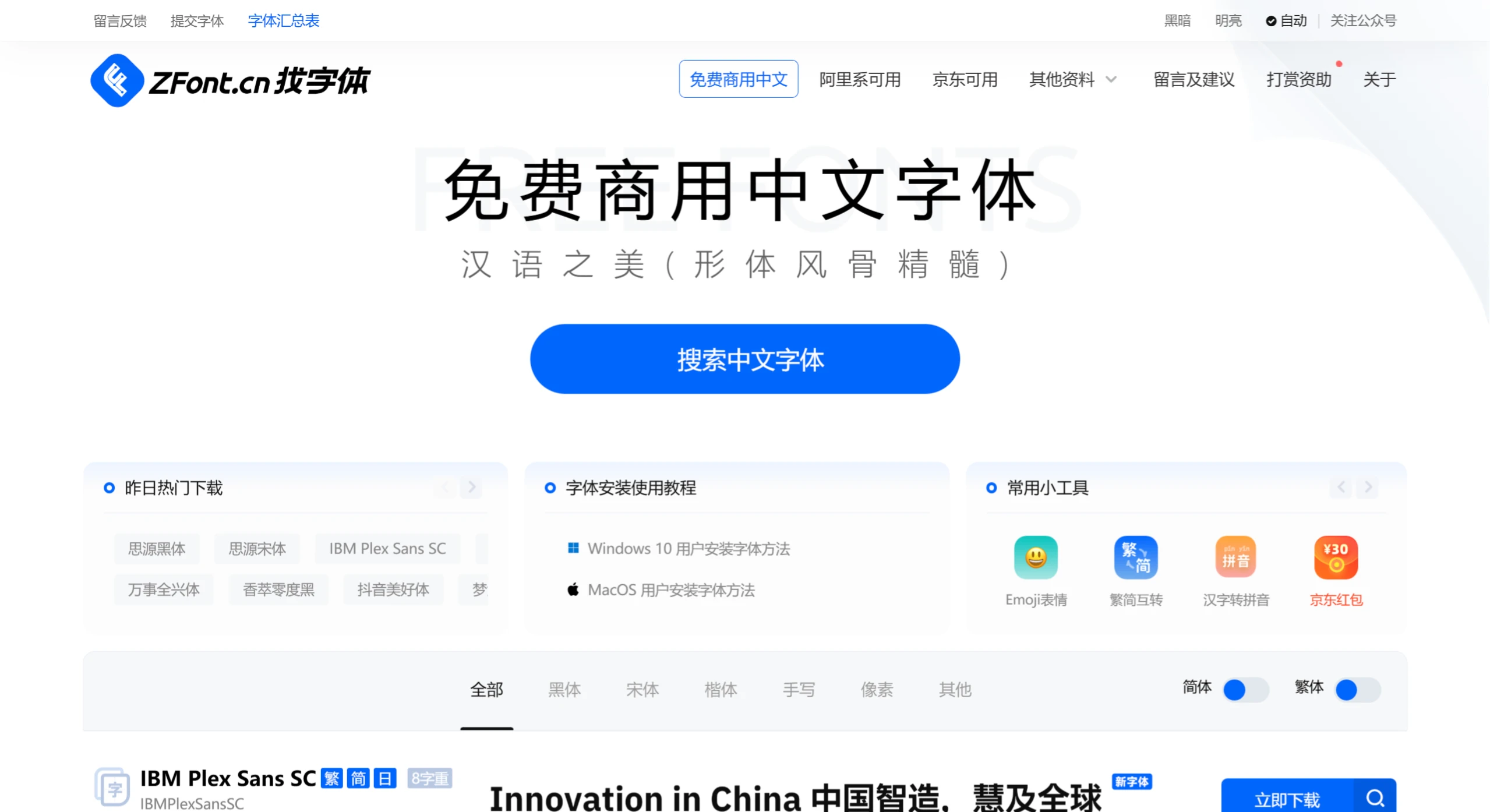
Zfont is a non-profit platform offering free commercially-usable font downloads, dedicated to providing designers and creators with a massive library of copyright-free fonts. Users can find fonts of various styles on Zfont, including PS fonts, advertising fonts, cartoon fonts, etc., and all fonts can be used for commercial purposes. All fonts are released under GPL (General Public License), CC (Creative Commons License), or written declarations of authorization (note: Alibaba- and JD.com-owned fonts cannot be used elsewhere). Fuzzy search by font name is supported.
Features of Zfont:
Free for Commercial Use: ZFont collects a large number of fonts free from copyright concerns, meaning users can confidently use these fonts in commercial projects without worrying about legal issues.
Massive Library of Copyright-Free Fonts: zfont.cn provides a large number of fonts available for free download, allowing users to use them to beautify their work without worrying about copyright issues.
Non-Profit Operation: The website operates on a non-profit basis, and all fonts follow authorization methods such as GPL (General Public License) and CC (Creative Commons License), ensuring legal use for users.
Rich Selection: The website provides fonts in multiple languages, including Simplified Chinese, Traditional Chinese, English, etc., meeting the needs of different design scenarios. The font styles are diverse, ranging from traditional Song typeface and Hei typeface to creative handwritten fonts, covering everything you need.
Easy Download: ZFont offers a very clean interface, allowing users to easily find and quickly download the fonts they need. The download process is simple, typically requiring no registration or ad interference, ensuring a high-speed download experience.
Preview Function: Before downloading, users can preview the actual effect of the font, which helps make better choices before actual application. By entering custom text, you can see how the font looks on specific characters.
If you need to download a font, simply find a suitable one on the ZFont website and click to download. If you encounter installation issues, the website also provides font installation and usage tutorials that you can refer to.