
 Script Planner Assistant▸
 AI Apps
 AI News

RH Icon Factory
RH Icon FactoryIntroduction
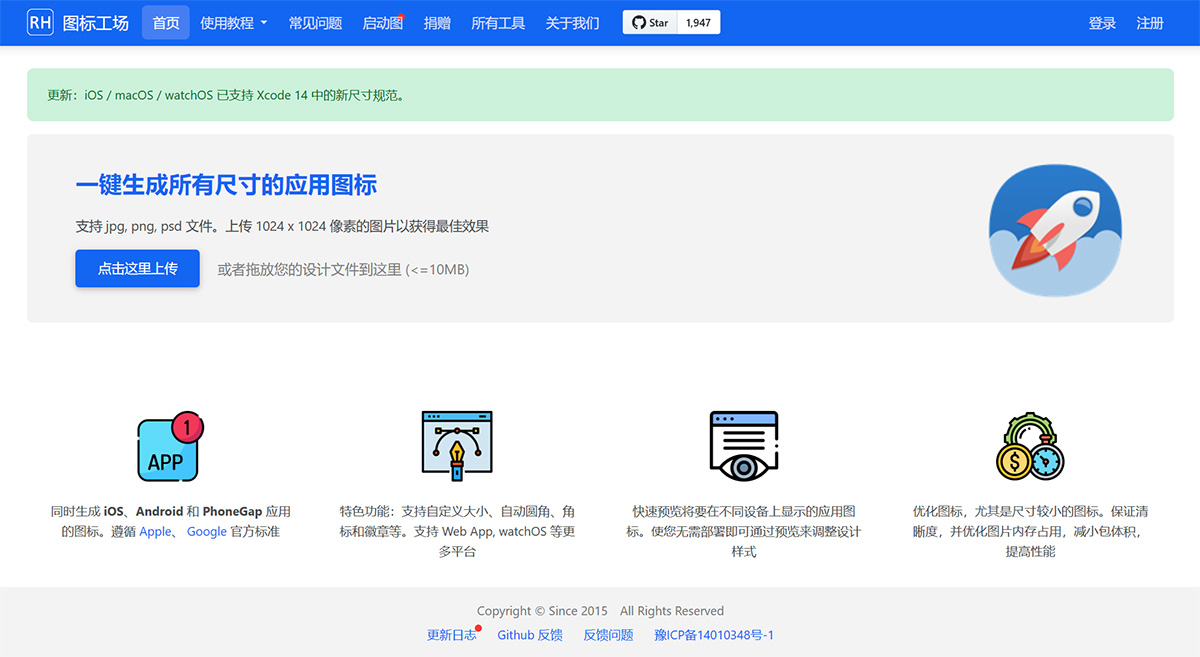
RH Icon Factory generates app icons of all sizes with one click. Supports jpg, png, psd files. Simultaneously generates icons for iOS, Android, and PhoneGap apps.
RH Icon Factory Features:
Supports custom sizes, automatic rounded corners, badges, and emblems.
Supports more platforms such as Web App and iWatch, quickly previewing app icons to be displayed on different devices. This allows you to adjust design styles and optimize icons through preview without deployment, especially for smaller-sized icons.
Ensures clarity while optimizing image memory usage, reducing package size, and improving performance.
Quickly preview app icons to be displayed on different devices. This allows you to adjust design styles through preview without deployment
Optimize icons, especially smaller-sized ones. Ensure clarity while optimizing image memory usage, reducing package size, and improving performance
Simultaneously generates icons for iOS, Android, and PhoneGap apps. Follows official Apple and Google standards.
RH Icon Factory FAQ
Q: How to use the launch image generation tool?
A: Please refer to the demo video. If you have any questions or suggestions during payment and usage, please submit a ticket, and we will handle it as soon as possible.
Q: For iOS generated icons: The original PNG image has a transparent background, but why does it become a white background after generation?
A: iOS icons do not support transparent layers. A white background is added by default during generation. The background color can be set in "Optional Parameters".
Q: Can iOS icons not have rounded corners?
A: The iOS system automatically adds rounded corners. It is recommended to upload square images (without rounded corners). The generated images are also all square and can be directly dragged into Xcode (and uploaded to AppStore Connect).
Q: Why is there no reaction after uploading an image?
A: It may be due to an incorrect image format or the image size being too large. Please ensure the image format is JPG, PNG, or PSD. Compress the image to under 1024x1024 and below 10MB, then try again.













