
 Script Planner Assistant▸
 AI Apps
 AI News
PDF2Go: Free Online PDF Editor & Converter
PDF2Go: Free Online PDF Editor & ConverterIntroduction
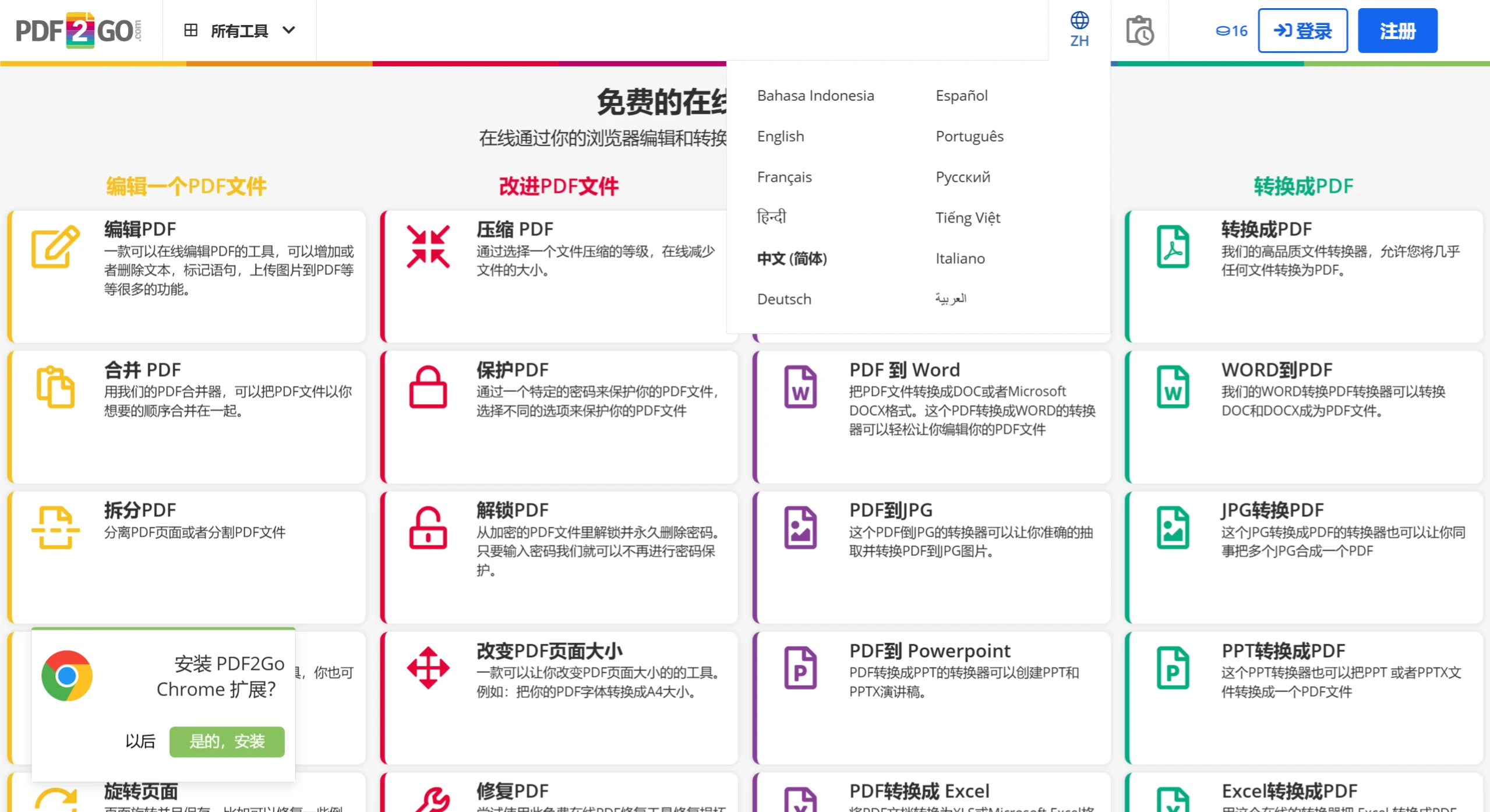
PDF2Go is an online PDF tool developed by the German software company QaamGo. It offers a complete range of functions for PDF format conversion, compression, merging, splitting, and more. It is a free application suitable for handling PDF documents in urgent situations.
Main Features of PDF2Go:
PDF to Word: Convert PDF files into editable Word documents, with support for preserving the original layout and formatting.
PDF to JPG: Convert PDF pages into high-quality JPG images, with the option to convert specific page ranges.
Merge PDF: Combine multiple PDF files into a single PDF file, with support for customizing merge order and page layout.
Compress PDF: Reduce the size of PDF files for easier storage and sharing, offering multiple compression levels.
Split PDF: Split a single PDF file into multiple separate PDF files, with the option to split by page or by section.
Rotate PDF: Rotate the orientation of PDF pages, supporting 90-degree, 180-degree, and 270-degree rotations.
PDF Signature: Add electronic signatures to PDF files, supporting multiple signature methods.
Fill PDF Forms: Fill out PDF form fields, with support for saving the completed forms.
Advantages of PDF2Go:
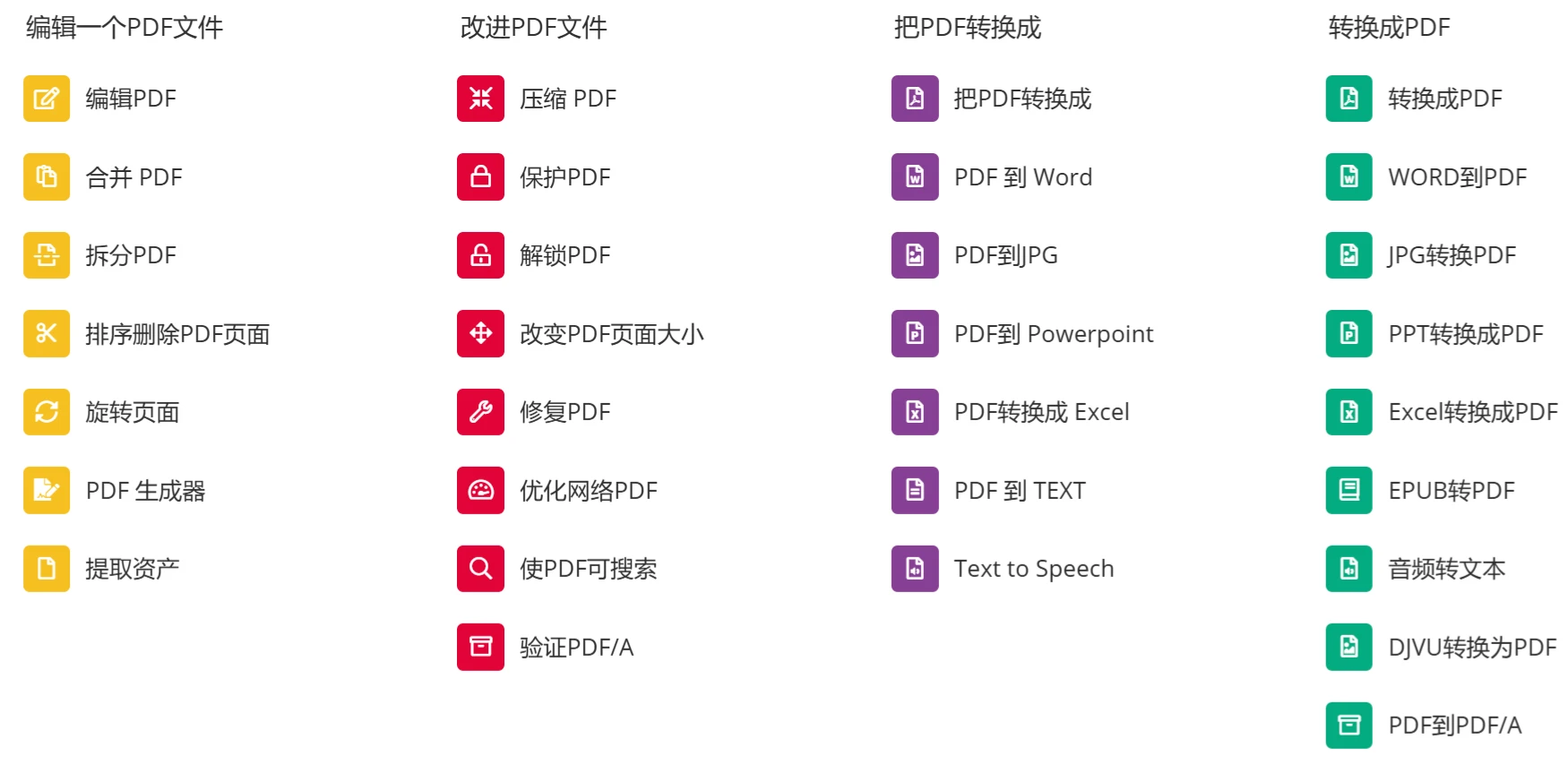
Versatility: PDF2Go offers more than 21 different PDF editing options, covering everything from basic file conversion to advanced PDF editing needs.
No Installation Required: As an online tool, it does not require users to download or install any software, making it suitable for on-the-go use.
Cross-Platform Compatibility: Supports a wide range of devices and browsers, including Google Chrome and Mozilla Firefox, ensuring broad accessibility.
Security: File transfers are protected by advanced TLS encryption, enhancing the security of user data.
Free to Use: Provides free PDF conversion services, allowing users to complete basic PDF processing tasks without spending a penny.
Multilingual Support: Supports multiple languages, including English, Chinese, and more.
Disadvantages of PDF2Go:
Slower Processing of Large Files: When handling larger files, PDF2Go may take longer to process, affecting the user experience.
Interface May Feel Cluttered: New users may find its interface layout complex and may need time to adapt.
Limitations on Advanced Features: While basic features are free, more advanced or specific editing features may require users to upgrade to a paid version.
Steps to Use PDF2Go:
Visit the Website: Open the official PDF2Go website, where you can switch languages in the upper right corner of the page.
Select a Feature: Choose the tool you need from the feature bar on the homepage, such as "PDF to Word."
Upload a File: Click the "Choose File" button to upload the PDF file you want to convert.
Start the Conversion: Click the "Start" or "Convert" button, and PDF2Go will begin processing the file.
Download the Result: Once the conversion is complete, click the "Download" button to save the converted file.
In addition, PDF2Go also offers a desktop software version. It is not limited to conversion services—it can also optimize and repair PDF files.













