
 Script Planner Assistant▸
 AI Apps
 AI News

ExtractPDF: Extract Images, Text & Fonts from PDF Files
ExtractPDF: Extract Images, Text & Fonts from PDF FilesIntroduction
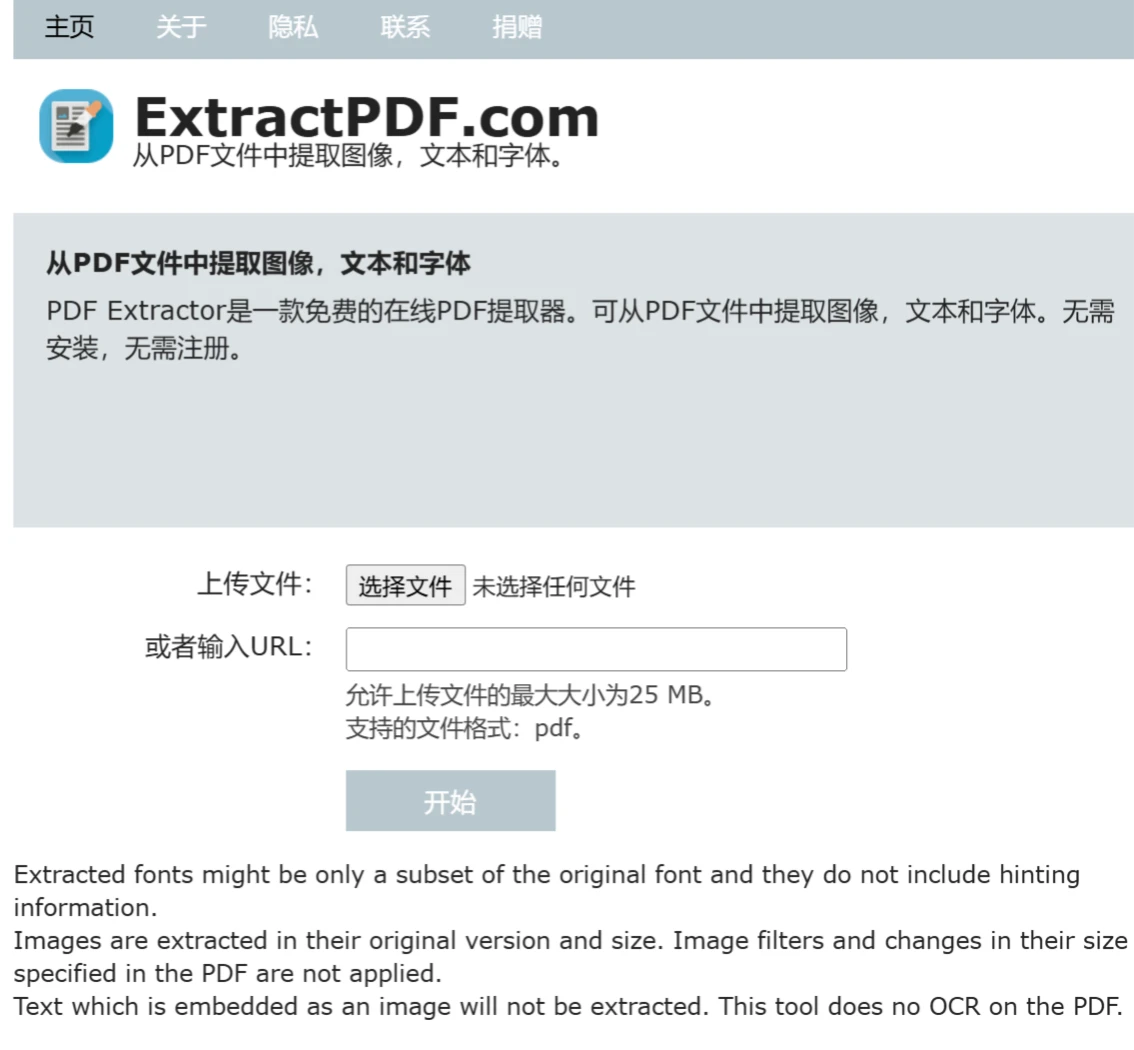
ExtractPDF is an online tool specifically designed to extract text and images from PDF files. There's no need to download any software or plugins—users can directly use its features in the browser. The website offers a simple and easy-to-use interface, allowing users to quickly and efficiently extract the information they need.
ExtractPDF Features:
Extract Text: Extract plain text content from PDF files.
Extract Images: Extract images from PDF files, with the option to save single or multiple images.
Language Support: ExtractPDF supports text recognition in multiple languages, including English, Chinese, Japanese, and more.
How to Use ExtractPDF:
It's very easy to use—simply upload a PDF file or enter the PDF's URL, and submit.
Visit the Website: Open your browser and go to the ExtractPDF official website.
Upload a PDF File: Upload a PDF file or enter the PDF's URL (ExtractPDF allows a maximum file size of 25 MB, and supports the pdf file format).
Start Extracting: Click the "Start" button, and ExtractPDF will begin processing the file and extracting the desired content.
Download the Results: Once extraction is complete, users can directly download the extracted text and images.
ExtractPDF Advantages:
No Installation Required: Users don't need to download any software; only a browser is needed.
Multilingual Support: ExtractPDF supports multiple languages, including Chinese.
Tips:
The extracted fonts may only be a subset of the original fonts and do not contain hinting information.
Images are extracted in their original version and size. Image filters specified in the PDF and any size modifications will not be applied.
Text embedded as images will not be extracted. This tool does not perform OCR on PDFs.
ExtractPDF FAQ:
1. Why do the extracted images look different from those in the PDF file?
This tool extracts the original images from the PDF file. Image processing performed within the PDF, such as cropping, rotation, and color inversion, will be ignored.
2. Why are there missing glyphs in the fonts extracted from the PDF file?
When a font is embedded in a PDF file, the PDF file only contains the glyphs of all characters that appear. If your PDF file does not contain the letter "P", then the extracted font file will not contain the letter "P" either.
3. Why does typesetting look strange when using a font file extracted from a PDF?
PDF files typically do not contain font specification files (.pfm or .afm files) because PDF readers don't require this information. The absence of font specification files will cause the extracted font files to be unusable.
4. Is it legal to extract font files from a PDF?
Extracting font files from a PDF is legal. However, if you want to use the extracted font files, you need to obtain authorization from the font's creator.
However, due to the absence of font metric data, extracted font files generally cannot be used directly. They are mainly used to help identify the fonts used in PDF files.
If you insist on using fonts extracted from PDF files, you need to understand the legal risks involved in using them.













