
 Script Planner Assistant▸
 AI Apps
 AI News

Pudding Slides (布丁演示): Free Online Animated PPT Maker
Pudding Slides (布丁演示): Free Online Animated PPT MakerIntroduction
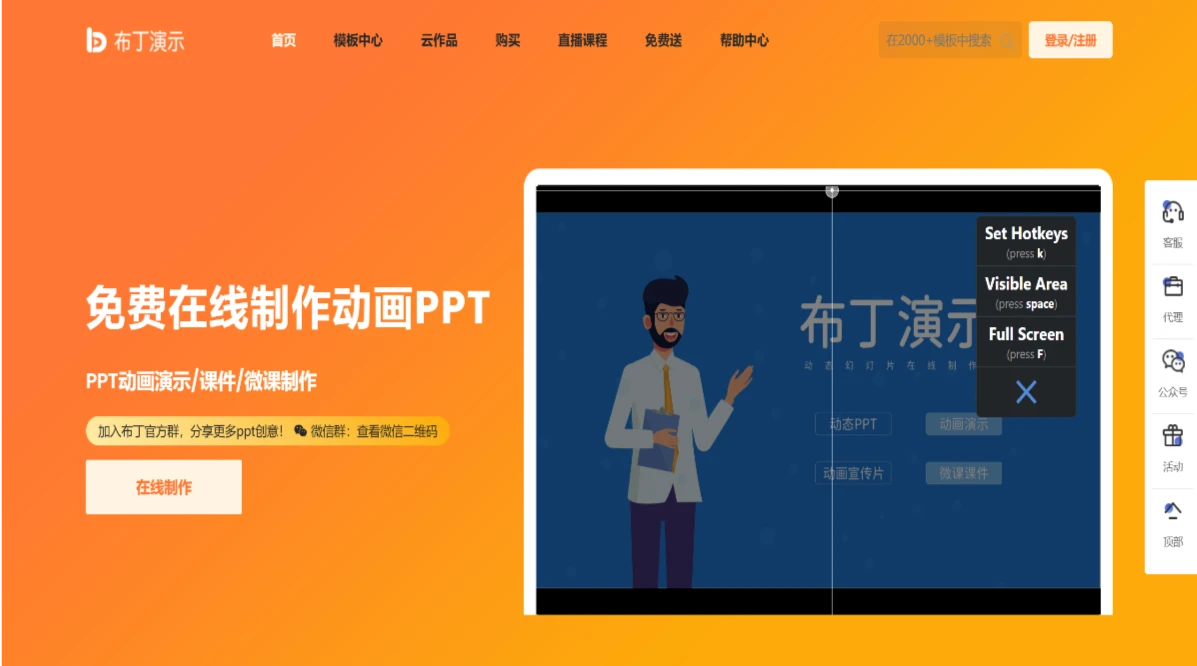
Pudding Demo is an online platform for creating animated PPT courseware and dynamic slides. It uses the concept of an infinite canvas combined with a tree structure to present content, making it easy to produce animated videos, courseware, micro-lessons, promotional clips, and other impressive presentations.
Pudding Demo subverts the traditional linear approach to presentations, leveraging animation effects such as panning, rotation, and zooming to make ideas more vivid and engaging. The site offers a massive library of animated PPT slide templates, allowing you to easily create stunning PPT presentations.
Pudding Demo Core Features
Online Creation: Users can access and start making PPTs directly through the browser without downloading any client, making it suitable for various operating systems and devices.
Rich Template Library: Provides a large number of free templates, including images, sound effects, animation components, and more, suitable for presentations across different scenarios.
Non-linear Presentation: Adopts an organization method similar to a mind map, with zooming and rotating animation effects that make the presentation more vivid and engaging.
Easy to Operate: Whether you are a beginner or a professional, you can quickly get started, with two creation methods available: starting from scratch or applying a template.
Automatic Saving: The system automatically saves the user's work to prevent data loss, which is especially friendly for users who tend to forget to save.
Multiple Export Formats: Supports exporting works in various formats such as exe, PPT, PDF, and long images, making it convenient to share and use.
Animation Effects: Pudding Demo can add animations to each element, achieving dynamic effects such as zooming and rotation, giving the PPT greater visual impact.
How to Use Pudding Demo
Register and Log In
Visit Pudding Demo's official website
Register an account and log in.
Get Familiar with the Interface and Tools
Understand the main interface layout, including the timeline, stage, and asset library.
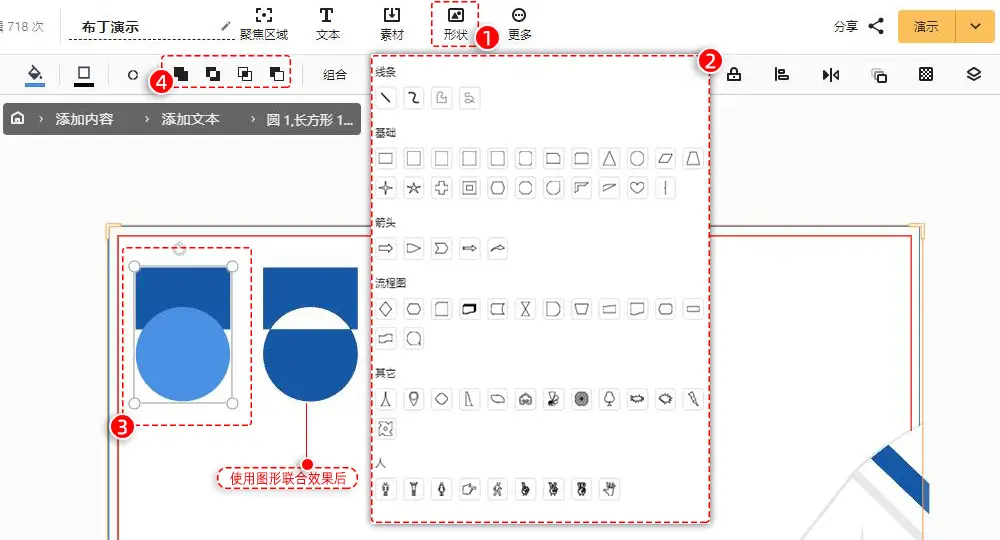
Master the use of basic tools, such as the brush, shape tool, and text tool.
Create a New Project
Choose the appropriate resolution and frame rate.
Set the project name and save location.
Add Elements
Drag characters, backgrounds, or other graphics from the asset library onto the stage.
Use the brush tool to draw custom shapes.
Edit Animations
Set keyframes on the Pudding Demo timeline.
Adjust the position, size, opacity, and other properties of characters.
Use tween animations to achieve smooth transitions.
Add Sound Effects and Background Music
Import audio files.
Sync sound effects with specific actions or scenes.
Preview and Export
Use the preview function to check the animation effects.
Export to multiple formats such as MP4 and GIF.
Pudding Demo Target Audience:
Marketing Directors: Pudding Demo enables teams to have broader conversations with audiences, with presentations that are both logical and flexible.
Teachers: The "A to Z" playback mode of Pudding Demo stimulates student thinking and enables efficient classrooms.
University Professors: Pudding Demo integrates text with visual effects, delivering a more impactful presentation than traditional PPTs.















