Script Planner Assistant▸
 AI Apps
 AI News

PicMenu: Turn Text Menus into Visual Dish Images
PicMenu: Turn Text Menus into Visual Dish ImagesIntroduction
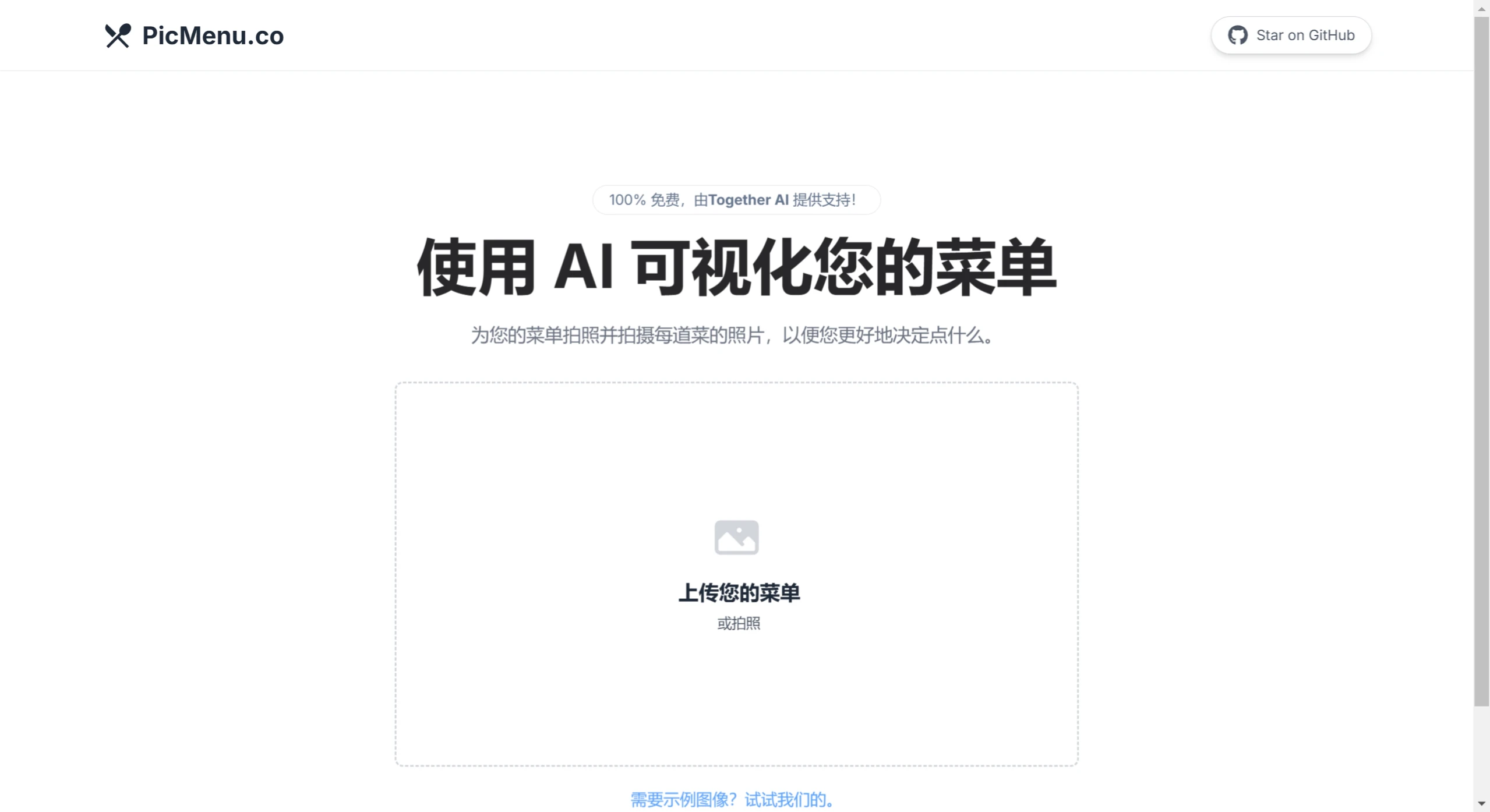
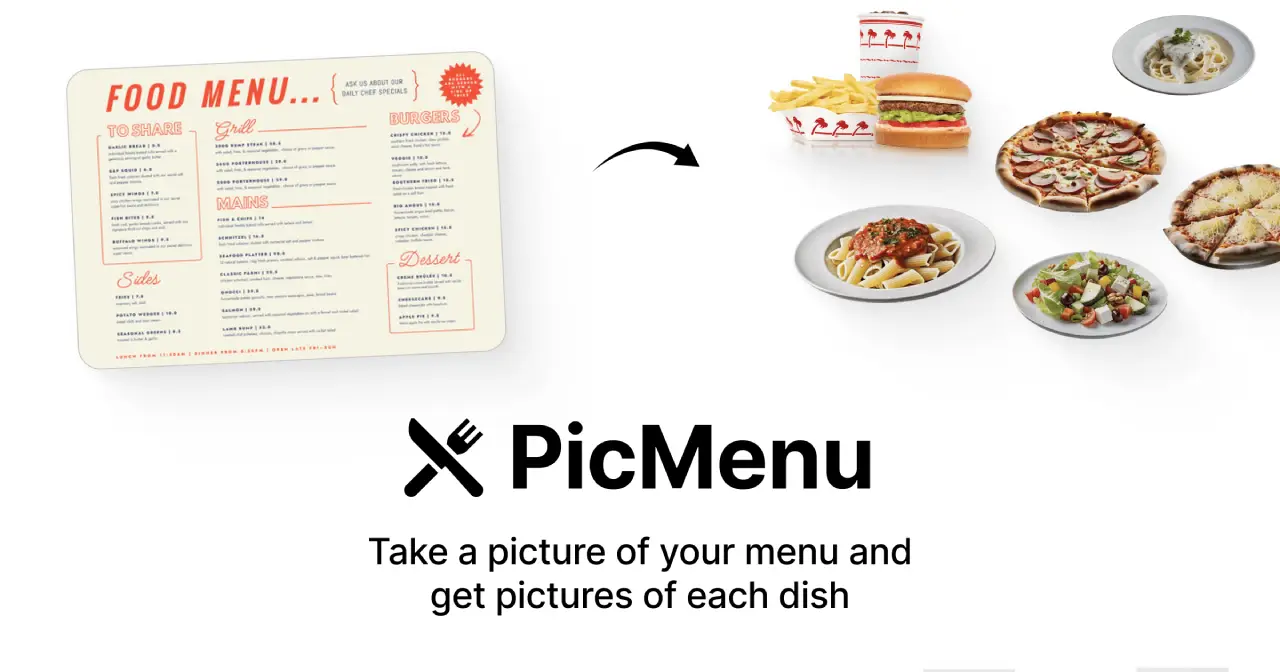
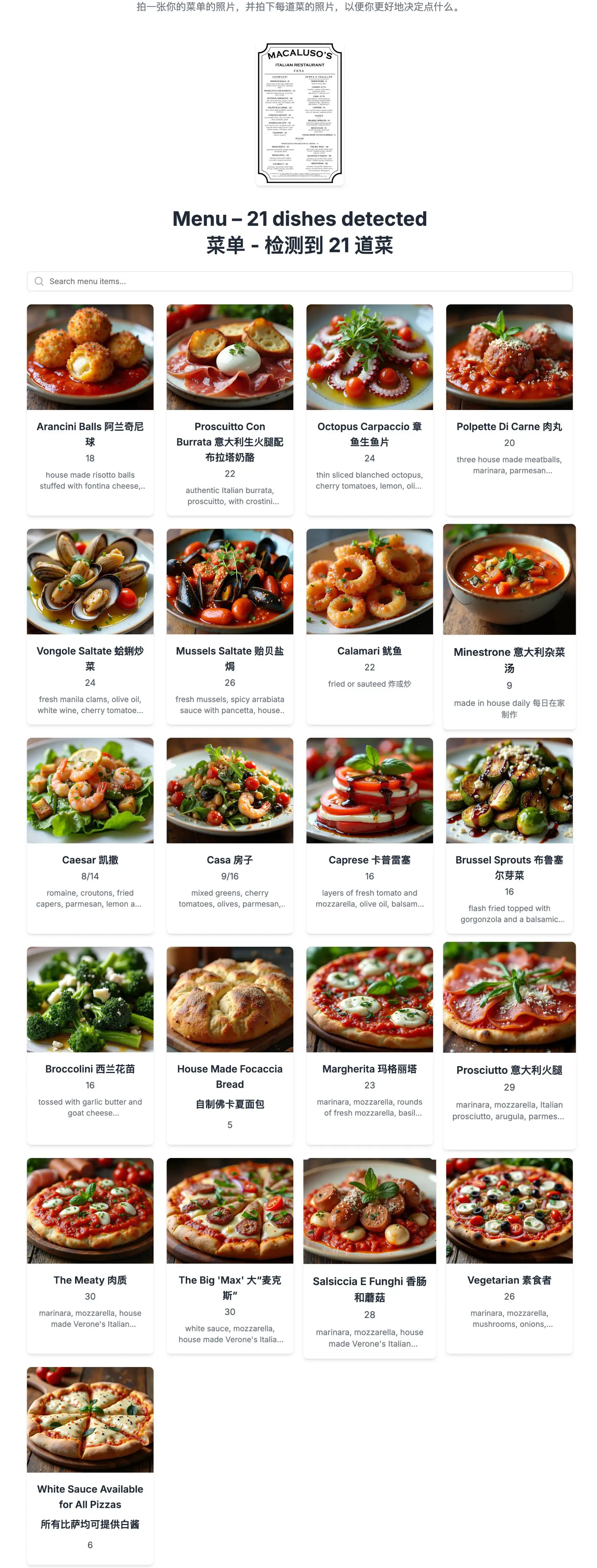
PicMenu is a highly practical tool that uses AI to quickly visualize restaurant menus. You simply upload a photo of the menu, and within seconds, it generates corresponding images for each dish, along with detailed images and descriptions for every dish, providing more intuitive dining information. It is ideal for restaurants, online food platforms, and international dining scenarios, and is especially useful when traveling abroad — for example, when ordering food in a foreign country, it is extremely practical for those unfamiliar with dish names to take a photo and have the text automatically recognized and images generated. It also works with non-English menus.
PicMenu Main Features
Rapid Menu Visualization: After users upload a menu image, the system automatically extracts dish information and generates corresponding display images.
Multiple Output Formats: The generated dish images can be exported in various formats.
Tag Filtering Function: Supports categorizing dishes with tags such as vegetarian, spicy, etc., making it convenient for users to filter.
PicMenu Technical Architecture
PicMenu is built using modern web technologies, with the front-end interface developed using Next.js and TypeScript, and the user interface designed with Tailwind CSS and Shadcn. Its core AI models include the Llama 3.2 Vision 90B model provided by Together AI for extracting menu information, and the Flux Schnell model for generating high-quality dish images. In addition, PicMenu uses AWS S3 for file storage, and integrates Plausible and Helicone for data analysis and performance monitoring.
PicMenu Application Scenarios
Restaurant Menu Digitization: Restaurants can use PicMenu to quickly digitize their paper menus.
Online Food Platforms: Online food platforms can use PicMenu to provide users with richer visual information about dishes.
Food Bloggers: Food bloggers can use PicMenu to showcase their dishes and attract more attention.
Cooking Classes: Cooking instructors can use PicMenu to display course content, allowing members to intuitively understand the preparation and ingredients of each dish.
Food Delivery Platforms: On food delivery platforms, users can upload electronic menus and use PicMenu to assist in decision-making.
PicMenu Future Versions:
Multilingual Support: Multilingual menu parsing will be supported in the future, helping users easily order food in situations where they do not speak the local language.
Dish Tagging System: Plans to introduce a dish tagging system that supports feature labels such as spiciness and vegetarian options, allowing users to perform personalized filtering.
Improved Image Realism: The team plans to improve the realism of generated dish images to better reflect actual dishes.
Scroll Loading Feature: A scroll loading feature is being developed to enhance user experience.
Enhanced Filtering: The Tagging-based filtering system will be expanded in the future to provide a more personalized user experience.
PicMenu open-source address: https://github.com/Nutlope/picmenu