
 Script Planner Assistant▸
 AI Apps
 AI News

Cool Backgrounds: Triangular Geometry, Tech Particle Effects, and CSS Gradient Background Generator
Cool Backgrounds: Triangular Geometry, Tech Particle Effects, and CSS Gradient Background GeneratorIntroduction
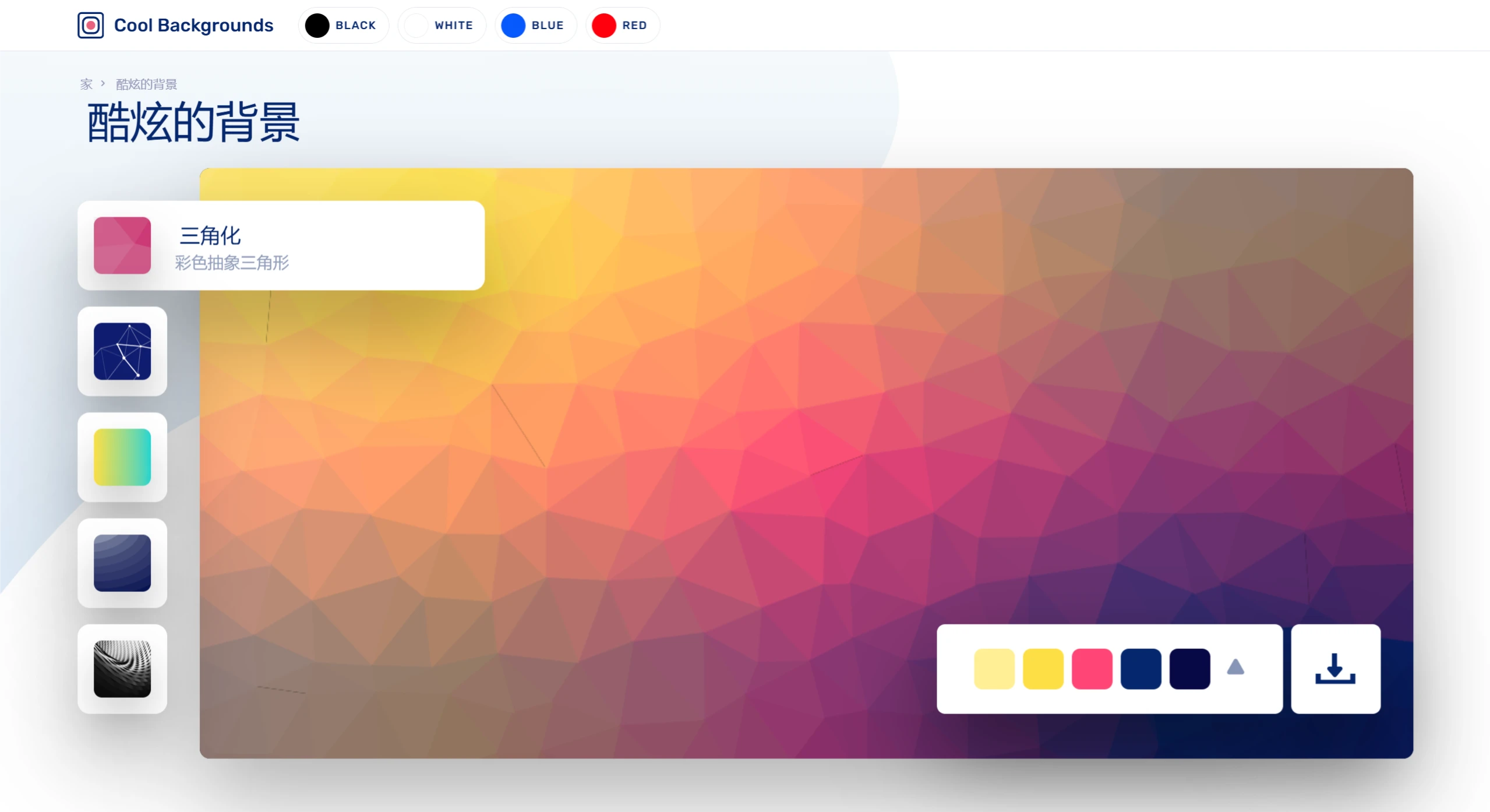
Cool Backgrounds is a free background generator that primarily provides triangular geometric pattern backgrounds, tech particle effect backgrounds, CSS gradient backgrounds, gradient topographic map backgrounds, and image generation.
Cool Backgrounds Features:
Five Background Styles: Cool Backgrounds offers five different types of backgrounds, including triangular geometric patterns, tech particle effects, CSS gradient backgrounds, gradient topographic maps, and high-quality images from Unsplash. These styles cover a wide range of visual effects from abstract art to natural scenery, meeting different design needs.
Custom Colors and Styles: Users can easily adjust the color combinations of each background, and even use a random button to quickly generate new designs. For more advanced customization, such as the wave height, number of layers, and colors of SVG Wave, users can make deeper adjustments to achieve the desired effect.
Real-time Preview: While adjusting settings, users can instantly see changes to the background, ensuring that the created background fully matches their vision.
One-click Download: After completing the design, users can download the background image in PNG format for direct use in their projects. For certain background types, such as SVG Wave, SVG source code downloads are also available, suitable for web development.
Integrated Resources: Cool Backgrounds integrates multiple tools and services, such as Trianglify, Particles.js, CSS Gradient, and Unsplash.
Cool Backgrounds Tutorial:
1. Open the official Cool Backgrounds website.
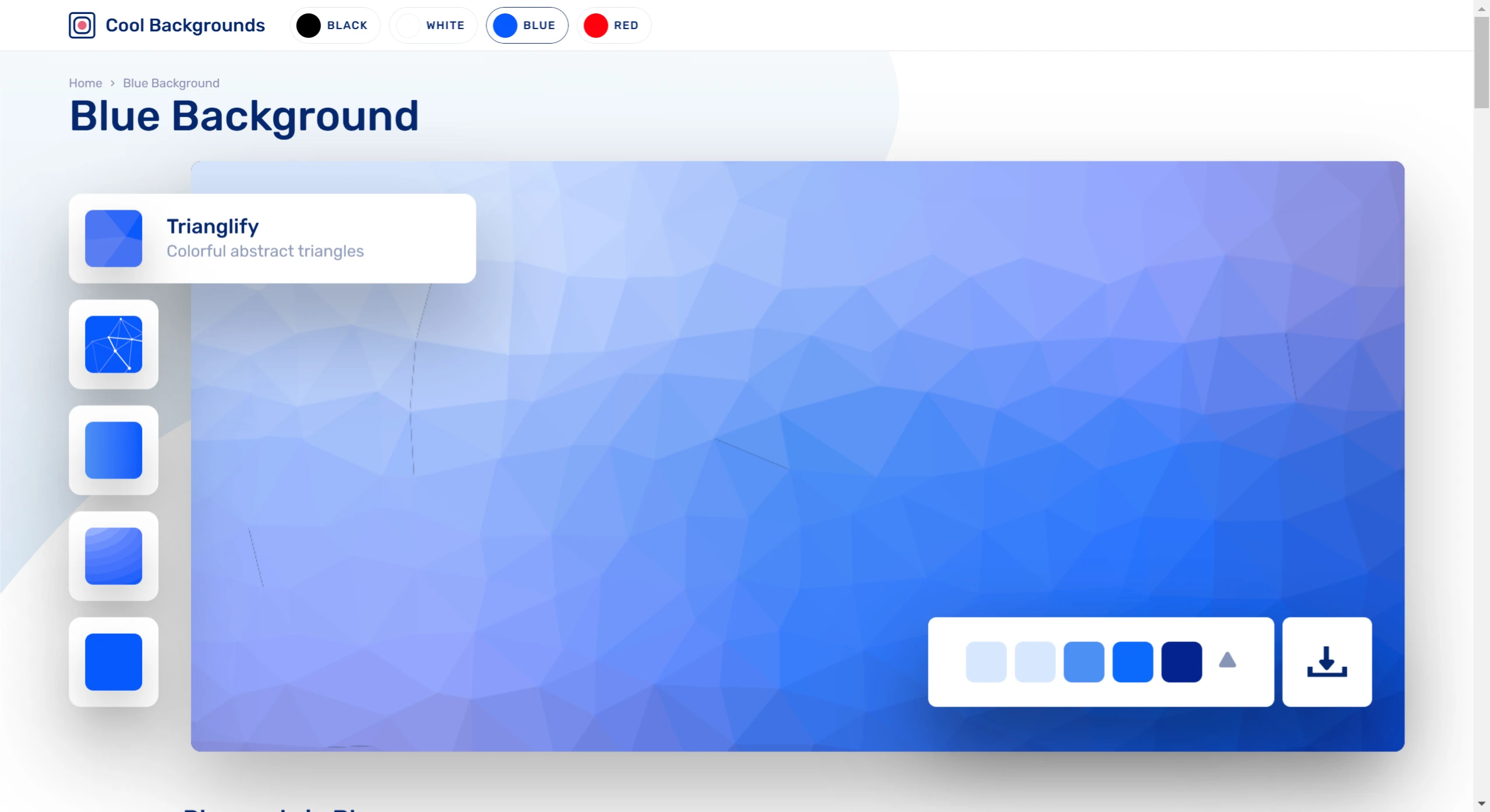
2. Choose one of the five background generation types from the left side. Once chosen, the preview will immediately appear on the right. There are 5 types available: triangular geometric patterns, tech particle effects, CSS gradient backgrounds, gradient topographic maps, and high-quality images from Unsplash.
3. Click on the color scheme at the bottom right to enable different color combinations. If you need more color options or want to customize, such as specifying a color, you can click on "More options on..." below.
4. At the very bottom there is an 【Unsplash】 option that finds suitable background materials from this free image library, allowing Cool Backgrounds to combine and generate from these images.
5. Once finished, click download at the bottom right. The default export format is PNG.
Cool Backgrounds plans to add dynamic effects in the future that can be combined with JavaScript libraries. For designers looking for creative materials, Cool Backgrounds is truly a very suitable choice.















