
 Script Planner Assistant▸
 AI Apps
 AI News

CodeCraft QR: A Quick QR Code Generator
CodeCraft QR: A Quick QR Code GeneratorIntroduction
码智作 is an online tool that can quickly convert text, images, videos, and audio into QR codes. 码智作 is suitable for articles with both text and images, voice explanations for museum exhibits, electronic product manuals, product brochures, printed materials, educational promotions, and various other scenarios that require QR codes to display images, audio, videos, office documents, spreadsheets, and other content.
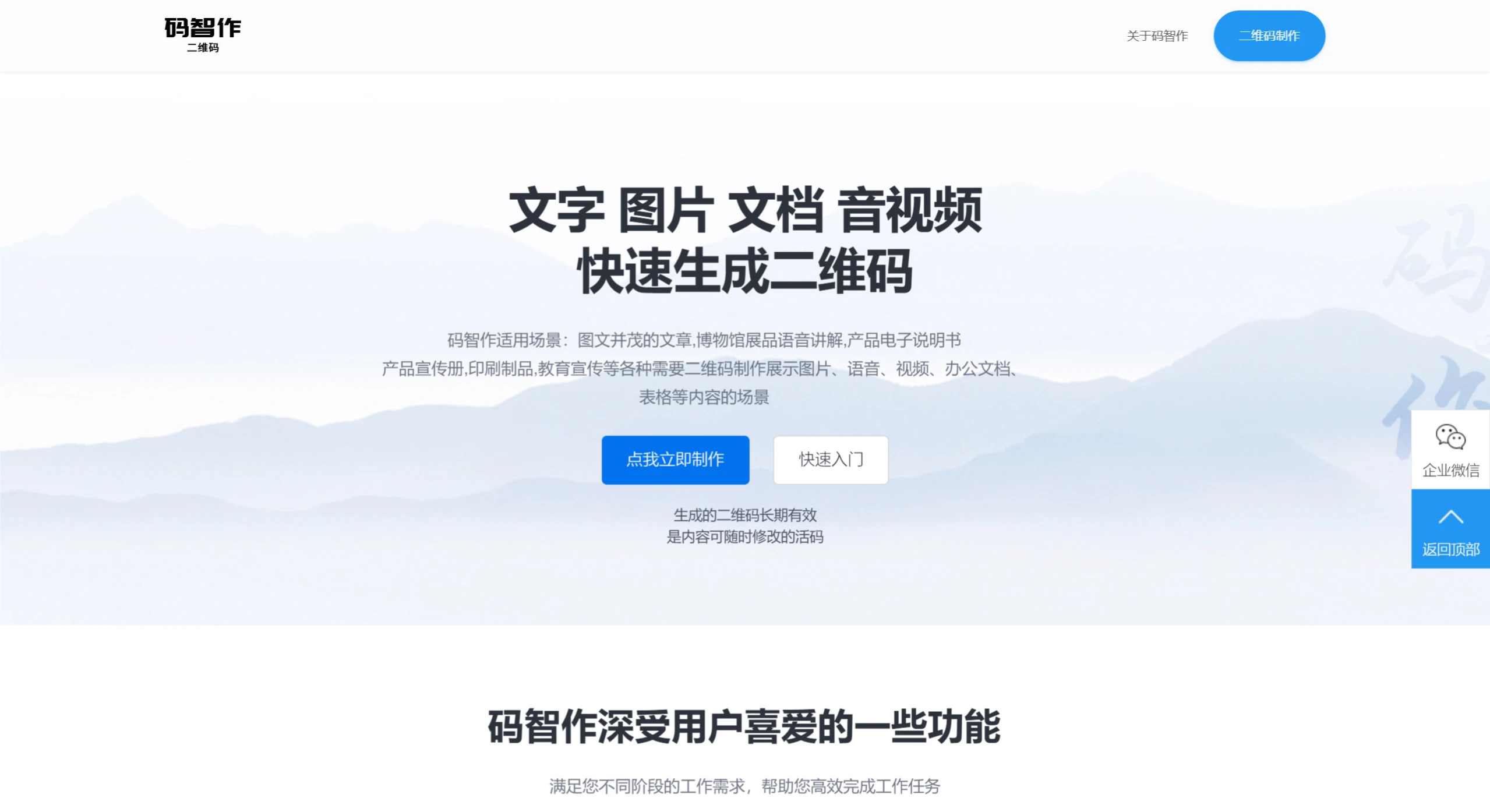
码智作 Feature Highlights:
Multi-functional Integration: 码智作 can combine various types of content—such as text, images, videos, audio, and documents—into a single QR code, enabling the generated code to carry richer content. This makes it suitable for product manuals, promotional materials, educational explanations, and many other scenarios.
Content Editing and Updates: Unlike other QR code generators, a standout feature of 码智作 is that the content of the generated QR code can be modified at any time, while the original QR code link remains valid. This means users can continuously update information without needing to regenerate and redistribute new QR codes, making it ideal for situations requiring frequent content updates.
Cross-Platform Compatibility: Whether using a computer or mobile browser, users can easily access 码智作 to create QR codes. It supports multiple devices and operating systems, ensuring convenient usage.
Efficient Scanning and Parsing: 码智作 optimizes the scanning experience, ensuring that users can quickly read the information embedded in the QR code using their phones or other devices.
Wide Range of Application Scenarios: From electronic product manuals, corporate promotions, and scenic spot introductions to voice explanations in museums, 码智作's QR codes are widely used across multiple fields.
Long-Term Validity: The QR codes generated by 码智作 are not temporary; they remain valid for the long term.
Application Scenarios of 码智作
Education and Training: Teachers can use 码智作 to create QR codes for micro-lessons, audio, or images, allowing students to share course materials or video explanations via QR codes.
Marketing and Promotion: Businesses can create QR codes containing product information, advertisements, and other content for offline marketing efforts.
Tourism and Culture: Museums and scenic spots can use QR codes to provide voice explanations or detailed information, enhancing the visitor experience.
Event Management: QR codes can be used during events for check-ins or collecting feedback, improving management efficiency.
Personal Use: Individual users can create QR codes containing personal information, such as contact details or personal websites.
How to Use 码智作?
1. Visit the 码智作 Official Website
Visit the 码智作 official website and register or log in.
2. Create a QR Code
After logging in, click the 【制作二维码】 button in the upper right corner of the homepage.
Enter the backend and click the 【生成二维码】 option in the left menu.
In the editor page, upload audio, videos, images, or documents, and complete the title and content.
Click the 【生成二维码】 button to complete the QR code creation.
3. Content Editing and Updates
If you need to edit the QR code content, locate the previously created QR code in the QR code list and click the edit button to make changes.













