Script Planner Assistant▸
 AI Apps
 AI News

WebPilot.AI: Better Search, Together with AI
WebPilot.AI: Better Search, Together with AIIntroduction
WebPilot is a free open-source AI tool that enables free-form conversations with web pages. It features intelligent Q&A and summarization capabilities for web content, allowing users to extract information from the web pages they input. WebPilot.Ai offers the ability to customize tone and language preferences, enabling users to choose a specific tone style and language to interact with websites.
As an open-source project, WebPilot.Ai was originally named Fluentify and received positive feedback in the open-source community. The WebPilot.Ai plugin can be used in Chrome and Edge browsers and supports integration with ChatGPT.
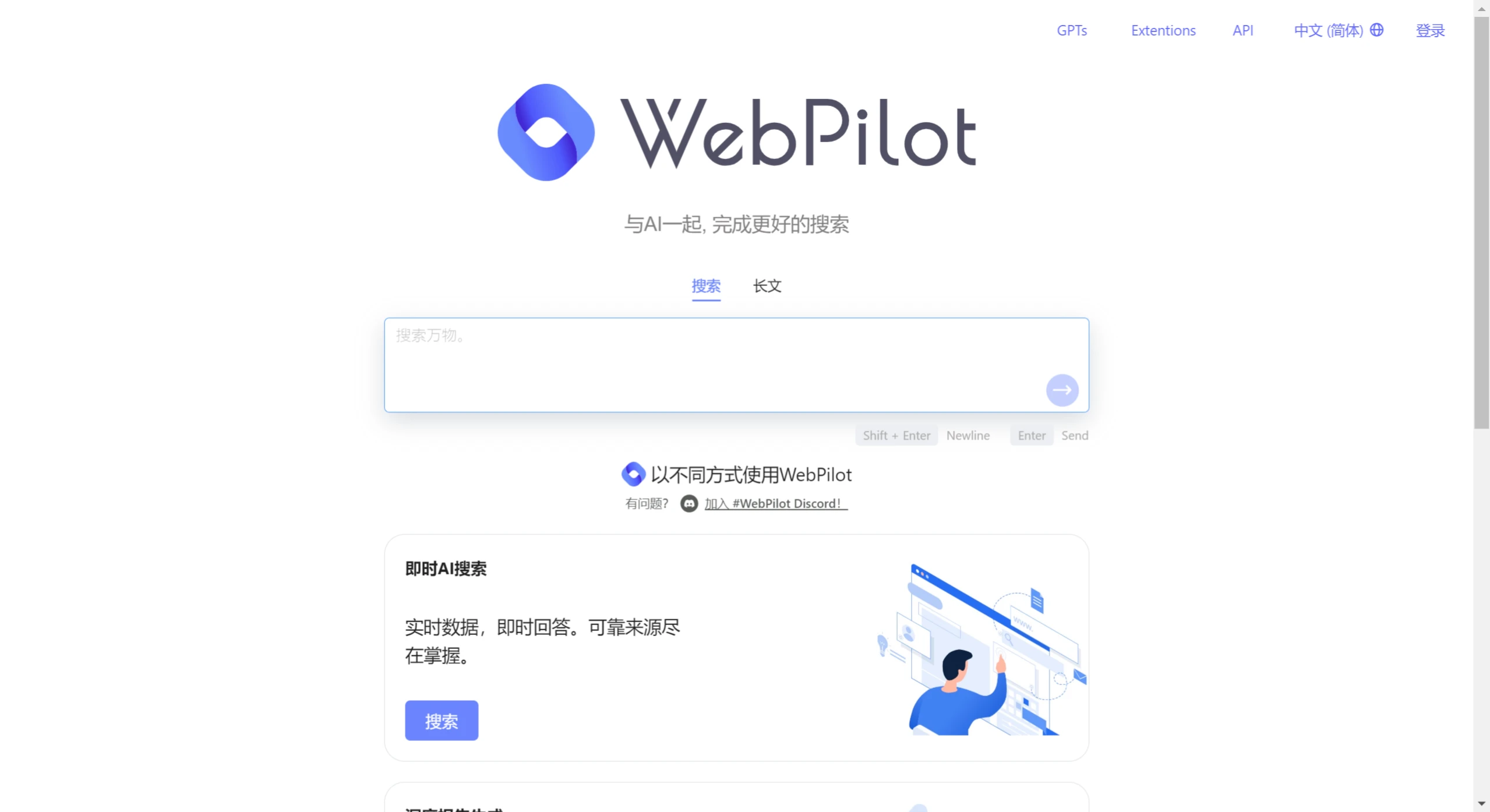
WebPilot.Ai Features:
Web Page Summarization: Enter a URL, and WebPilot.Ai will provide a brief summary of the page content.
Intelligent Q&A: Users can ask questions about the content of the visited web pages, and WebPilot.Ai will provide answers based on the page content.
Instant AI Search: Real-time data, instant answers. Reliable sources at your fingertips.
In-Depth Report Generation: Easily generate detailed reports of up to 10,000 words.
Actions and API Provision: Use Webpilot within GPTs to search, browse, and compose your own work.
Open-Source Extension: A free and open-source extension that helps you chat and ask questions with any web page.

WebPilot.Ai Usage:
Install the Plugin: Users can install the WebPilot.Ai plugin in Chrome and Edge browsers.
Activation Method: Press Ctrl+` to activate WebPilot.Ai on any web page.
Command Confirmation: Users need to confirm a command, such as "Summarize this page."
Refresh the Page: After installation, please refresh the page where you want to select text to use this extension.
Developer Mode: In Chrome browser, users need to enable Developer Mode to load unpacked extensions.
WebPilot.Ai Open-Source Project Address:https://github.com/webpilot-ai/Webpilot