Script Planner Assistant▸
 AI Apps
 AI News

Maps Scraper AI: Map Scraper AI for Finding Local Leads
Maps Scraper AI: Map Scraper AI for Finding Local LeadsIntroduction
Maps Scraper ai is an automated lead generation tool that helps businesses leverage the power of Google Maps to find and extract valuable customer data. By scraping information from local business listings, it captures all kinds of contact details, including email addresses, phone numbers, and social media profiles—data that is often difficult to find through traditional means.
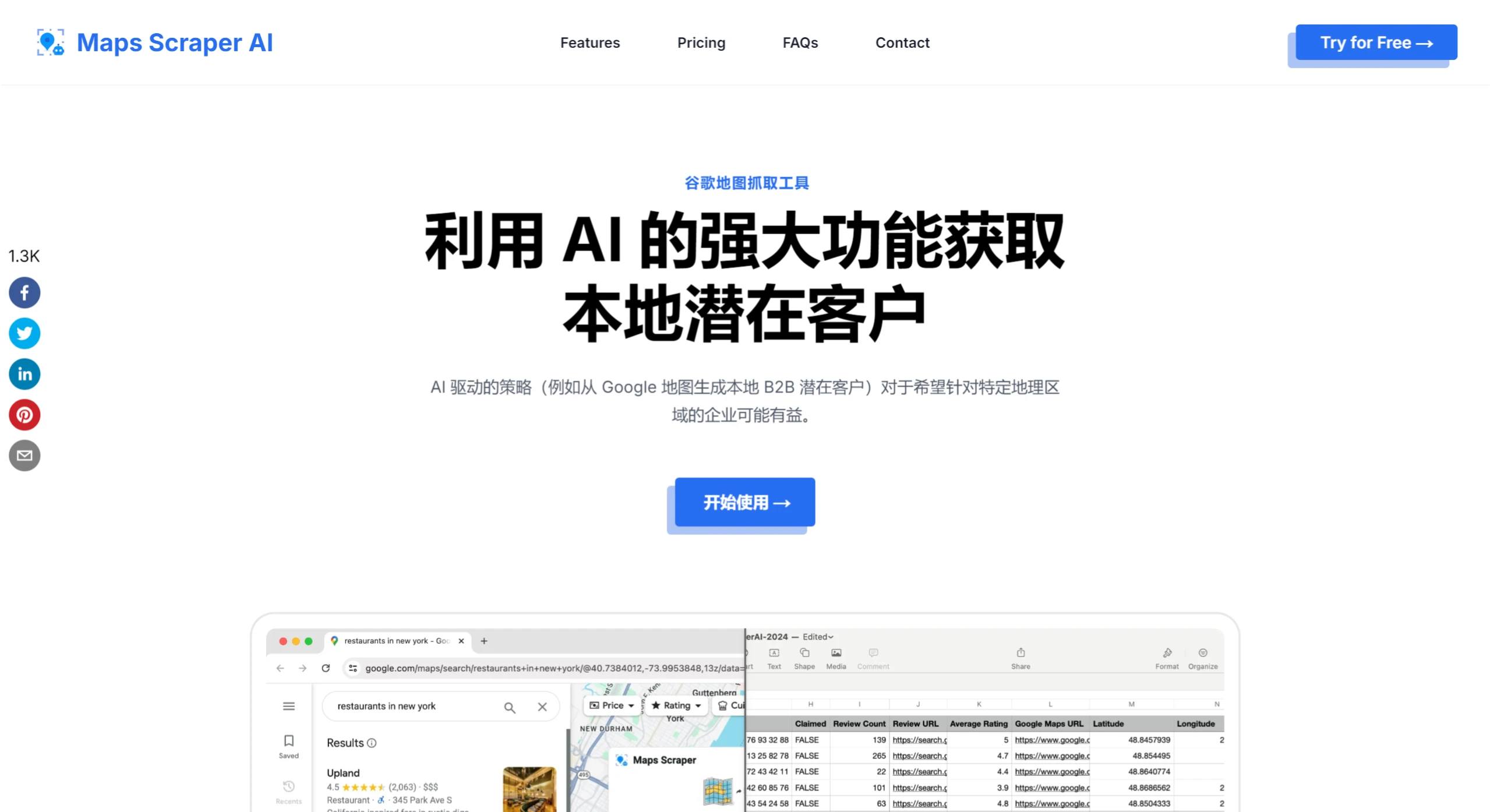
The powerful features of Maps Scraper AI enable sales and marketing teams to easily and quickly identify and connect with potential customers in their target markets. With the ability to search for businesses by location, category, or keyword, users can effectively build highly targeted leads.
Maps Scraper AI works like a bot that scrapes Bing Maps, providing us with real, verified leads. It is the best way to automatically capture leads directly from Google Maps listings.
Scraping Bing Maps data offers many benefits, including lead generation, research and data science, competitor monitoring, and obtaining business contact information. This helps businesses understand customer needs, research competitors, and develop new strategies.
Maps Scraper AI Advantages:
1. Extract Emails and Social Media: Extract email addresses associated with companies that are usually not displayed on Google Maps.
2. Ease of Use: Extract data from Maps without writing any code (Python or JavaScript).
3. Bulk Search: The bulk search feature allows you to search multiple keywords simultaneously.
4. Lightning-Fast Results: Provides instant, accurate insights without the need to build and test custom web scraping tools, so you get results quickly.
5. Acts Like a Real User: Uses Chrome to simulate real user behavior, reducing the risk of being blocked by Google Maps.
6. Frequent Updates: Updated regularly to adapt to any changes on the Google Maps website, ensuring seamless and uninterrupted operation.
How to Use Maps Scraper AI to Get Useful Information from Maps?
Step 1: One way to find nearby businesses is to simply enter your query in Bing Maps, and Bing Maps will use your location to identify local businesses, helping you find quick and nearby services.
Step 2: Click the mouse to open the Chrome extension. Starting to crawl is very simple—you'll be up and running within seconds.
Step 3: You can export the results as CSV or XLS files, with no limit on the amount of data you can export. In addition, the software also supports exporting emails and phone numbers.