Script Planner Assistant▸
 AI Apps
 AI News

uTools: Mix and Match Plugins to Build Your Personal Productivity Toolkit
uTools: Mix and Match Plugins to Build Your Personal Productivity ToolkitIntroduction
uTools, a versatile and modern efficiency tool platform, provides a wide range of features to meet the needs of different users, making it a powerful personal efficiency assistant. It adopts an innovative form of base platform + plug-in applications to meet the various needs of computer users.
The design philosophy of uTools is to allow you to use it anytime and anywhere, minimizing your operation steps, keeping your work rhythm more continuous, and reducing the sense of interruption.
In any window, you can use the shortcut Alt + Space to summon uTools. Whether you are searching for content or using a function, you can quickly get the result. After use, uTools will lose focus and automatically hide, so you can continue your current work.
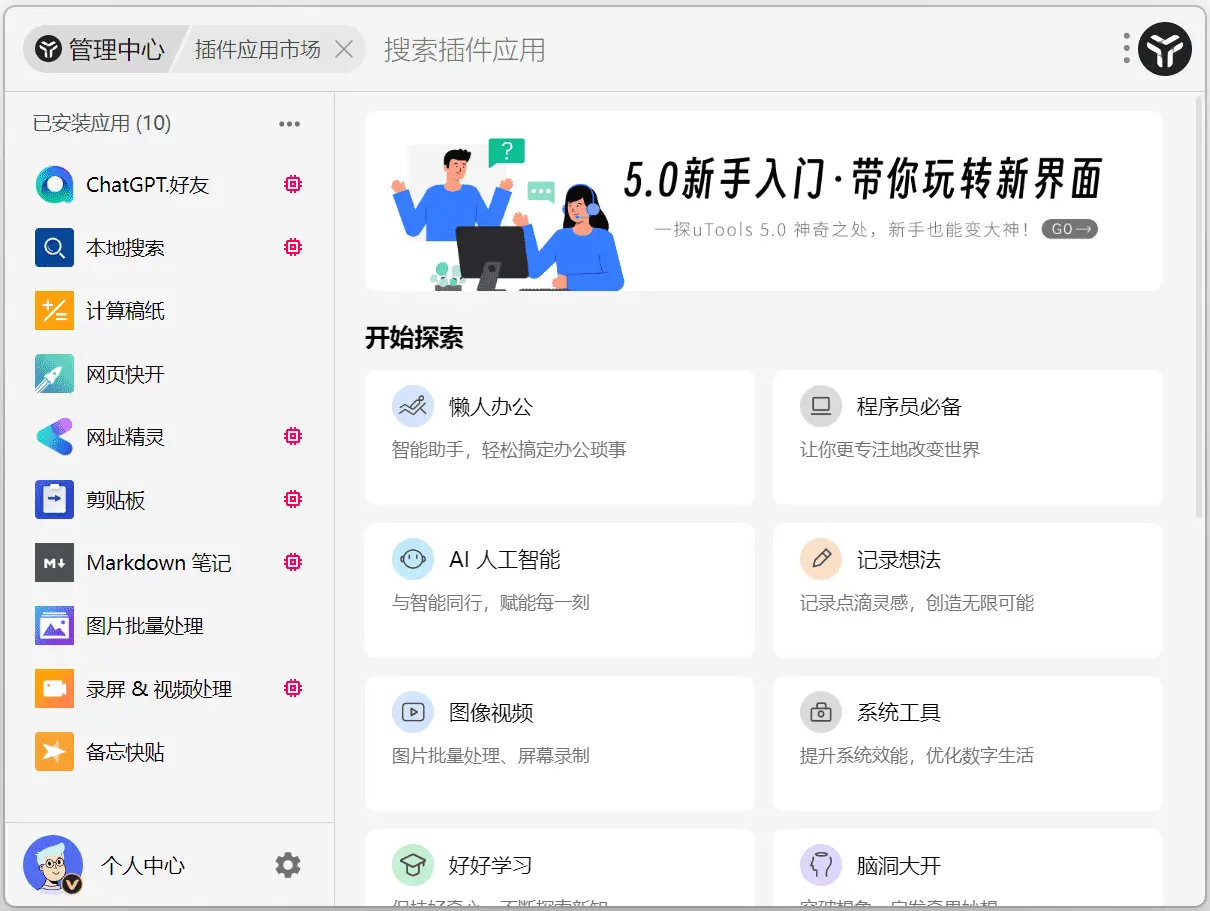
uTools Core Features:
Minimalist Quick Launch
Quick Launcher: Summon quickly via a shortcut key (default is Alt + Space), allowing users to rapidly open applications, files, or execute commands.
Global Shortcuts: Customize global shortcut keys, such as setting F1 for quick search and F2 for instant translation, to improve operational efficiency.
Powerful Plugin System
Plugin Center: Over 100+ plugins covering multiple use cases including file management, search, translation, color picking, QR code generation, OCR recognition, Markdown preview, and more.
Custom Plugins: Users can develop or select plugins according to their needs to create a personalized toolset.
File Management & Search
Local File Search: Integrates search capabilities similar to Everything for quick file location.
File Preview: Supports preview of multiple file types, such as images, documents, PDFs, etc., improving file processing efficiency.
Productivity Enhancement Tools
Screen Color Picker: Built-in tool that makes it convenient for designers and developers to obtain color values on the screen.
Regular Expression Testing: Suitable for developers to test text data processing.
Text Processing: Such as online translation, text matching and processing, automatically matching plugins through voice or text input.
Voice Input Feature
Real-time Text Conversion: In any input state, long-press the middle mouse button or two-finger long-press on the touchpad to summon the voice panel for quick text entry.
Plugin Interaction: Invoke plugin functions through voice commands to improve operational convenience.
uTools is a minimalist design, highly pluggable efficiency tool software developed by UTools Team, supporting Windows, macOS, and Linux operating systems.