
 Script Planner Assistant▸
 AI Apps
 AI News
ReadKidz: Turn Ideas into Stories with Text, Images, and Audio
ReadKidz: Turn Ideas into Stories with Text, Images, and AudioIntroduction
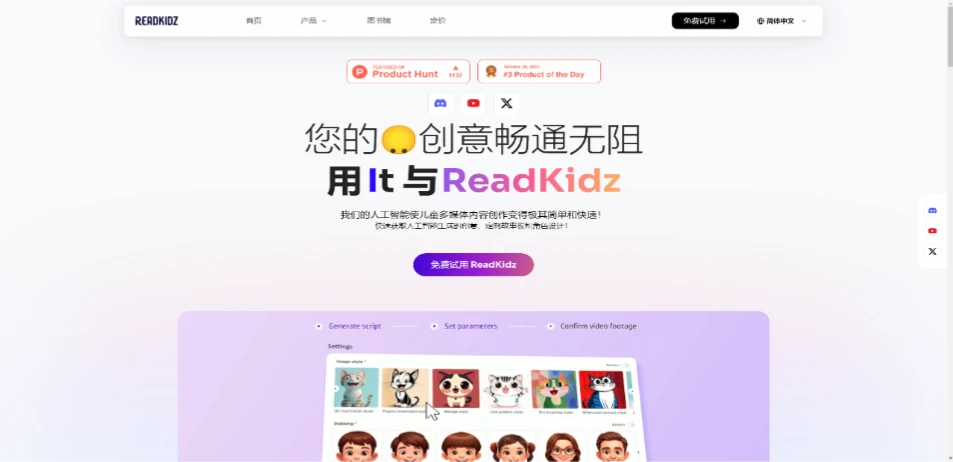
ReadKidz is a multilingual AI creative platform that enables you to create, customize, and publish children's electronic picture books, story videos, and songs through a one-stop solution. You can create, customize, and sync your own stories on the platform. ReadKidz provides tools that transform creative ideas into stories, integrating story creation, illustration generation, layout, and video production features to help you generate illustrations and publishable content.
ReadKidz supports one-click publishing to platforms such as YouTube, Amazon KDP, and WhatsApp.
ReadKidz Features:
AI-Assisted Content Creation: Uses AI technology to help users generate story text, illustrations, and video content, making content creation faster and easier.
Diverse Templates: Offers a rich selection of templates and different painting styles, along with a variety of professional voiceover options to match story themes, thereby supporting diverse content creation.
Multi-Platform Publishing: Supports one-click publishing to multiple platforms including YouTube, Amazon KDP, and WhatsApp.
Character Consistency: Ensures coherence in character design and story flow throughout the content creation process.
How to Use ReadKidz Tutorial:
Start Creating: Log in to the ReadKidz platform and select "Create Story Video" to begin your creative journey.
Input Story Concept: First, you need to provide a basic concept or keywords for your story. This can be a theme, a character name, or a brief story outline, and the AI will generate an initial story framework based on this information.
Choose Story Template and Style: The platform offers over 100 templates and 60 painting styles for users to choose from, ensuring your story video has a unique visual effect that fits the atmosphere and age group you wish to convey.
Character Setup and Scene Editing: Based on the needs of your story, you can customize the appearance, movements, and expressions of characters. Use the platform's editing tools to adjust scene layouts and ensure story coherence and appeal.
Write or Adjust Script: You can directly edit the story's text content on the platform. The AI may offer some suggestions or auto-fill parts of the dialogue, but you have full control to adjust and optimize the script.
Voiceover and Music: Choose or upload appropriate voiceovers. ReadKidz offers multiple voiceover sound options. At the same time, you can select background music to add emotional color to your story video.
Animation and Transitions: The platform may automatically or allow you to manually add animation effects and transitions to make the story smooth and capture children's attention.
Preview and Adjust: After completing all edits, preview your story video to check whether you are satisfied. If needed, you can return to any step to make adjustments.
Export and Share: Once satisfied, you can export the video and choose to publish it directly to platforms such as YouTube and Amazon KDP (Kindle Direct Publishing), or share it with specific audiences via social tools like WhatsApp.
ReadKidz Applications:
ReadKidz is ideal for educators, parents, and children.
If you are an educator, ReadKidz can become your best assistant tool for teaching students. You can create story books for students of different age groups. For kindergarten students, you can add voice to the stories to help them read effectively.
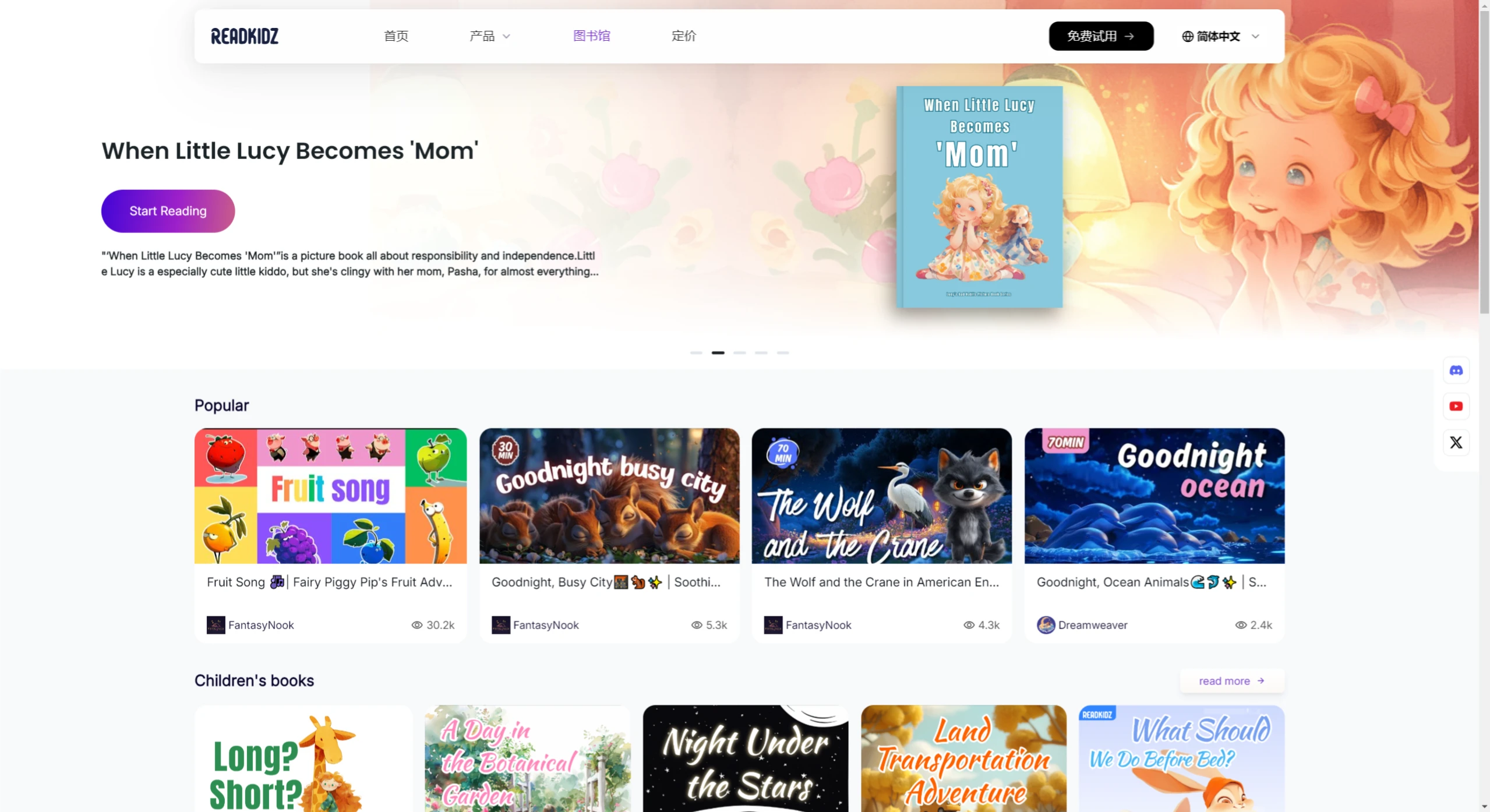
ReadKidz is also a great platform for children. You can select stories they like from the ReadKidz library. The AI-generated images in different styles within the storybooks can not only increase engagement but also cultivate consistent reading habits in children.
If you are an author looking to sell books online, ReadKidz can be the best platform for you to create storybooks. You can create different types of story books for different age groups, such as adventure stories, children's bedtime stories, etc., and earn money by selling them.
ReadKidz Pricing:
ReadKidz offers free and paid plans. The free plan allows users to access basic features, while the paid plan provides more comprehensive interactive tools and digital library access. The paid plans include Standard, Professional, and Super plans, offering different numbers of credits respectively.
Related Information:















