Script Planner Assistant▸
 AI Apps
 AI News

ColorZilla: A Color Tool for Web Designers
ColorZilla: A Color Tool for Web DesignersIntroduction
ColorZilla is a powerful browser extension tool for Google Chrome and Mozilla Firefox. It offers web developers and graphic designers a variety of color-related features, including a color picker, gradient generator, and color history.
The ColorZilla Google Chrome extension helps web developers and graphic designers handle color-related tasks, including both basic and advanced features.
ColorZilla includes a color picker, eyedropper, gradient generator, and many other advanced color tools.
With ColorZilla, you can take color readings from any location in your browser, quickly adjust that color, and paste it into another program. You can analyze a page and inspect its palette of colors. You can create advanced multi-stop CSS gradients.
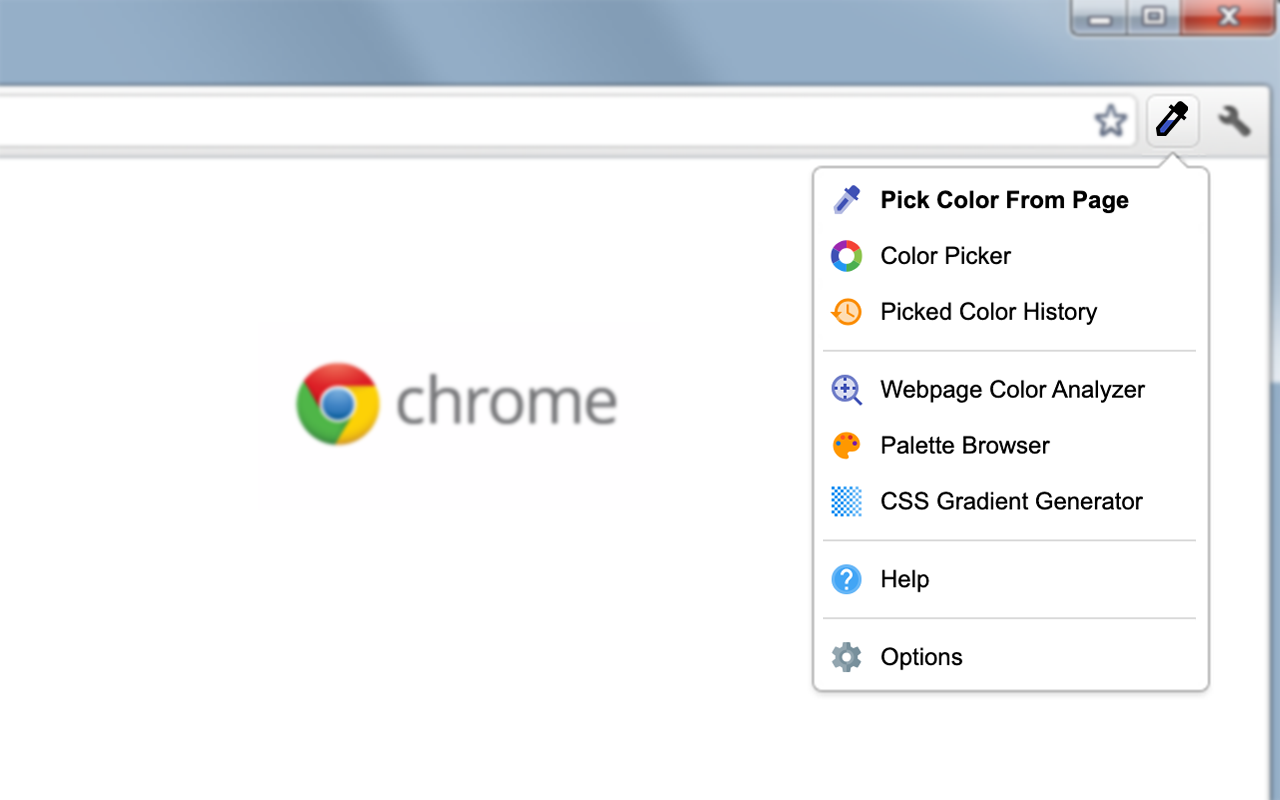
ColorZilla Features:
Eyedropper tool — get the color of any pixel or area on a page, and even outside the browser.
An advanced color picker similar to those found in Photoshop and Paint Shop Pro.
Webpage color analyzer — analyze the colors of any DOM element on a webpage and locate the corresponding element.
The ultimate CSS gradient generator.
Palette viewer with 7 built-in pre-installed palettes.
Color history that records recently picked colors.
Various sampling sizes — 1x1, 3x3, 5x5, 11x11, and 25x25 pixels.
Sample the average color of any selected area.
Display element information, such as tag name, class, id, size, etc.
Outline elements under the cursor.
Automatically copy generated or sampled colors to the clipboard, supporting CSS RGB, Hex, and other formats.
Keyboard shortcuts for quickly sampling page colors.
Sample dynamic elements (such as hover links, etc.) by re-sampling the last sampled pixel.
Pick colors at any zoom level.
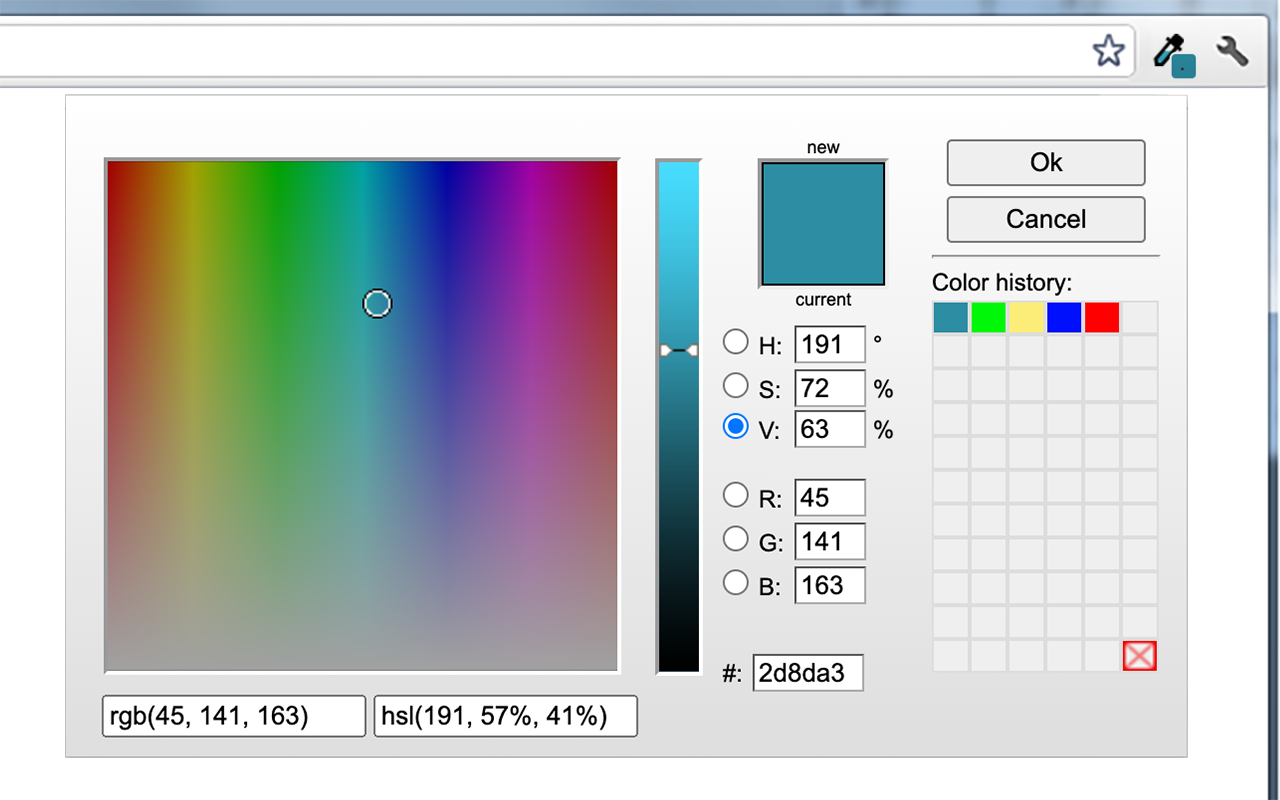
CSS Gradient Generator Features:
Powerful Photoshop-like interface
Cross-browser CSS output
Horizontal, vertical, diagonal, and radial gradients
Complex multi-stop gradients
Support for opacity with multiple opacity stop points
Hex, rgb, rgba, hsl, hsla color formats
Full multi-stop gradient support for IE9
Import from images (convert image gradients to CSS)
Import from existing CSS
Adjust gradients via hue, saturation, and lightness
Over 135 gradient presets
Save custom gradient presets
Sass output
Flexible preview panel
Permanent links for gradients for sending and sharing
ColorZilla is the most user-friendly, full-featured, secure, and reliable color picker and suite of color-related tools. It is one of the most popular developer extensions for Chrome and Firefox, with over 10 million downloads globally.
More features coming soon!