
 Script Planner Assistant▸
 AI Apps
 AI News

Google Vids: AI-Powered Video Creation Tool
Google Vids: AI-Powered Video Creation ToolIntroduction
Google Vids is an AI-driven video creation tool launched by Google in 2024, designed specifically for the workplace. Its purpose is to simplify and enhance the process of video creation and editing in work environments. As part of the Google Workspace suite, Google Vids integrates seamlessly with tools such as Docs, Sheets, and Slides.
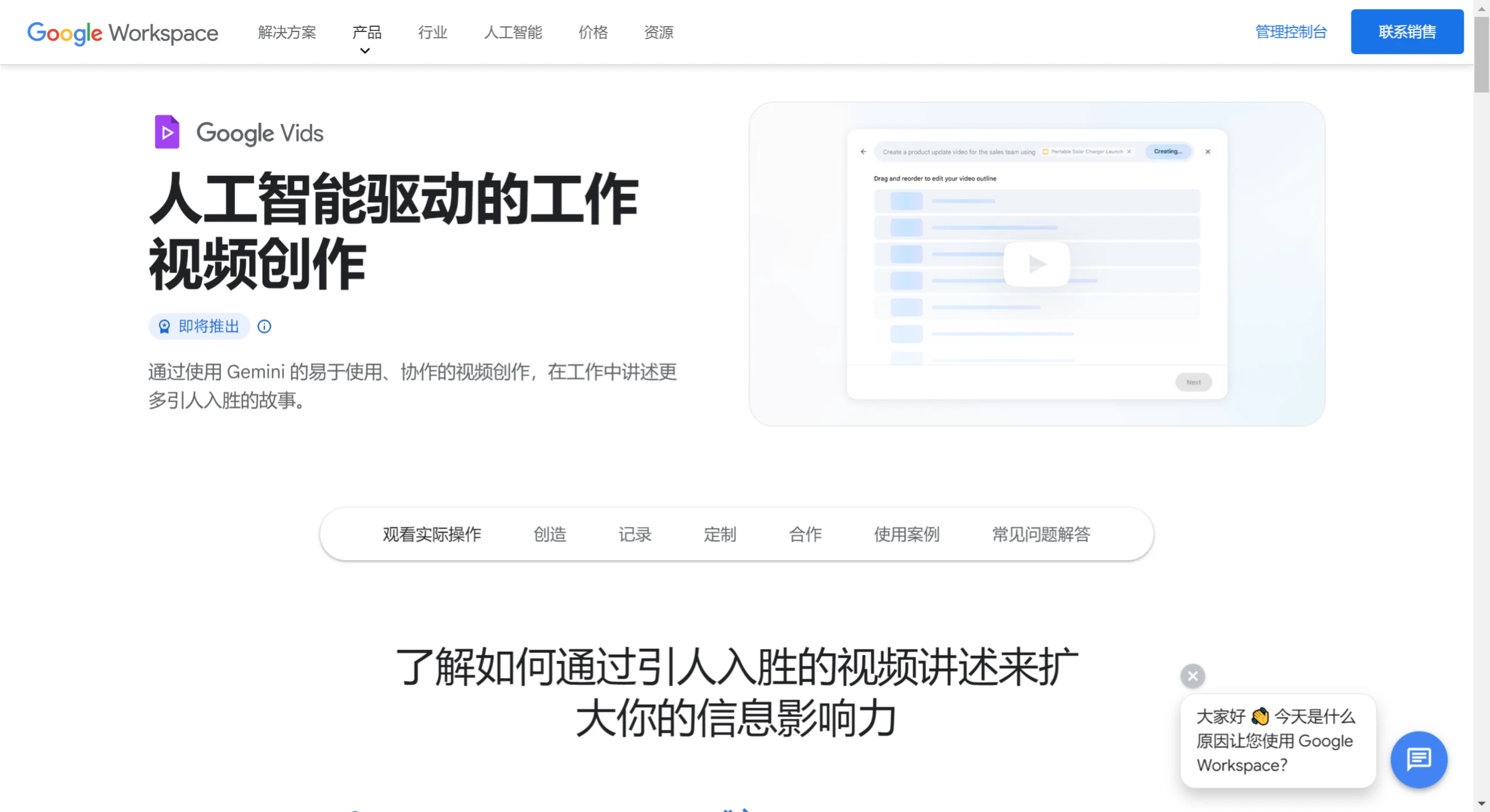
Google Vids Core Features and Advantages:
AI-assisted creation: Users simply need to enter the topic or description of the video, and Google Vids can automatically generate a story outline, script outline, and even provide preliminary visual content suggestions.
Personalized editing: It supports users in editing videos through the browser, including clipping, adding transitions, selecting templates, adjusting audio tracks, and customizing video styles.
Material and style selection: It provides a rich library of stock materials, including video clips, images, and background music, while allowing users to use their personal files from Google Drive.
AI-generated visuals and sound: It automatically generates visual elements based on the script, such as animations and illustrations, and can generate voiceovers or virtual characters according to the script content, adding vibrancy to the video.
Real-time collaboration: It supports multi-user real-time collaborative editing, improving team collaboration efficiency and reducing the hassle of file transfers.
Integration with Google ecosystem: It is tightly integrated with services such as Google Drive and Photos, making it convenient for users to access and use their own material libraries.
Positioning and application: Primarily targeted at scenarios such as work reports, training materials, and team activity recaps. Video length is usually within 3 minutes, emphasizing quick production and the convenience of information delivery.
Google Vids Scenario Applications:
Enterprise marketing and promotion: Enterprises can use Google Vids to create product introductions, brand promotions, and event marketing videos.
Education and training: Educational institutions and trainers can use Google Vids to create teaching videos, course introductions, and learning materials, which is also suitable for remote training videos.
Project showcase and reporting: Team members can use Google Vids to create project progress reports and achievement showcase videos, presenting project status and outcomes to leaders, clients, or team members in an intuitive way.
Activity recording and memories: Users can use Google Vids to record special events, travel experiences, or family gatherings, creating videos to preserve memories.
Collaboration and sharing: As part of Google Workspace, Google Vids supports multi-user collaboration, allowing team members to comment, leave messages, and edit videos in real time. This feature is particularly suitable for projects that require team collaboration, such as marketing campaigns or the development of educational courses.
What are the limitations of Google Vids?
10-minute video time limit
Although Gemini controls most of the video production, fine-tuning it may be difficult for those unfamiliar with video editing or video production. For your average user, there will definitely still be a learning curve.
Senior video content creators may find that professional presentations lack polish. The final product is more suitable for internal project presentations, similar to presentations powered by Google Slides.
Quality depends on the effectiveness of your prompts to the Gemini engine that supports Google Vids. These affect the video's storyboard, scenes, and feel.
A small portion of stock music, media, themes, voiceovers, and images may be recycled.
Vertical format videos are currently not supported.
How to use the Vids tutorial?
Open Vids from the Google Drive menu, and Gemini requests contextual prompts that include existing documents.
Based on that prompt, Gemini suggests a narrative outline for the story, which I can easily edit and customize. After choosing from a range of expressive styles, Google Vids works its magic.
View the initial draft of my story with beautifully designed fully animated scenes, complete with stock media and music related to my prompt.
Add the generated script to bring the story to life with voice. Add interesting videos and photos I took from Google Drive and Google Photos.
With Vids, you can personalize your story your way—by recording yourself or using one of our Gemini preset voices.
Enrich scenes with high-quality music and media from Google's stock content library or your own content to really make your story shine.











