
 Script Planner Assistant▸
 AI Apps
 AI News

Pollo AI: AI Video Generator
Pollo AI: AI Video GeneratorIntroduction
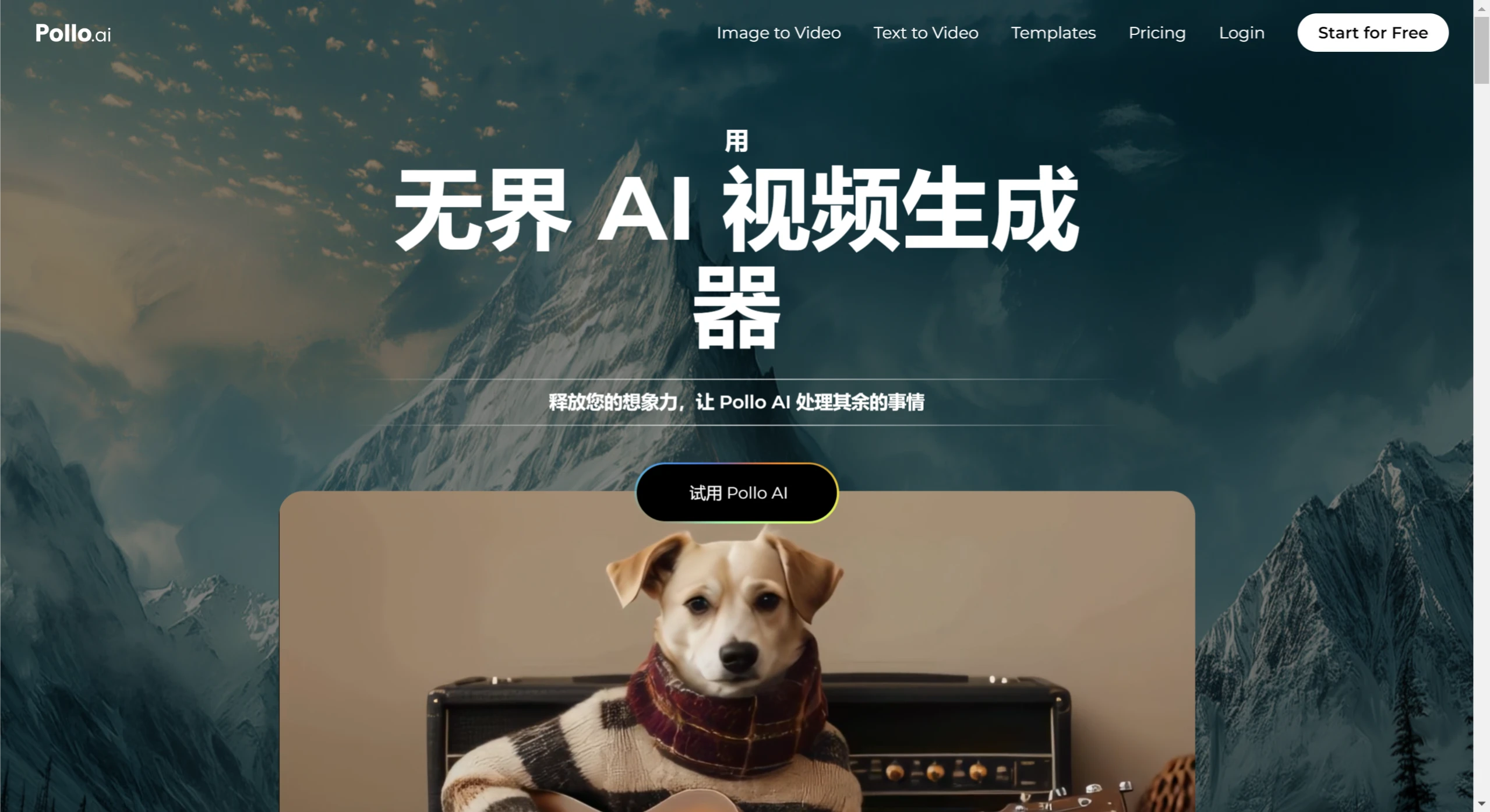
Pollo ai is an AI video generator developed by the Singapore-based company HIX.AI. Pollo AI is extremely easy to use — users simply need to input a simple text description, and the AI can transform it into a complete video production, including animations and transitions.
Pollo AI not only supports text-to-video conversion, but can also add dynamic effects to uploaded static images, enabling users to achieve complex video effects through simple operations.
Pollo AI Key Features:
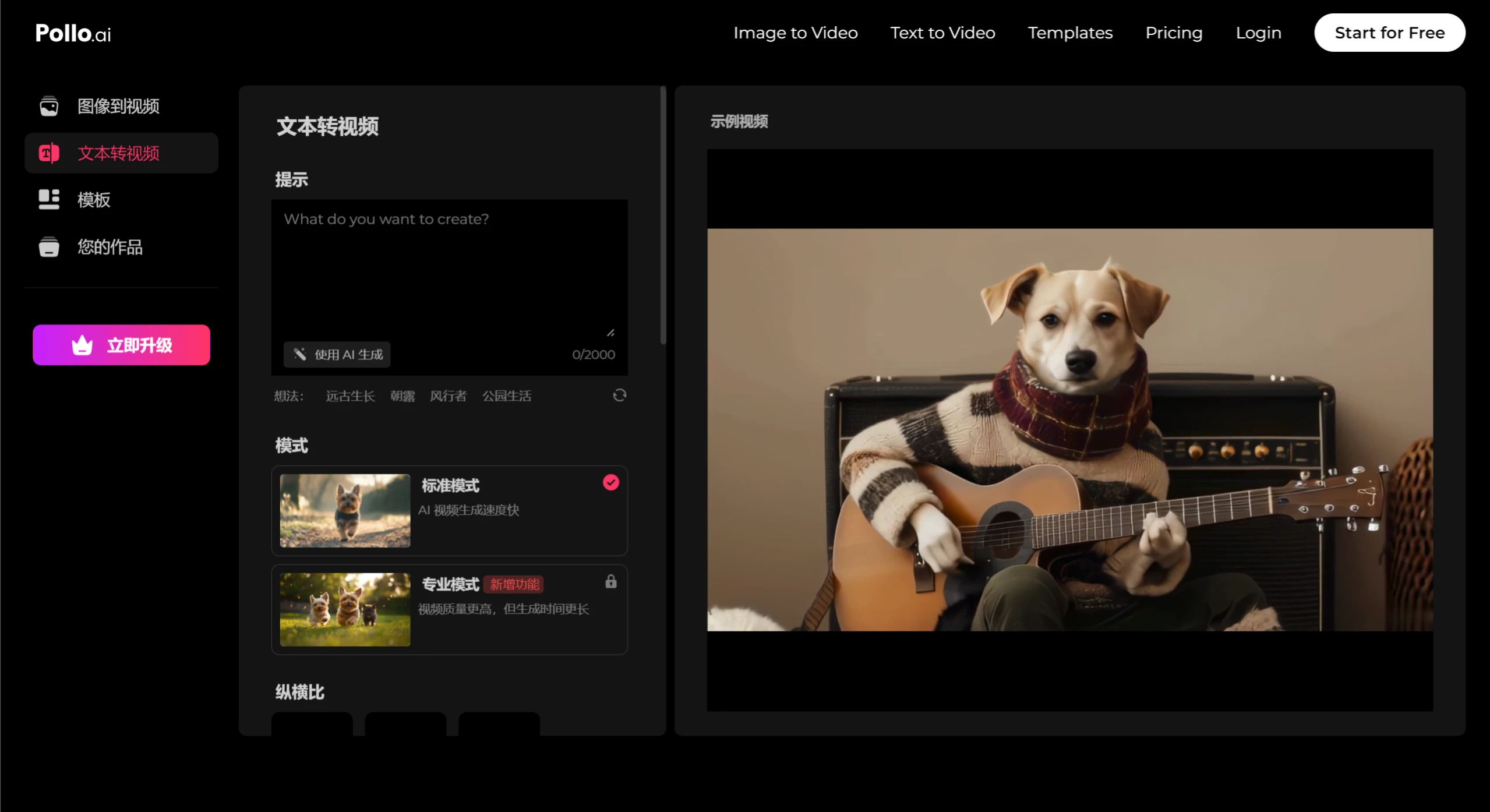
Text-to-Video Generation: Users only need to input a simple text prompt, and Pollo AI can identify the keywords and transform them into a video that matches your ideas. This process requires no complex video creation skills, allowing anyone without experience to quickly bring their creative ideas to life.
Image Animation: In addition to text, Pollo AI also supports turning static images into dynamic videos. Users can upload images and bring them to life through text descriptions, generating content that is rich in emotion and storytelling.
Diverse Video Styles: Pollo AI can generate videos in various styles based on user needs, from realistic cinematic scenes to unique artistic animations, greatly expanding creative possibilities.
High-Quality Output: Pollo AI is capable of producing high-resolution, professional-grade videos, ensuring that every video has strong visual impact and artistic appeal.
Fast Generation: Pollo AI typically completes video generation in less than one minute, significantly improving content creation efficiency.
How to Use Pollo AI?
Register an Account: Visit the Pollo AI website and sign up using Google or your email.
Choose an Input Method: Decide whether you want to generate a video using a text prompt, an image, or an existing video.
Enter a Text Prompt or Upload a Static Image: Input the text description of the video you want to create, or upload an image/video as a starting point.
Customization Options: Before generating the video, you can select parameters such as video style, length, resolution, camera angle, and panning settings. These options help you tailor the final video output.
Generate Video: Click the generate button and wait for Pollo AI to create your video, which typically takes about 5–15 minutes.
Preview and Edit: Once generated, you can review the video and make edits or adjustments as needed. If you're not satisfied, you can go back and modify your inputs or customization options.
Download or Share: After completing edits, you can download the final video or share it directly to social media from the Pollo AI platform.
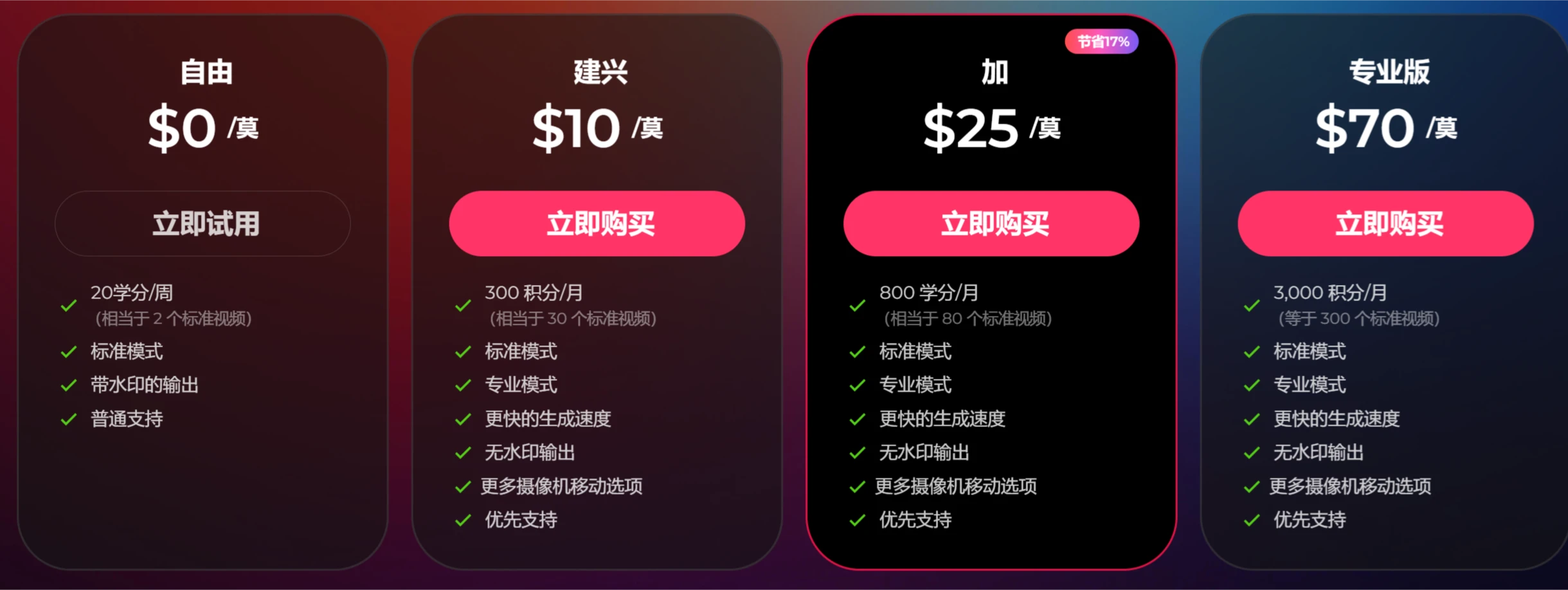
Please note that videos generated with a free account will include a watermark. To remove the watermark, you will need to upgrade to a paid plan.
Pollo AI Pricing:
Users can try Pollo AI for free, receiving 20 credits per month, but videos generated will include a watermark and have limited editing and camera movement options. For more features and credits, users can choose from different paid plans, with prices ranging from $15 to $90 per month, offering 300 to 3,000 credits. Creating a video in standard mode requires 10 credits.
Pollo AI is suitable for projects such as educational videos, commercial advertisements, and social media content.











