Script Planner Assistant▸
 AI Apps
 AI News

iconFont: Alibaba Vector Icon Library
iconFont: Alibaba Vector Icon LibraryIntroduction
iConFont, an online vector icon library built by the Alibaba Experience Team, is powerful and rich in content. It provides designers and front-end developers with convenient tools, supporting vector icon download, online storage, and format conversion.
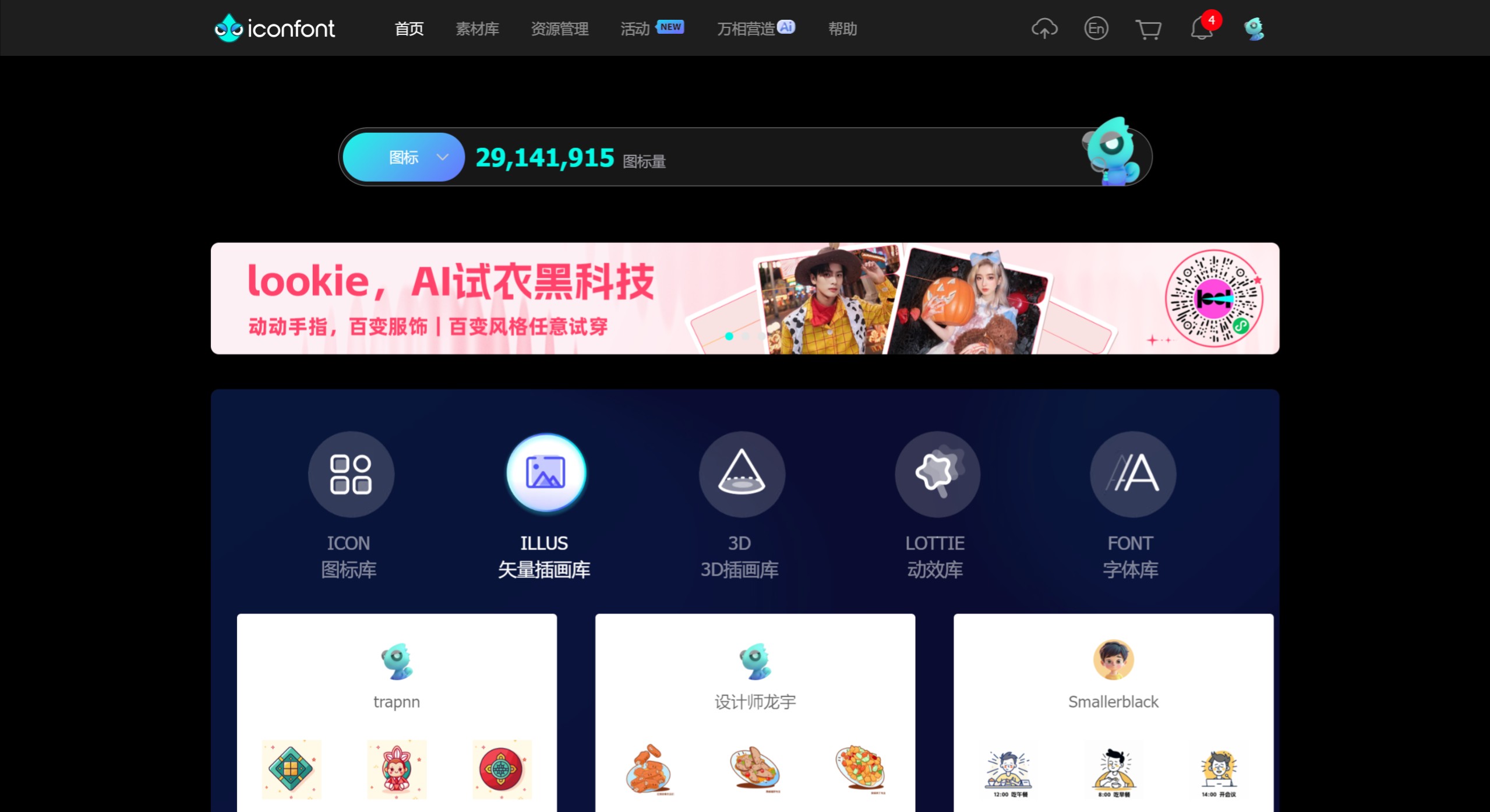
Main Features of iConFont:
Rich Icon Resources: Iconfont has over 3,700,000 icons covering various fields such as life, holidays, business, etc. Users can search and download icons based on their needs. These icons can be used in web design, mobile applications, and many other scenarios.
Diverse Icon Styles: The platform offers multiple icon styles including line, filled, flat, hand-drawn, minimalist, and exquisite, making it easy for designers to filter the right icons based on their requirements.
Online Editing: Users can directly adjust icon size, color, line thickness, icon style, and other elements on the platform without downloading them locally for editing.
Infinite Scaling: A notable advantage of vector icons is that they can be scaled infinitely without losing quality, accommodating different screens and resolutions while maintaining clarity across all devices.
Customization: Users can create their own icon libraries, add required icons to a cart, and perform batch downloads or online storage for later use.
Format Conversion: Iconfont also supports converting icons into different formats to meet the needs of various projects.
Steps to Use Iconfont:
Step 1: Open the iconfont website and search for the icons you need.
Step 2: Select suitable icons and add them to the cart.
Step 3: Download the icons from the cart or generate font icons.
Step 4: Import the downloaded icon files into your project for use.
Step 5: Adjust the icon size and color according to your project requirements.
Application Scenarios of iConFont:
Web Development: Commonly used for icon design and implementation on websites.
Mobile Applications: Using vector icons in mobile apps to enhance visual effects.
UI Design: Helps designers quickly find suitable icons for UI design.
Brand Design: Used for designing brand identities and promotional materials.
Education & Training: Icons are used in educational and training materials to enhance understanding.