
 Script Planner Assistant▸
 AI Apps
 AI News

FabPic: A Powerful Free Screenshot Beautifier
FabPic: A Powerful Free Screenshot BeautifierIntroduction
FabPic is a powerful and free screenshot beautification tool. FabPic is particularly suitable for beautifying screenshots, offering a variety of visual effects such as shadows, borders, and rounded corners.
FabPic Features:
Screenshot Beautification: Specifically designed for enhancing screenshots, providing various visual editing options such as shadows, borders, and rounded corners.
Diverse Upload Methods: Users can start editing by dragging and dropping images, pasting screenshots (Ctrl+V or ⌘ + V), or selecting images directly from their device.
Rich Editing Options:
Borders: Customize the border color, position, and shadow to add a professional look to your images.
Rounded Corners: Add rounded corner effects to images, giving them a softer appearance.
Background: Supports adding background colors, gradient colors, or blurred backgrounds, as well as adjusting image ratios such as square, 16:9, 4:3, and other formats.
Shadows: Add shadow effects to images to enhance the sense of depth.
Size Adjustment: Adjust image size and proportions without distortion.
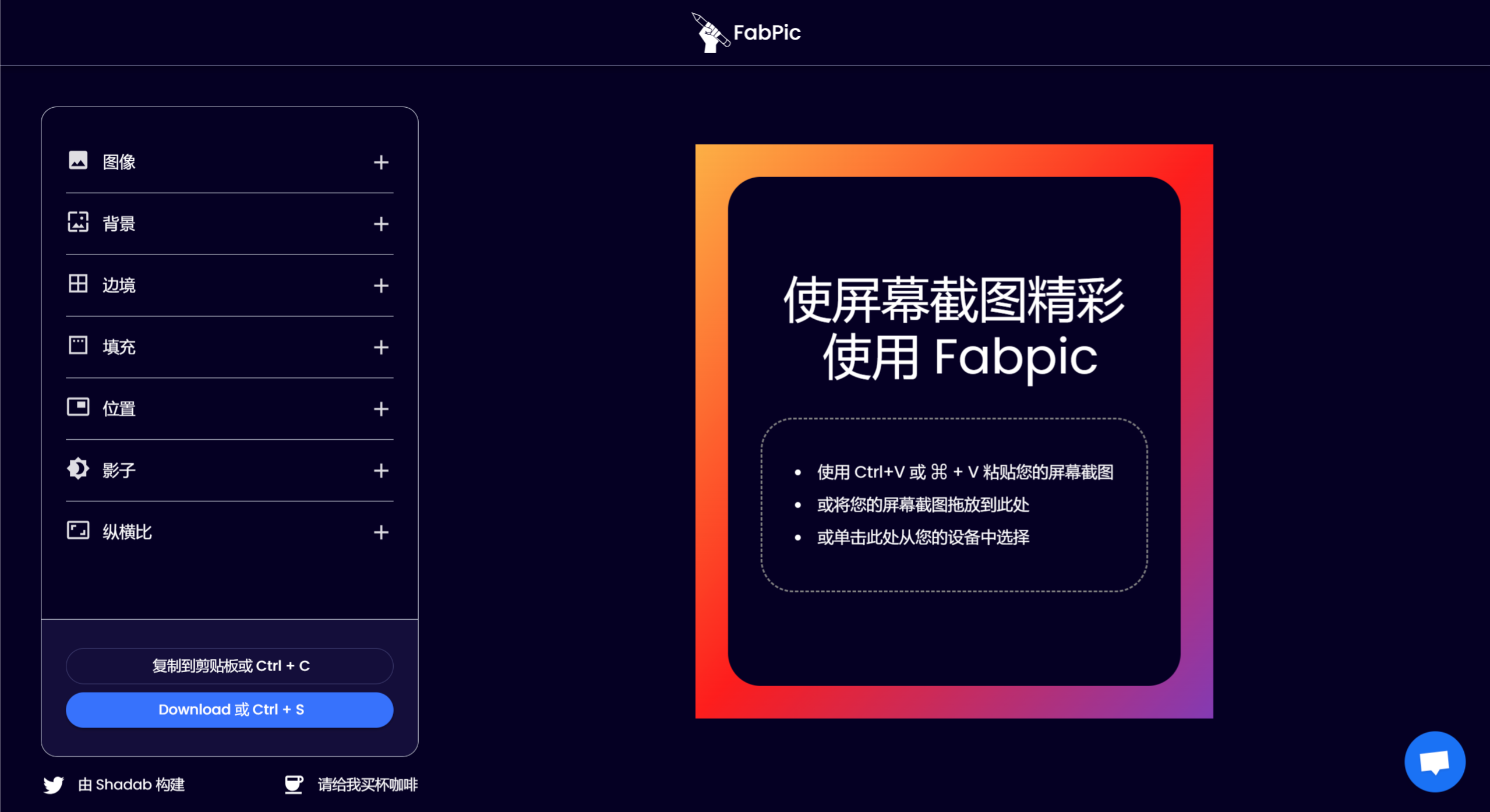
How to Use FabPic:
Open the website, and you will see many adjustable parameters. For example, the background color can be freely adjusted with built-in gradient color templates. The border color, thickness, and rounded corners of the image can also be adjusted, and the image position, shadow, and padding can all be freely set. These beautified screenshots also support various aspect ratios for different social media image sizes.
As an online tool, FabPic does not require users to download any software and can be operated directly in a web browser.















