
 Script Planner Assistant▸
 AI Apps
 AI News

AiXiang Painting: Free Text-to-Image Tool for Any PC
AiXiang Painting: Free Text-to-Image Tool for Any PCIntroduction
AiXiang Painting, a free text-to-image software for everyday computer use, requires no GPU or Python, supports quick installation and various model acceleration techniques, and supports GPU acceleration and quality mode.
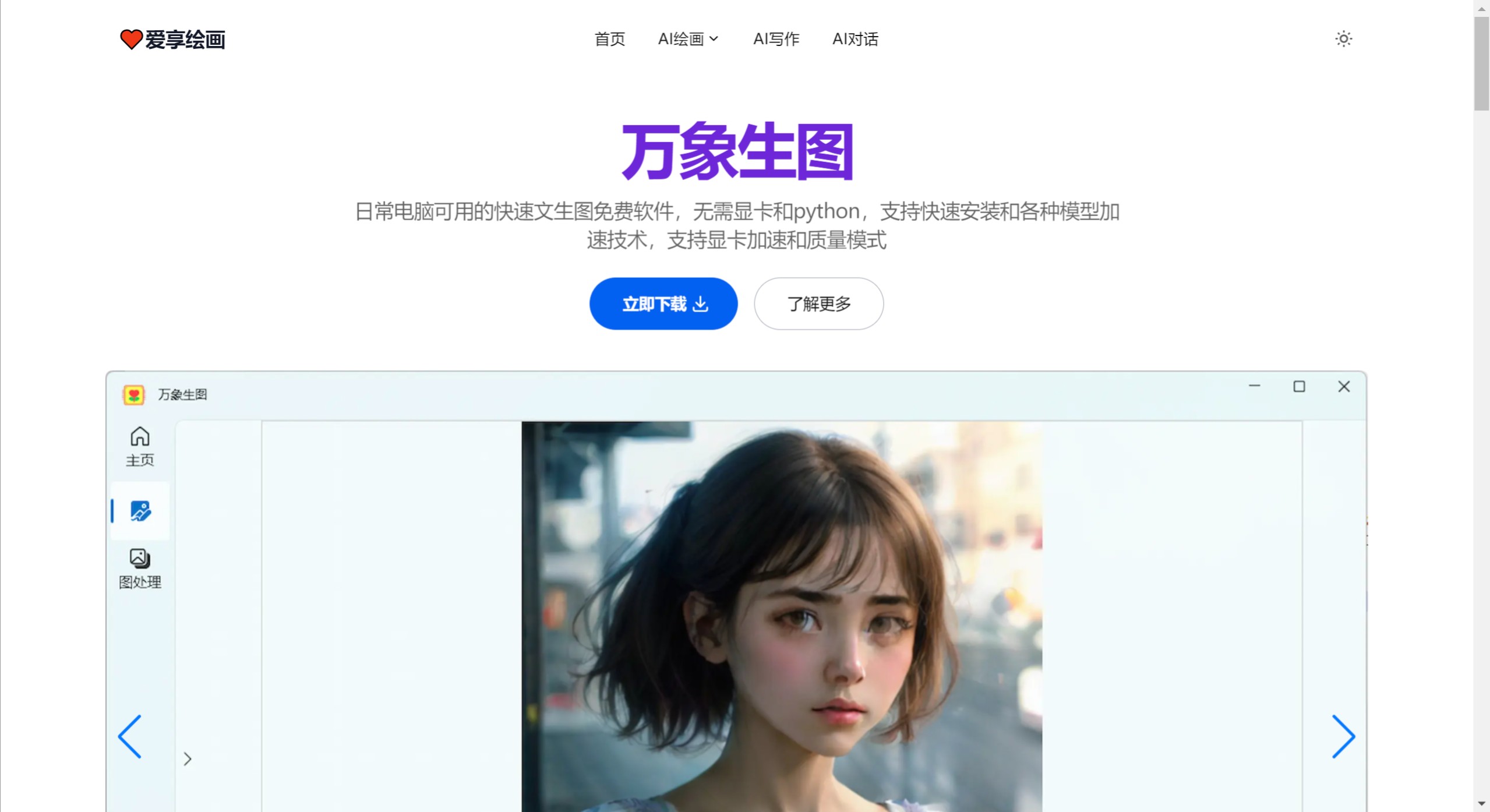
AiXiang Painting Advantages:
Developed using the latest AI rapid painting technology, supports StableDiffusion and Flux models, simple and convenient to operate, usable on everyday computers, no need for a GPU or configuring various Python environments
Fast generation speed: second-level generation, as low as 2-5s, supports real-time input generation, supports various model acceleration techniques such as LCM, TCD, Lightning, Hyper-SD, SDXS, and Flux-Schnell
Easy installation and use: no Python required, no command line, not a launcher, no complex operations, simple installation and operation, supports Chinese
Low hardware requirements: no GPU required, usable on desktop computers, 4-8G memory is sufficient, supports GPU generation
Unlimited local generation: no internet required, local offline generation, fully autonomous use, image copyrights are fully granted to you
Wanxiang Image Generation Main Features
Text-to-Image: Quickly generate 512x512 large images based on input text, supports Chinese input, supports inputting Chinese prompts, requires enabling local machine translation or AI translation, the software automatically translates to the language required by the model
Supports prompt weighting: unlimited number of prompts! Supports StableDiffusionWebUI prompt weighting syntax, can increase or decrease the weight of prompts for more precise control over generated images
Supports prompt examples and style selection: The software provides prompt reference examples and supports selection of styles such as photography, animation, and comics
Supports advanced options: Supports setting advanced image generation options, including denoising sampling steps, generated image size, and initial noise map seed
Drawing board, generates corresponding images based on doodles and prompts
Supports doodle creation
Use the brush to create various doodles or sketches and input corresponding prompts, the software generates corresponding images based on the doodles
Supports brush color and thickness selection
Supports various drawing board color and thickness selections, can erase incorrect doodles
Supports saving and loading drawings
Can save doodle drawings as files, supports loading doodle drawings from these files later
Supports real-time generation
Can check real-time generation, the software will periodically generate corresponding images from the doodles
Inpaint Erasure
Erase watermarks or objects in the image by painting over partial areas of the image
Supports inpaint models
Supports Big LaMa intelligent inpaint model, with better inpaint effects and faster speed
Supports various painting operations
Supports four quick operations: paint, erase, clear, and drag. Mouse scroll wheel can change the size of the painting area
Supports images of various sizes
Supports images of various sizes, larger images will be inpaintd by region, can drag the image to change the inpaint area
Supports drag-and-drop image selection
Supports directly dragging images to the image processing area for painting and inpainting
How to Download and Use AiXiang Painting?
Step 1: Software Download
This software is a desktop application. You can download the software runtime and installation package, simply click next to install, simple and convenient operation
Step 2: Model Download
Image generation requires downloading generation models, which are usually quite large. Supports downloading various models via cloud drives. You can follow the AiXiang Painting official account to get model release information
Step 3: Load Model
After downloading the generation model, add the corresponding model on the software home page, then select the model to load. Larger models take longer to load. Once loading is complete, you can start generating images















