
 Script Planner Assistant▸
 AI Apps
 AI News

FileZen: A Professional AI File Organization Tool
FileZen: A Professional AI File Organization ToolIntroduction
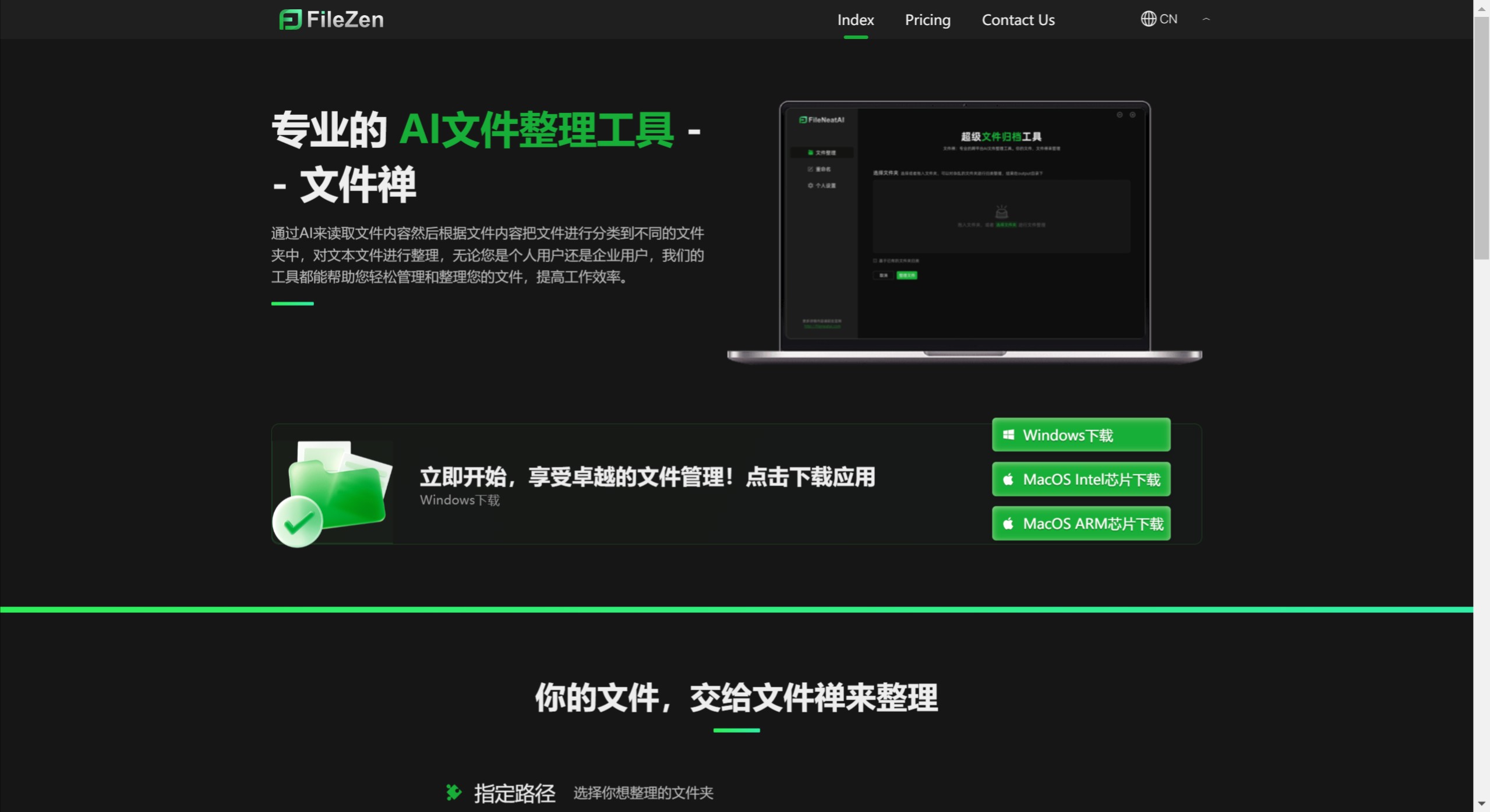
文件禅 reads file content through AI and then categorizes files into different folders based on their content, organizing text files. Whether you are an individual user or an enterprise user, our tools can help you easily manage and organize your files, improving work efficiency.
Features of 文件禅:
Intelligent Classification: 文件禅 uses AI to analyze file content and automatically categorizes files into appropriate folders, reducing the burden of manual organization. It can understand file content to make more precise classification decisions.
Intelligent Renaming: In the latest version, 文件禅 provides an intelligent file renaming feature, allowing users to batch rename files based on their content, improving file readability and retrieval efficiency.
Version Update: 文件禅 2.0 introduces more intelligent features, including support for local models, meaning it can run on the user's device, enhancing privacy protection and processing speed.
Scope of Application: Whether it's text files or other types, 文件禅 can effectively manage them, making it especially suitable for users dealing with large numbers of documents. It optimizes the management of desktop shortcuts and designated folders, keeping the file structure clear and organized.
Technology Application: 文件禅 employs advanced AI models such as GPT3.5 and GPT4, ensuring accurate and efficient file classification. These technologies enable the software to better understand file content, achieving smarter file management.
Multiple Operation Modes: Users can choose different organization modes, such as moving or copying files, providing flexibility to adapt to different usage scenarios.
Customizable Settings: Allow users to customize file paths, select the scope of files to organize, decide whether to move or copy files, and choose the AI model to use, based on individual or enterprise needs.
How to Use 文件禅 for Batch File Organization?
Download and Install: Download and install the 文件禅 software.
Launch the Software: Open the 文件禅 application and enter the main interface.
Select Organization Mode: In the main interface, choose the organization mode that suits you. 文件禅 provides multiple operation modes, such as moving or copying files, to adapt to different usage scenarios.
Import Files: Click the "Import" button and select the folder or files you need to organize. You can select multiple files for batch processing.
Intelligent Classification: Using the intelligent classification feature of 文件禅, the software will automatically recognize and classify imported files. Based on content and type, the system will place files into corresponding categories.
Manual Adjustment: If needed, you can manually adjust the classification results to ensure each file is in the correct location. You can reorganize files by dragging and dropping.
Execute Organization: After confirming all settings are correct, click the "Organize" button to start batch file organization. The software will perform the corresponding operations based on your settings.
View Results: After organization is complete, you can view the organized file structure to ensure all files have been categorized and stored as expected.
Regular Maintenance: It is recommended to use 文件禅 regularly for file organization to maintain good file management habits and improve work efficiency.
What Are the Differences Between the Free and Paid Versions of 文件禅?
Number of Files Processed: The free version limits users to organizing a maximum of 15 files, suitable for light users or trial purposes. The paid version supports organizing more than 100 files, suitable for individuals or enterprise users with greater file management needs.
AI Technology Level: The free version uses an AI model similar to GPT3.5 level, providing basic file classification capabilities. The paid version is upgraded to use an AI model equivalent to GPT4 level, meaning more advanced intelligent analysis and more accurate file classification.
Network Speed: Paid version users enjoy priority network speed, which is a significant advantage for users who need to quickly process large numbers of files.
Customer Service: The free version may not provide human support, requiring users to rely on online documentation or community support. The paid version provides one-on-one human service, ensuring users receive timely help and solutions when encountering problems.
Customization and Support: The paid version may provide more customization settings to meet specific user needs, while also offering more professional technical support and update services, ensuring software stability and continuous optimization.















