
 Script Planner Assistant▸
 AI Apps
 AI News

EaseUS Vocal Remover: Free Online Vocal and Accompaniment Extractor
EaseUS Vocal Remover: Free Online Vocal and Accompaniment ExtractorIntroduction
EaseUS vocal remover is an online audio processing tool developed by EaseUS. By leveraging advanced AI algorithms and deep learning technology, it can accurately separate vocals and accompaniment from complex audio tracks. Users simply need to visit the official website, upload an audio or video file, and the AI will automatically process it and generate separate audio files. The tool is easy to operate, requires no software download or installation, and is suitable for users with no technical background. It is widely used in music production, karaoke track creation, and other fields.
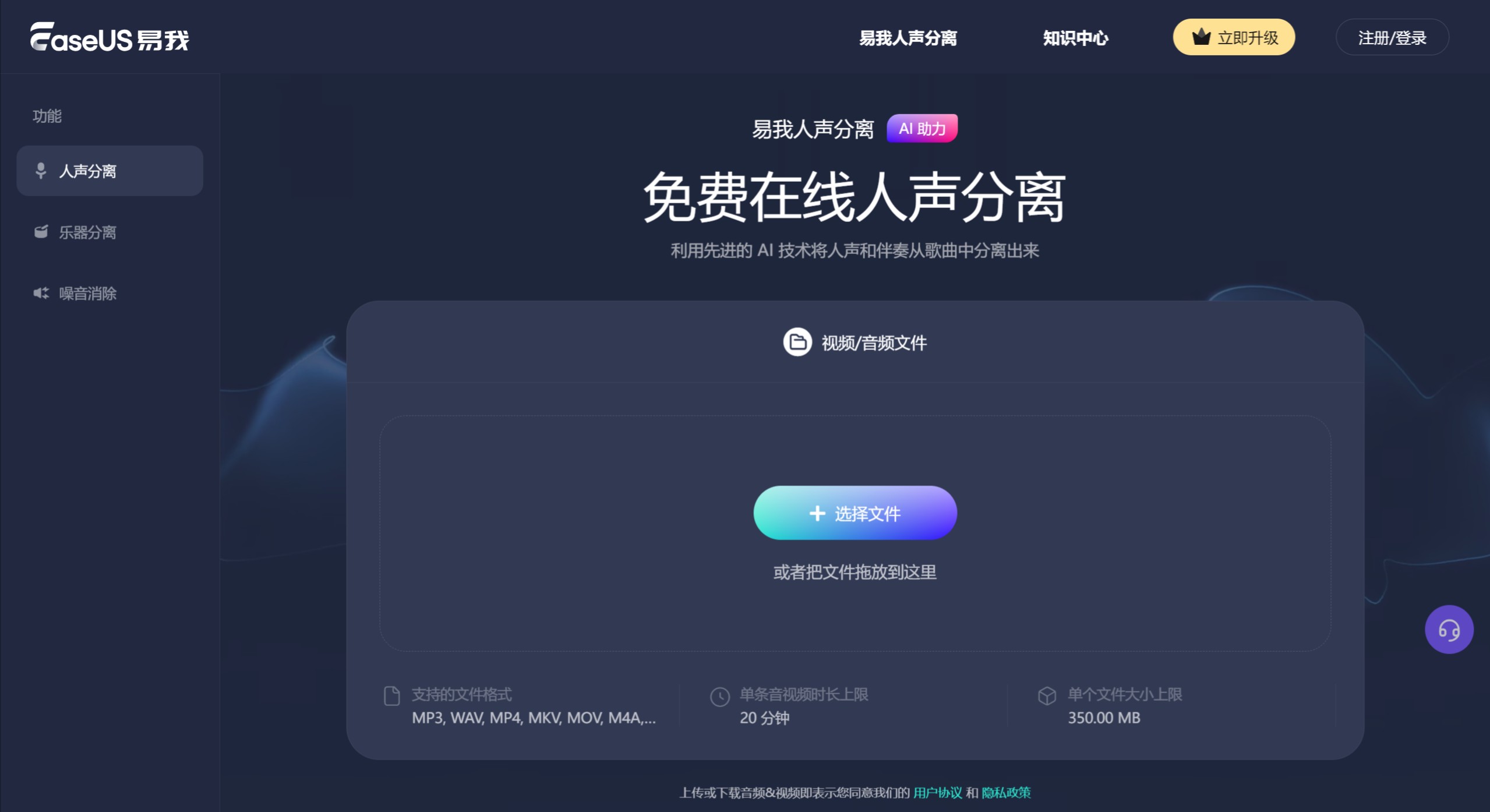
EaseUS Vocal Remover Features:
AI Automatic Audio: Through artificial intelligence algorithms, it can automatically detect and extract vocals or music in an instant, without complex manual operations, freeing your hands.
Multiple Separation Types: It can not only separate vocals and music, but also separate drums, bass, piano, vocals, and noise, while maintaining the original quality.
Extract Sound from Audio/Video: It supports not only audio files but also video files, allowing you to easily extract sound from videos.
Multi-Format Support: EaseUS vocal remover supports various video and audio formats, including MP3, WAV, M4A, FLAC, and more.
Noise Reduction: Effectively removes background noise, making the audio clearer.
How to Use the Vocal Remover?
Visit the official website: First, visit the official website of EaseUS Vocal Remover.
Select the feature: Choose the "Vocal Remover" feature on the page.
Upload a file: Click "Select File" to upload the audio or video file from which you want to remove vocals. You can also upload the audio or video file to the web window (or simply drag and drop the file into the window).
AI processing: After uploading, the AI will automatically process the audio, which may take some time.
Download the result: Once the AI processing is complete, the accompaniment audio and vocal audio will be generated. Users can choose "Download All" to save these two separate audio files.
Note: Please do not forget to download the files. These files will be automatically discarded after you leave this page.
EaseUS Vocal Remover Use Cases:
Music production: Helps music producers separate vocals and instrument sounds, making it easier to edit and remix.
Karaoke creation: Extracts accompaniment from favorite songs for KTV or personal singing practice, enhancing the karaoke experience.
Video editors: Extracts pure vocals from videos for making voiceovers or narration.
Audio restoration: Removes background noise from recordings to improve sound quality.
Whether you are a professional music producer, songwriter, or simply want to become a karaoke enthusiast or leave behind unforgettable background music, EaseUS Vocal Remover can meet your needs. It is a powerful assistant to help you explore the world of music.














