Script Planner Assistant▸
 AI Apps
 AI News

Blush.Design: Automated Illustration Generator
Blush.Design: Automated Illustration GeneratorIntroduction
Blush.Design is an online platform that provides free illustrations, allowing users to choose illustrations from artists around the world and customize their designs. Blush.Design enables users to create and download illustrations in PNG or SVG format for use in a variety of design projects, such as web applications, ppt designs, and more.
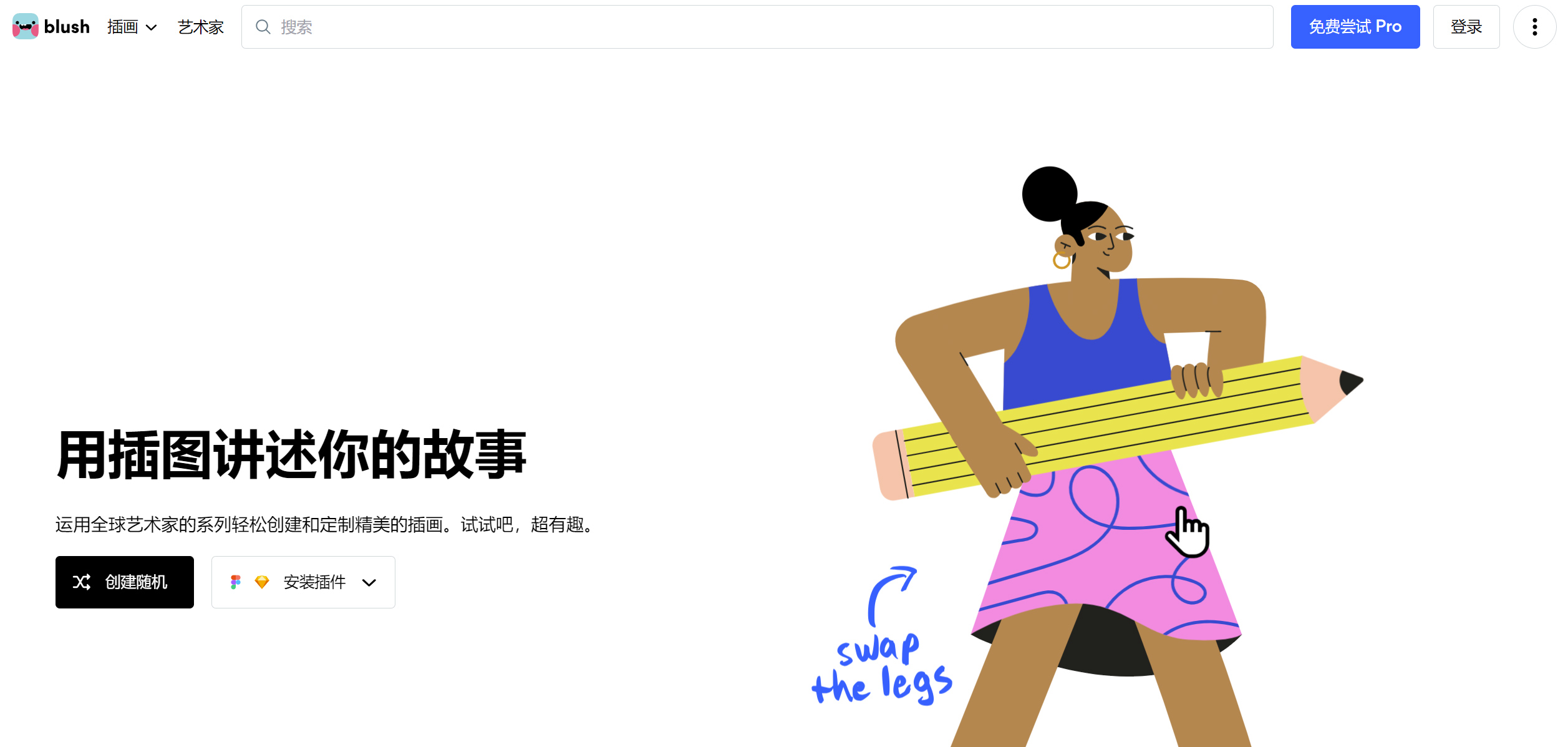
Blush.Design can be used as a plugin for Figma and Sketch, allowing designers to easily play with illustrations within their design tools without losing the canvas background. Blush can also be used to create on the web, so anyone can download illustrations and add them to their creations.
Features of Blush.Design:
Diverse illustration library: Blush offers 12 different style illustration libraries, covering categories such as characters, cityscapes, plants, desserts, and doodles, meeting a wide range of creative needs.
Highly customizable: Users can select and adjust individual elements within an illustration—like playing a dress-up game—such as changing a character's hair, clothing, skin tone, and more, to create one-of-a-kind illustrations.
Download formats: Free users can download images in PNG format, while the SVG format (suitable for advanced uses requiring editing) requires upgrading to a Pro membership.
Compatibility: Blush provides plugins for Figma and Sketch, making it convenient for designers to use or edit illustrations directly within the tools they are familiar with.
Versatility: From website design and UI/UX design to posters and social media content, Blush's illustrations can add a unique visual style to a variety of visual projects.
Licensing: The Blush license allows you to use all patterns for personal and commercial purposes without the need to provide attribution.
How to use Blush.Design?
Choose a style: First, choose one you like from a variety of styles and themes. Try out various variations and fine-tune the details.
Customize the illustration: You can choose the specific actions, colors, backgrounds, heads, and other details you want, try out various variations, and export the character poses and effects you desire.
Use it in your designs: Once finished, download the PNG or SVG you created and use it on your website, PPT design, or other projects.