
 Script Planner Assistant▸
 AI Apps
 AI News

QianLu AI: A Lightweight, Feature-Rich AI Toolkit
QianLu AI: A Lightweight, Feature-Rich AI ToolkitIntroduction
QianLu AI, a lightweight yet feature-rich AI tools collection. By integrating AI capabilities, it can work seamlessly with multiple design software, enabling the rapid generation of image content that users need, saving time spent on manual image design, editing, and daily tasks, thereby improving work efficiency.
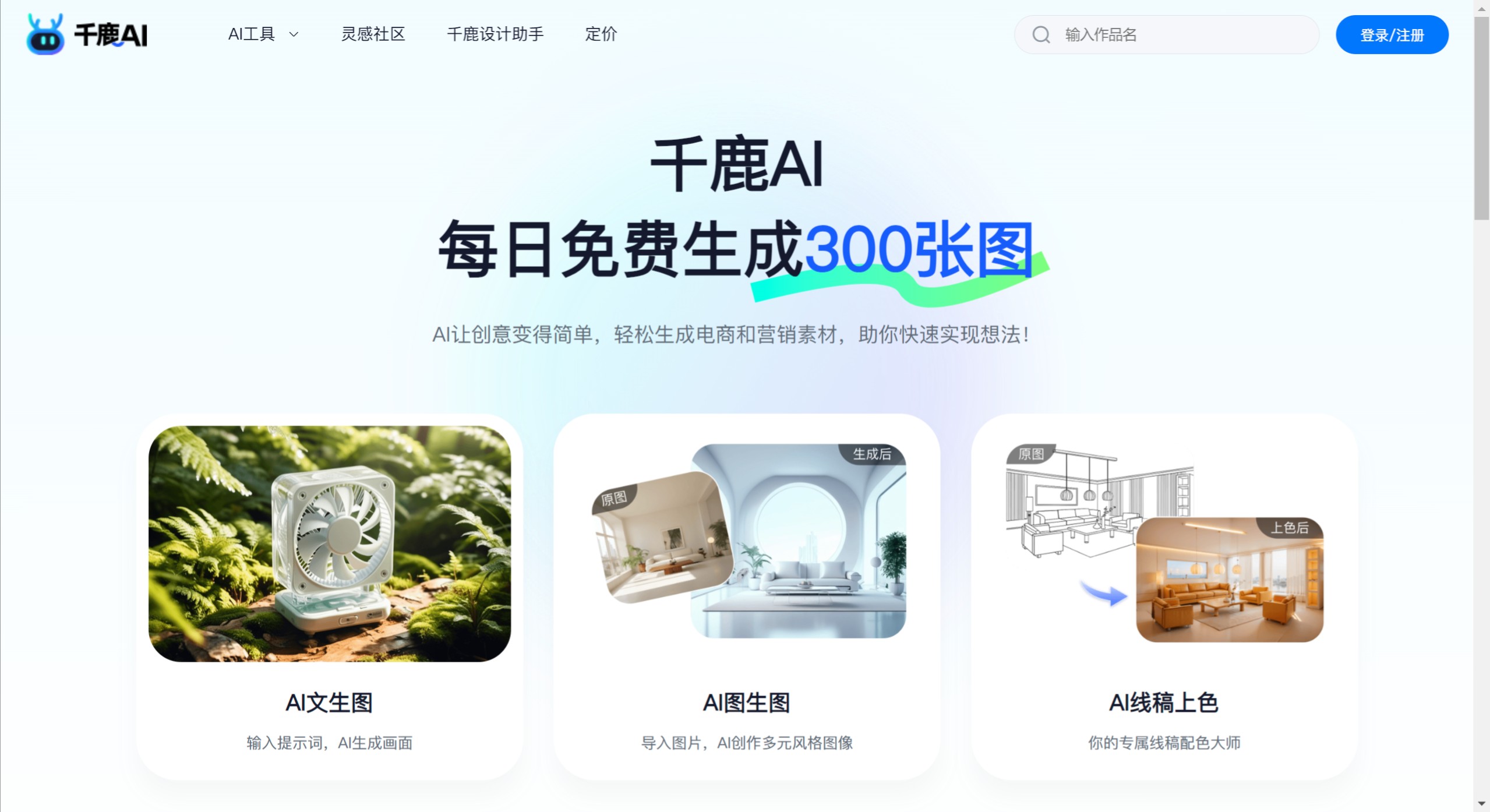
QianLu AI Key Features:
Quick Content Search: Through the quick search feature, input search terms to quickly find plugins and shortcut functions.
Quick Image Processing: Select the image to process in the file explorer, press the corresponding hotkey for the shortcut function, and the selected image data can be quickly imported into that shortcut function for image processing.
For example, select an image in the file explorer, press the hotkey for "Open Inpainting," and the selected image will be imported into the plugin for inpainting processing.
Premium Icon Assets: ICON Master provides a massive collection of beautiful icons, eliminating any hassle when using icons.
Batch Image Processing: Uniformly adjust image sizes and perform batch format conversions, making your image management tasks easy and enjoyable.
Quick Translation: When encountering unfamiliar English, select a word or sentence, long-press the right mouse button (customizable shortcuts supported), and a function menu will pop up, allowing you to quickly access the translation feature.
Aggregated Translation: One-click aggregation of results from multiple translation engines, making it easy to compare and choose the most accurate translation.
OCR Text Recognition: Converts text in images into editable text, greatly improving work efficiency.
QianLu AI Use Cases:
Establish connections with design software for seamless interaction: QianLu Design Assistant supports adding design software connection services, enabling data interoperability with the design software you are using. All AIGC plugins can obtain images to be processed from the design software through service connections, and quickly export the AI-generated images back into the design software for use, ensuring a smooth and uninterrupted workflow.
Supports quick application—from wherever it came, back to wherever it goes: Adhering to the core philosophy of "convenient operation," QianLu Design Assistant allows you to directly apply content generated by plugins to your most recently used applications. For example, when editing a PPT, if you use a plugin to generate an image, simply click the "Quick Use" button, and the image will be automatically copied, the plugin window will then hide, and the system will immediately take you back to the PPT interface to complete the image insertion, greatly simplifying operation steps and improving work efficiency.
Quickly summon the function menu and access shortcut features anytime: When you enable "Function Menu" in settings, you can trigger the function menu in any scenario through a customized shortcut (e.g., Ctrl+C+C). The function menu brings together shortcut features from all plugins, and we provide intelligent recommendations based on your usage scenario. If you select a piece of text, we will prioritize recommending text-related shortcut features for you, such as "Selection Translation" and "Generate Image from Selected Text."
In the Windows system, you can summon QianLu Design Assistant in any scenario using the shortcut Alt + Space (the shortcut for Mac systems is Option + Space). Whenever you need it, you can quickly call upon QianLu Design Assistant to serve you.
QianLu Design Assistant, a creative partner tailor-made for designers in the AI era. To serve the unique needs of every designer, we provide a rich and diverse set of functions. Whether it's image processing, design optimization, or creative inspiration, QianLu Design Assistant can fulfill them all.














