
 Script Planner Assistant▸
 AI Apps
 AI News

Oneimg: Open-Source Text-to-Image
Oneimg: Open-Source Text-to-ImageIntroduction
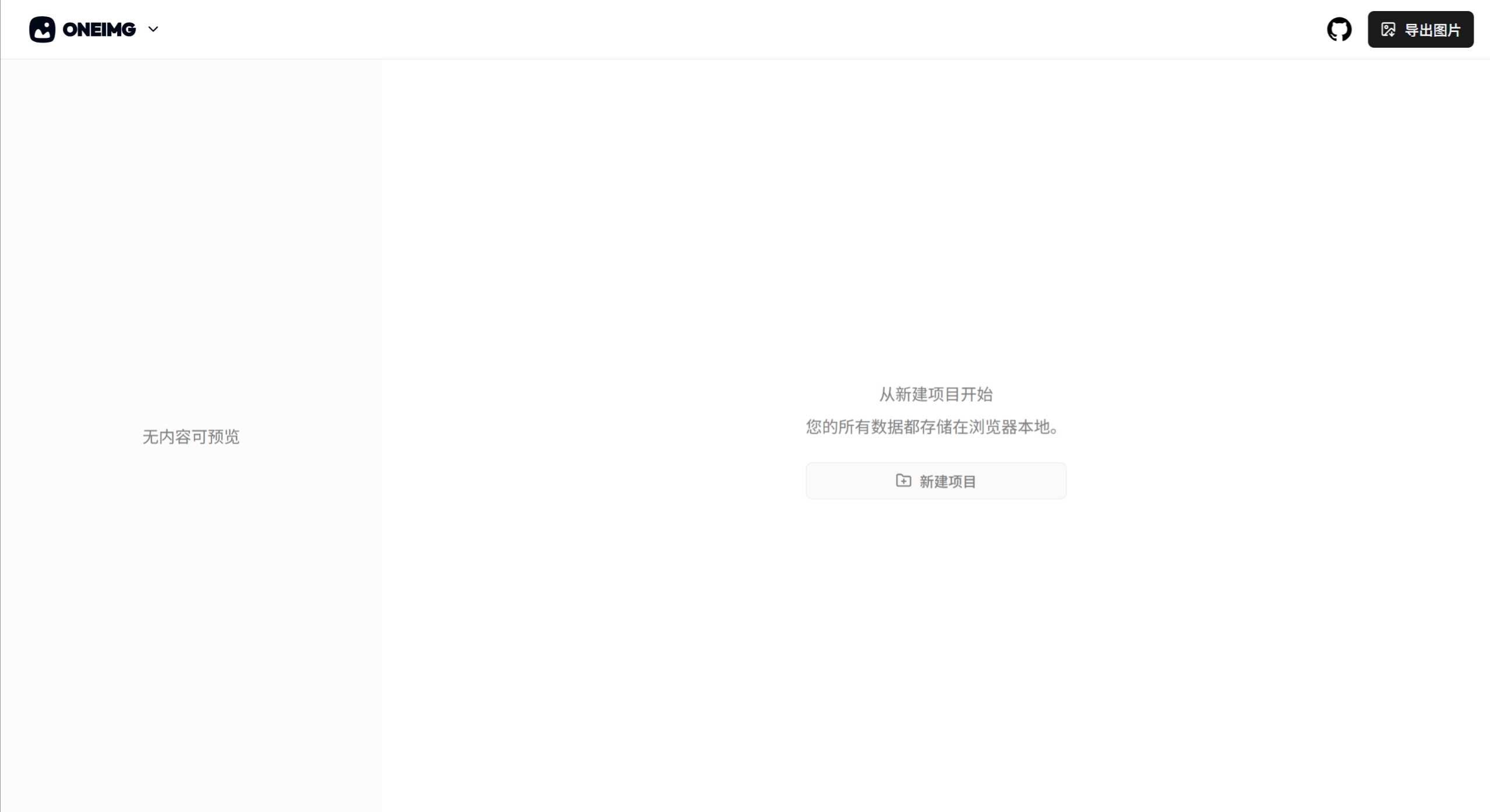
Oneimg is a free, open-source tool for converting text to images. It is a pure front-end text-to-image application that allows you to input text and images through an editor, use preset CSS template styles, quickly generate previews, and export them as images. It is ideal for creating long-form images for WeChat public accounts and posts on platforms like Xiaohongshu.
Oneimg Features
Quickly convert text to images, significantly improving content creation efficiency
Built-in multiple templates and theme colors, with more templates under development
Fixed-layout editor, no need to worry about complex typography
Real-time preview of the generated long images
Export as long images or multiple sliced images
Open format, export themes as .oneimg JSON files
The text editor supports formatting such as bold, italic, underline, and lists
Oneimg Use Cases:
Create long-form image posts for social media
Create product introductions or service descriptions
Design simple infographics
Create online course materials
Create internal company communications or reports
How to Use Oneimg
After opening the application, first create a theme
Select a preset CSS style template
Use the editor to input content and preview the generated image style in real time
Click the export button to generate PNG format images and download them.
Oneimg Project Address:https://github.com/byodian/oneimg














