
 Script Planner Assistant▸
 AI Apps
 AI News

FacePoke: AI Portrait Expression Editor
FacePoke: AI Portrait Expression EditorIntroduction
FacePoke is a free online AI tool built on the LivePortrait framework, focusing on real-time editing of facial expressions and head positions of portraits. FacePoke leverages advanced AI algorithms to allow users to adjust and manipulate facial features and expressions in digital portraits in real time, bringing static images to life with effects such as blinking and mouth movements.
Users can easily change facial features and expressions in digital portraits with simple clicks. FacePoke utilizes AI technology to make facial manipulation intuitive and efficient.
Steps to use FacePoke:
Upload a portrait image: Users first need to upload a clear, front-facing portrait photo to ensure the best editing results.
Adjust facial features: Users can click and drag facial features (such as eyebrows, mouth, or eyes) to adjust their position and shape. Additionally, you can change the head angle by dragging the chin or forehead to create different expressions and directions.
Preview and download: After completing the adjustments, users can preview the edited image and download a high-resolution version when satisfied.
How to install and use FacePoke locally?
Environment preparation: Make sure Python and the relevant dependency libraries are installed on your computer. The FacePoke project typically requires Python 3.8 or higher.
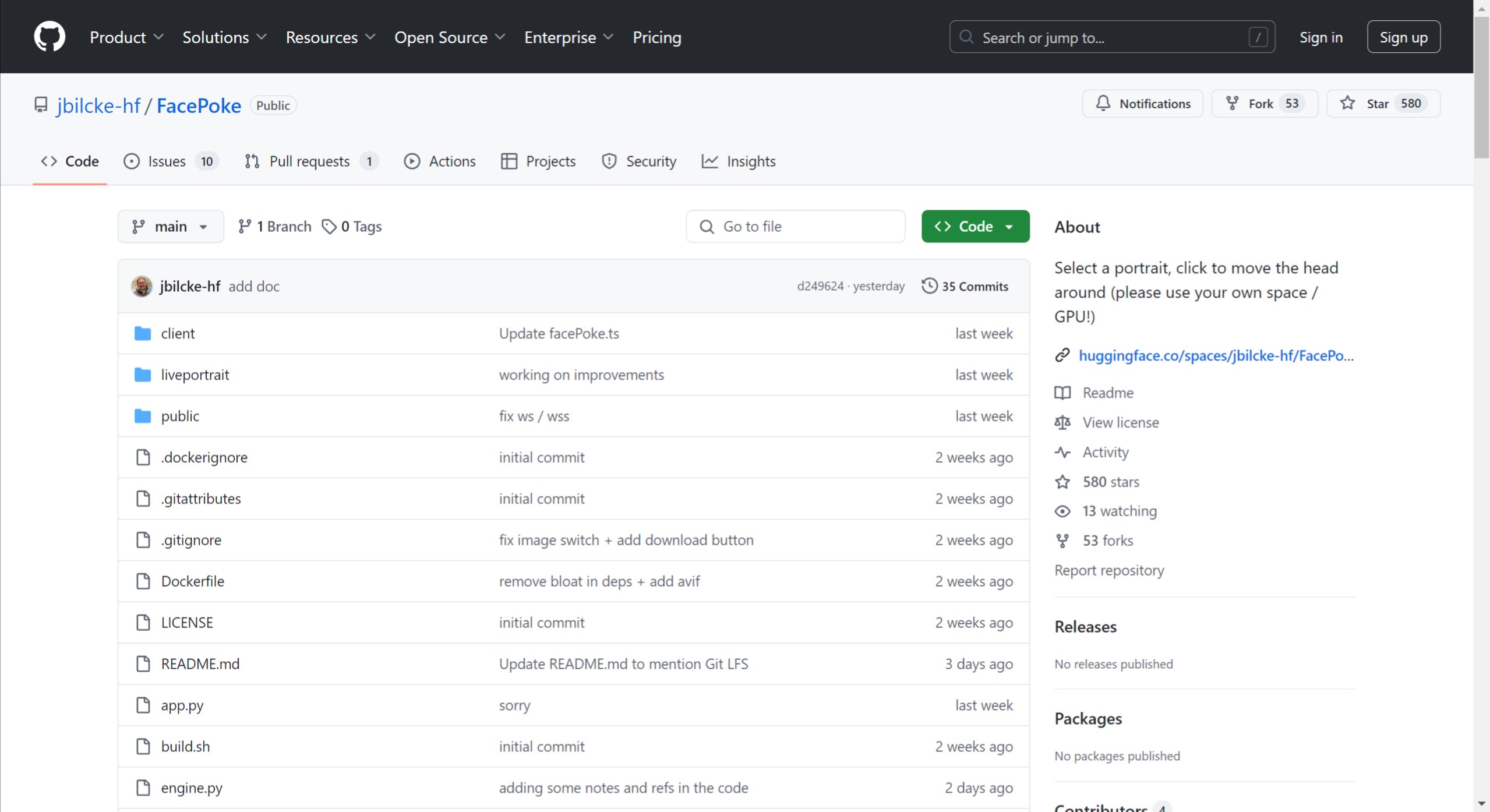
Clone the project: Clone the FacePoke repository from GitHub. You can use the following command:
git clone https://github.com/jbilcke-hf/FacePoke.git cd FacePoke
Install dependencies: In the project directory, use pip to install the required dependency libraries. Run the following command:
pip install -r requirements.txt
Docker deployment (optional): If you wish to deploy using Docker, you can follow the instructions in the project documentation. Make sure Docker is installed on your computer and build the image according to the provided Dockerfile.
Run the application: After installing the dependencies, you can start the FacePoke application with the following command:
python app.py
This will start a local server, and you can access the application through your browser.
Using FacePoke: After opening the application in the browser, you can upload photos and start adjusting facial features and poses. The interface is user-friendly and easy to operate.
FacePoke open-source project address:https://github.com/jbilcke-hf/FacePoke














