Script Planner Assistant▸
 AI Apps
 AI News

XiYouZhaoCi: Keyword Analysis Tool Built for Amazon Sellers
XiYouZhaoCi: Keyword Analysis Tool Built for Amazon SellersIntroduction
Seeyouword Finder is a free Amazon keyword reverse lookup tool focused on helping sellers quickly identify the keywords that drive ASIN traffic. By reverse-lookup of competitors' driving keywords, it helps users find suitable keywords to bid on, and provides traffic estimation features to support refined operations.
Seeyouword Finder updates Amazon keyword rankings every hour, supports multi-ASIN comparison and batch keyword analysis, helping sellers efficiently analyze traffic structure and optimize advertising strategies. It helps sellers quickly find suitable keywords to bid on and optimizes their own product rankings and traffic by analyzing competitors' driving keywords.
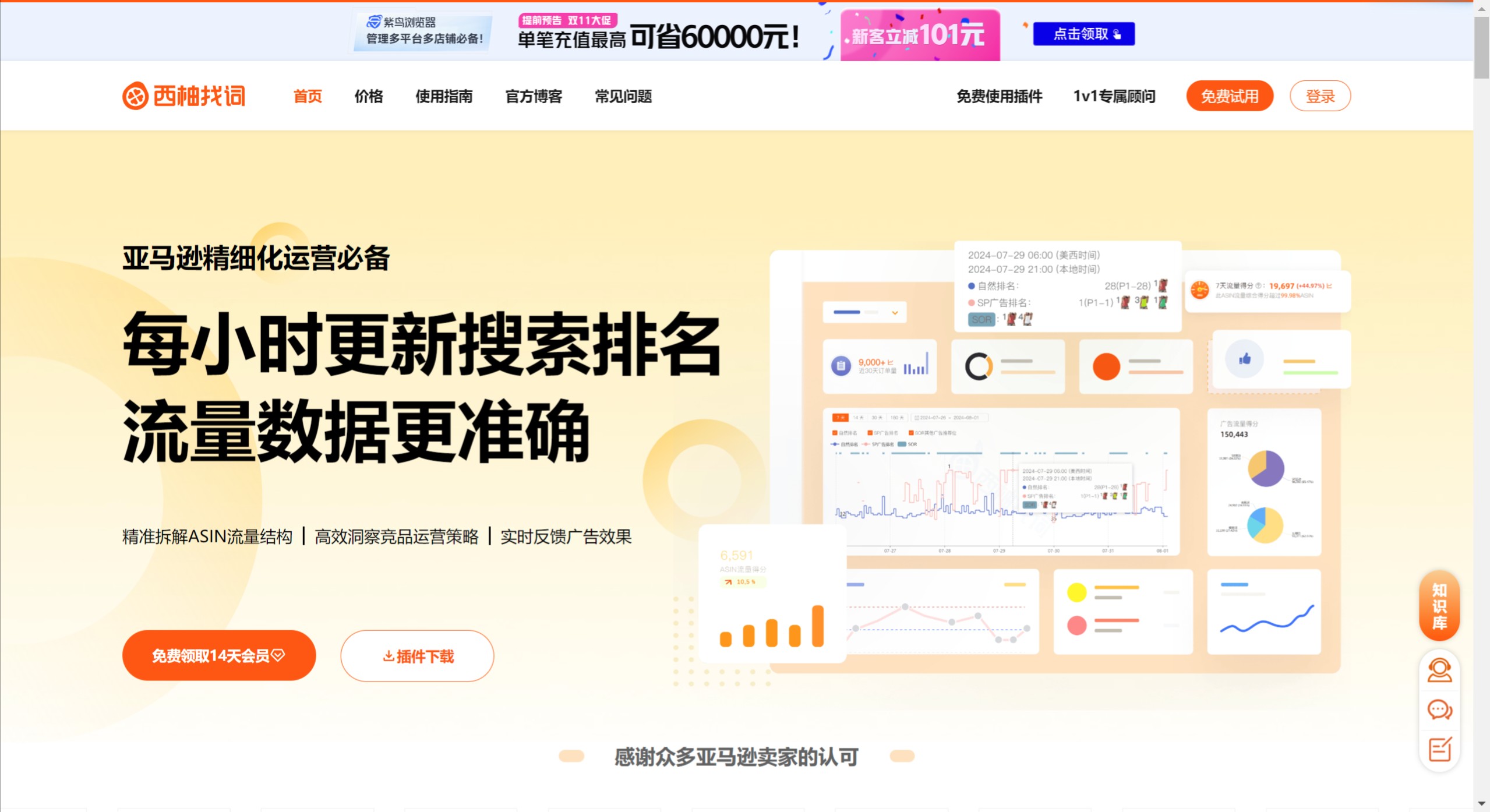
Seeyouword Finder Features:
Hourly updates: Seeyouword Finder provides hourly Amazon keyword ranking updates, ensuring users have access to the latest market dynamics and competitive information.
Multi-functional analysis: In addition to basic keyword reverse lookup, Seeyouword Finder also supports multi-ASIN comparison, batch keyword analysis, and other features, helping sellers fully understand their product's performance in the market.
Traffic estimation: The tool can perform traffic estimation for specific keywords, helping sellers develop more effective marketing strategies, thereby boosting product exposure and sales conversion rates.
Seeyouword Finder Helps Unlock 6 Refined Operation Scenarios
Real-time monitoring of ad performance: With hourly keyword rankings, Seeyouword Finder precisely tracks keyword rankings and ad duration across different ad types, making ad performance more transparent, scientifically optimizing bids and budgets, and effectively improving ad output.
Precise insight into ASIN traffic structure: The two major factors affecting ASIN search traffic are keyword search volume and keyword ranking. Since every ASIN's search ranking changes hourly, Seeyouword Finder provides Amazon sellers with more precise ASIN traffic monitoring by obtaining "hourly keyword search data." By breaking down traffic into traffic from different display positions, it helps Amazon sellers accurately monitor traffic fluctuations and gain insight into traffic structure.
Rapid analysis of competitors' operation strategies and sales: Through keyword reverse lookup, every move of competitors is at your fingertips: variant X-ray to quickly identify main push variants and best-selling variants; promotional pricing, listing modifications, and other operational actions, all in one view; ad analysis to efficiently break down competitors' ad structure and budget allocation; with hourly keyword rankings, precisely judge effective ad duration; sales analysis to quickly grasp competitors' monthly sales data.
Efficient keyword library building: Through keyword reverse lookup, Seeyouword Finder quickly identifies the keywords and traffic ratios that drive traffic to BSR products and core competitors, and quickly determines relevance through natural TOP10 rankings, improving the efficiency of building keyword libraries and truly doubling the results with half the effort.
Boost new product launch efficiency: Through hourly ASIN search ranking updates, Seeyouword Finder can precisely determine the stage an ASIN is in, and quickly adjust operation strategies based on traffic fluctuations to effectively secure more orders.
Quickly find valuable traffic gaps: Through multi-ASIN comparison, Seeyouword Finder quickly discovers keyword traffic differences between competitors and yourself, and quickly finds cost-effective keywords that competitors have but you don't, or where you have the edge.
Chrome Extension Installation Method
Method One (requires access to foreign websites):
Click the "Chrome Web Store" button above, go to the Chrome Web Store, click the "Add to Chrome" button, then return to Amazon's official website and refresh the page.
Method Two:
Click the "Extension Download & Install" button above to download the Chrome extension;
Go to the URL: chrome://extensions/
Click the "Enable Developer Mode" button in the upper right corner (you need to restart the browser the first time you enable it);
Drag the downloaded file into the page;
Return to the Amazon website and refresh the page.
How to Use Seeyouword Finder
Register an account: Visit the Seeyouword Finder official website, register, and log in.
Enter ASIN: Input the ASIN you need to analyze in the tool.
Select a feature: Choose reverse keyword lookup or traffic estimation for analysis.
View results: Review the analysis results to get keyword suggestions and traffic data.
Adjust strategy: Adjust product bidding strategies based on the analysis results.