
 Script Planner Assistant▸
 AI Apps
 AI News

libcom: Image Composition Toolbox
libcom: Image Composition ToolboxIntroduction
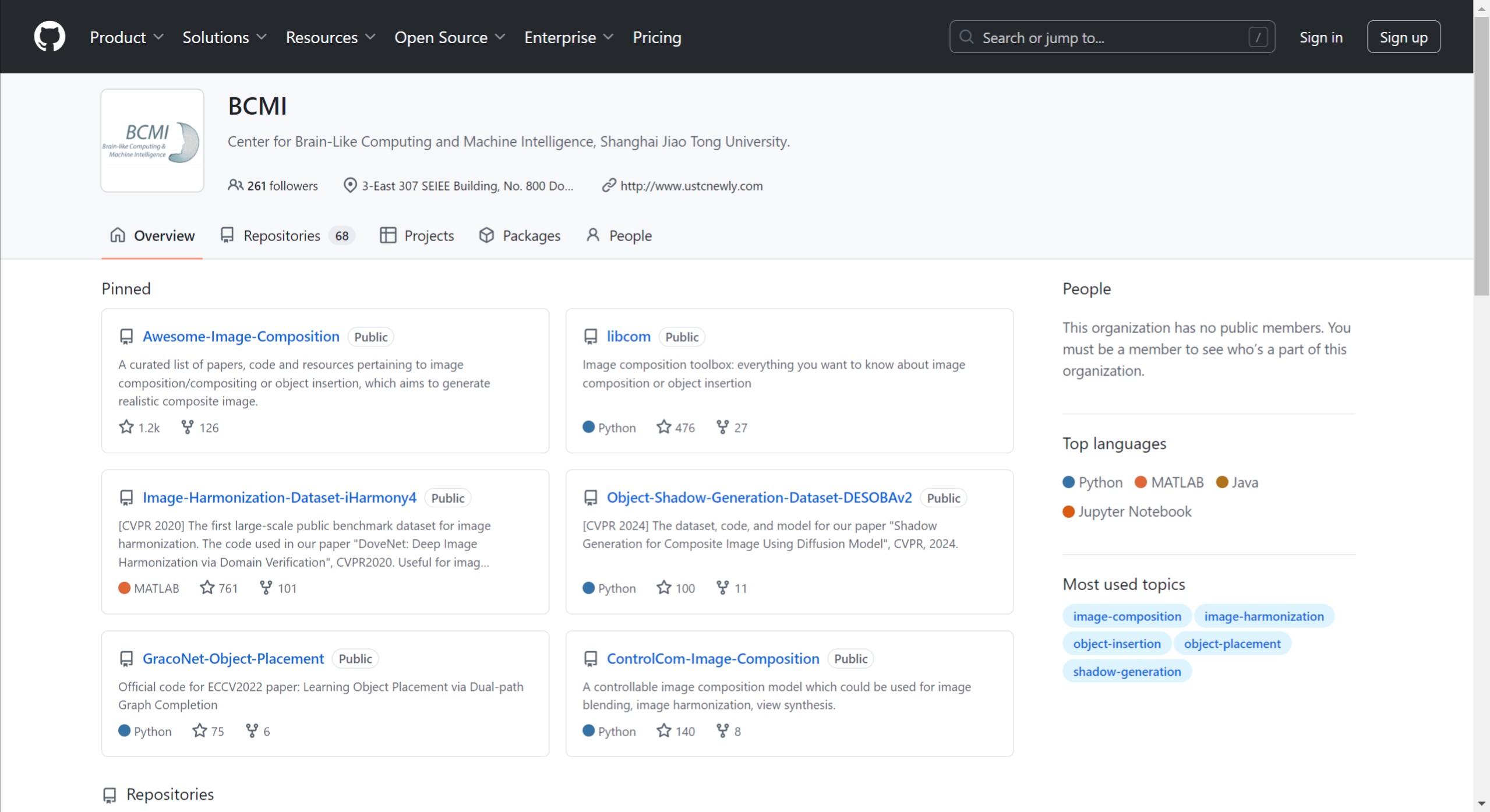
libcom is an image composition toolkit developed by the BCMI Lab at Shanghai Jiao Tong University after six years of effort and millions in investment. It was officially released at the end of 2023 and quickly gained attention, with downloads exceeding 12,000 as of October 2024. libcom integrates more than ten image composition features, including foreground-background blending, illumination matching, shadow generation, and more. By combining traditional methods with deep learning techniques, it significantly enhances the quality of composited images. The goal of libcom is to provide an out-of-the-box solution, enabling users to perform image composition without extensive training or fine-tuning.
Core Features and Functions of libcom:
libcom is designed to comprehensively cover every aspect of image composition. It integrates more than a dozen core functions, each carefully selected and optimized to ensure simplicity and effectiveness.
get_composite_image: Achieves natural foreground-background blending through basic techniques such as cut-and-paste, alpha blending, and Poisson blending.
OPAScoreModel: Evaluates the plausibility of a composited image and outputs a score between 0 and 1, helping users judge how natural the composition is.
FOPAHeatMapModel: Generates a heatmap that guides users to the optimal placement and size of foreground objects, improving the plausibility of composited images.
color_transfer: Performs color transfer to make the foreground and background of the composited image more harmonious in tone.
ImageHarmonizationModel: Adjusts illumination so that the foreground and background appear visually consistent, enhancing the harmony of the image.
In addition, libcom also offers other advanced functions such as artistic image harmonization and shadow generation, along with a range of supporting resources, including the awesome-image-composition resource repository, online demos (which may not be the latest models), and a survey article that has been continuously updated for four years—providing abundant materials and tools for research and applications in image composition.
Application Areas of libcom:
The libcom toolkit is widely applicable to multiple fields, including virtual reality, artistic creation, e-commerce advertising design, and as a data augmentation tool to improve the training quality of machine learning models.
How to Use libcom for Image Composition?
1. Environment Setup: Make sure you have installed the libcom toolkit. You can download and install it from its GitHub project page.
2. Load Images: Prepare the foreground and background images to be composited. Make sure the foreground image has a clear boundary for subsequent processing.
3. Use Composition Functions: libcom provides multiple functions for image composition; here are some commonly used ones:
get_composite_image: Combines the foreground and background using cut, paste, and blending techniques.
FOPAHeatMapModel: Takes a background and foreground as input and generates a plausibility score heatmap to help determine the optimal placement of the foreground object.
ImageHarmonizationModel: Adjusts the foreground illumination to harmonize it with the background.
4. Perform Composition: Choose an appropriate model to perform the composition as needed. For example, the get_composite_image function can directly composite the foreground and background, with a code example as follows:
composite_image = libcom.get_composite_image(foreground, background)
5. Evaluate the Composition Result: Use models such as OPAScoreModel to evaluate the quality of the composited image and ensure that the placement and size of the foreground object are reasonable. You can obtain the score with the following code:
score = libcom.OPAScoreModel(composite_image, foreground_mask)
6. Post-Processing: If needed, you can use a shadow generation model (such as ShadowGenerationModel) to add shadows to the composite image and enhance realism.
7. Save the Result: Once the composition is complete, save the result as a new image file for later use.
The release of libcom is not only a leap forward in image composition technology but also a major contribution to the open-source community.














