
 Script Planner Assistant▸
 AI Apps
 AI News

Xiaomai AI Image Translator: A Local AI-Based Image Translation Tool
Xiaomai AI Image Translator: A Local AI-Based Image Translation ToolIntroduction
Xiaomai (Wheat) AI Image Translation is a desktop client software based on a local AI model, specifically designed for image translation. It supports translation in multiple languages, can quickly process images and perform batch translation. Users can use it for free with no limits on the number of times, and can perform secondary editing on the translation results. The software does not rely on server resources and runs directly on the user's computer, making it suitable for translators, students, researchers, and other users who need image translation.
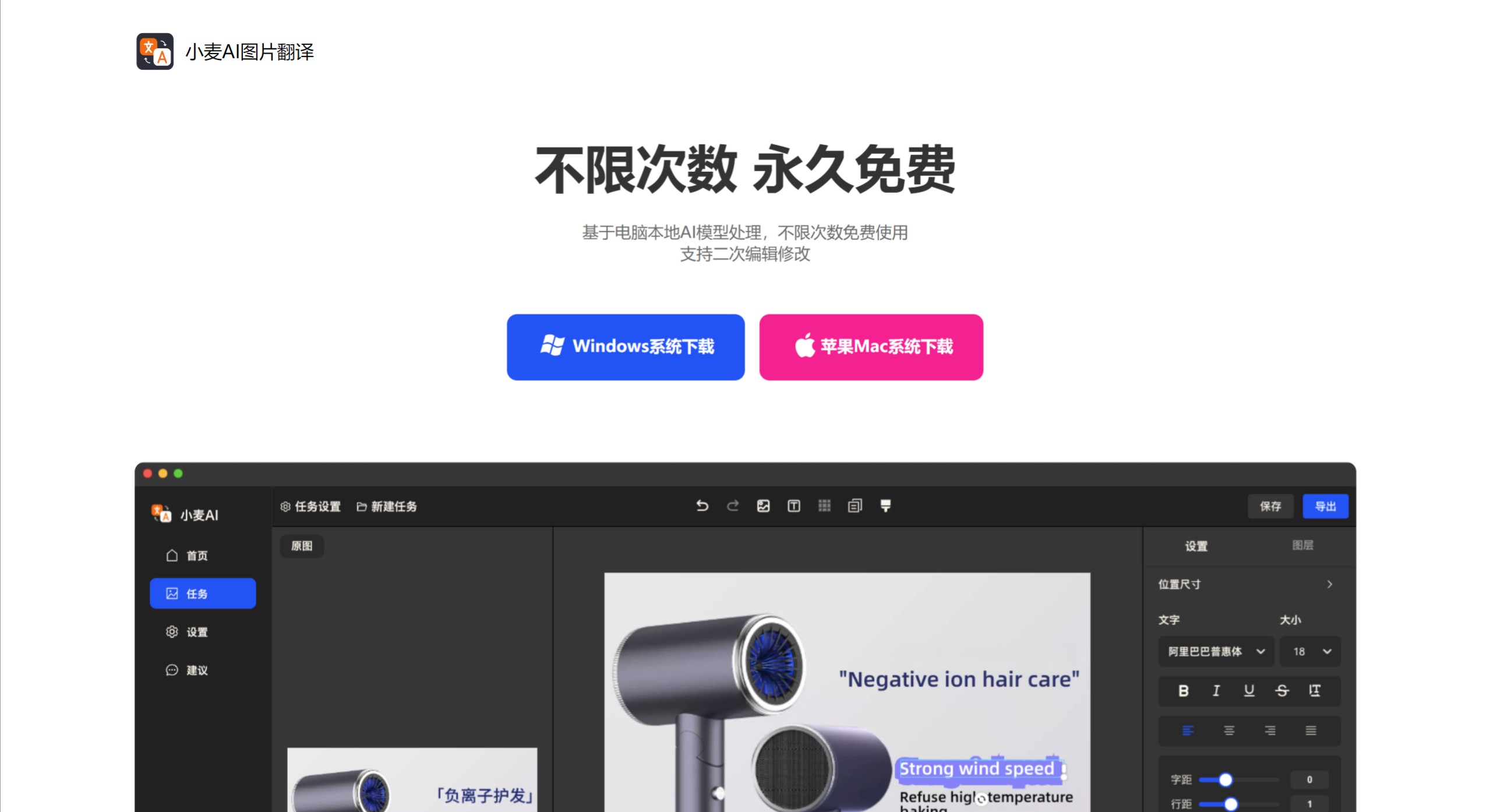
Xiaomai AI Image Translation Main Features
Local Operation: Xiaomai AI Image Translation runs entirely on the user's computer, without relying on the internet, ensuring data security and privacy protection.
Unlimited Free Use: Users can use this tool without any limits on the number of times, making it suitable for user groups that require high-frequency translation, such as translators, students, and foreign trade personnel.
Fast Processing Speed: Each image takes only 1-2 seconds to process, and batch processing is supported, greatly improving work efficiency.
Multi-language Support: Supports translation in dozens of languages including English, Japanese, French, German, and more, meeting the needs of different users.
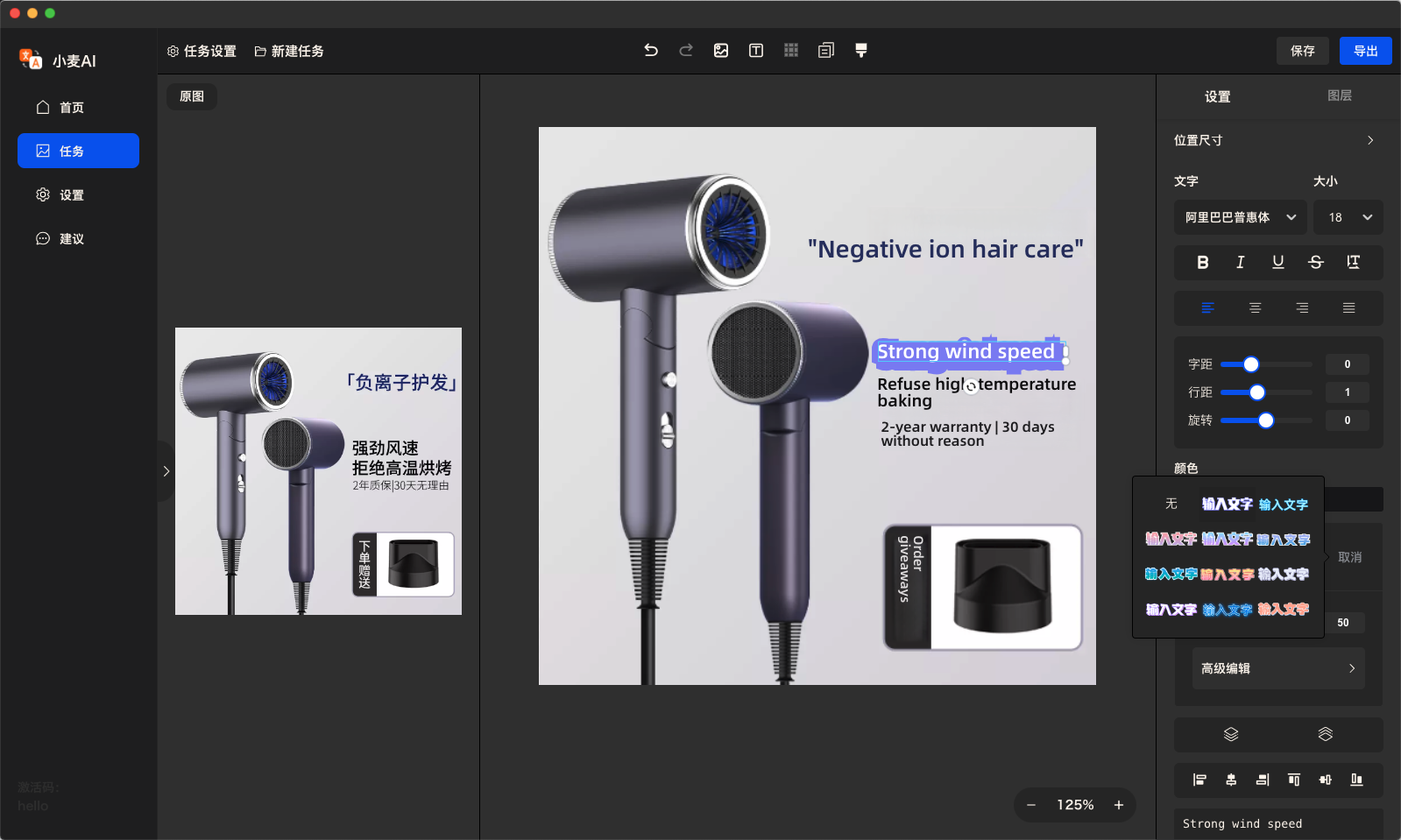
Secondary Editing Function: Users can modify elements such as background, text, font, and color of the image after translation, suitable for scenarios that require personalized content, such as advertising promotion and product descriptions.
Xiaomai AI Image Translation Application Scenarios
Document Translation: Suitable for translating content with images or scanned documents.
Multi-language Image Translation: Helps users quickly understand image content in different languages.
Design and Editing Work: Secondary editing can be performed after translation to optimize the visual effect of the image.
Academic Research: Students can use it to translate charts and diagrams in academic papers.
Foreign Trade Business: Foreign trade personnel can use it to translate product manual images.
Xiaomai AI Image Translation Download and Usage Steps
Download Steps:
Visit the Official Website: First, you need to visit the official website of Xiaomai AI Image Translation, or search for "Xiaomai AI Image Translation" in mainstream app stores (such as Apple App Store, Google Play Store, or directly through the link provided on GitHub).
Download the Client: Find the software download button and click to download the version suitable for your computer or mobile device. If it is a desktop application, make sure to download the version compatible with your operating system (Windows, macOS, etc.).
Install the Software: After the download is complete, double-click the installation file and follow the prompts to complete the installation process.
Usage Steps:
Launch the Application: After installation, launch the Xiaomai AI Image Translation software.
Upload Images: After opening the software, you can select the image to be translated through the import function in the software interface, which may include dragging the image to a designated area or selecting a file through the menu.
Select the Translation Language: In the software, select the target language into which you want the image text to be translated. Xiaomai AI supports multiple languages, ensuring your needs are covered.
Execute Translation: Click the translation button, and the software will use the local AI model to quickly process and translate the text in the image.
View and Edit Translation Results: After the translation is complete, the software will display the translated text. According to the reference content, Xiaomai AI supports secondary editing, allowing you to proofread or adjust the translation results.
Save or Export: Once satisfied, you can save the translated image or save only the translated text. Some versions may also support direct export to other applications or sharing to social media.
Related Information:















