Script Planner Assistant▸
 AI Apps
 AI News

Vmotionize: AI-Powered 3D Animation Platform
Vmotionize: AI-Powered 3D Animation PlatformIntroduction
Vmotionize is a leading AI animation generation platform, specifically designed to transform video, music, text, and images into stunning 3D animations.Through AI technology, Vmotionize caneffectively capture character motions from any media and convert them into lifelike movement.All of this can be accomplished with just a single click.
Vmotionize supports multiple formats and platforms. It is particularly well-suited for a variety of creators, including VTubers (Virtual YouTubers), VRM (Virtual Reality Model) avatar creators, independent filmmakers, and musicians. Through precise AI motion capture and pose estimation technology, Vmotionize accurately translates character movements into dynamic poses for 3D virtual characters, greatly simplifying the process of capturing facial and full-body motions, and enhancing the efficiency and quality of live streaming and animation production.
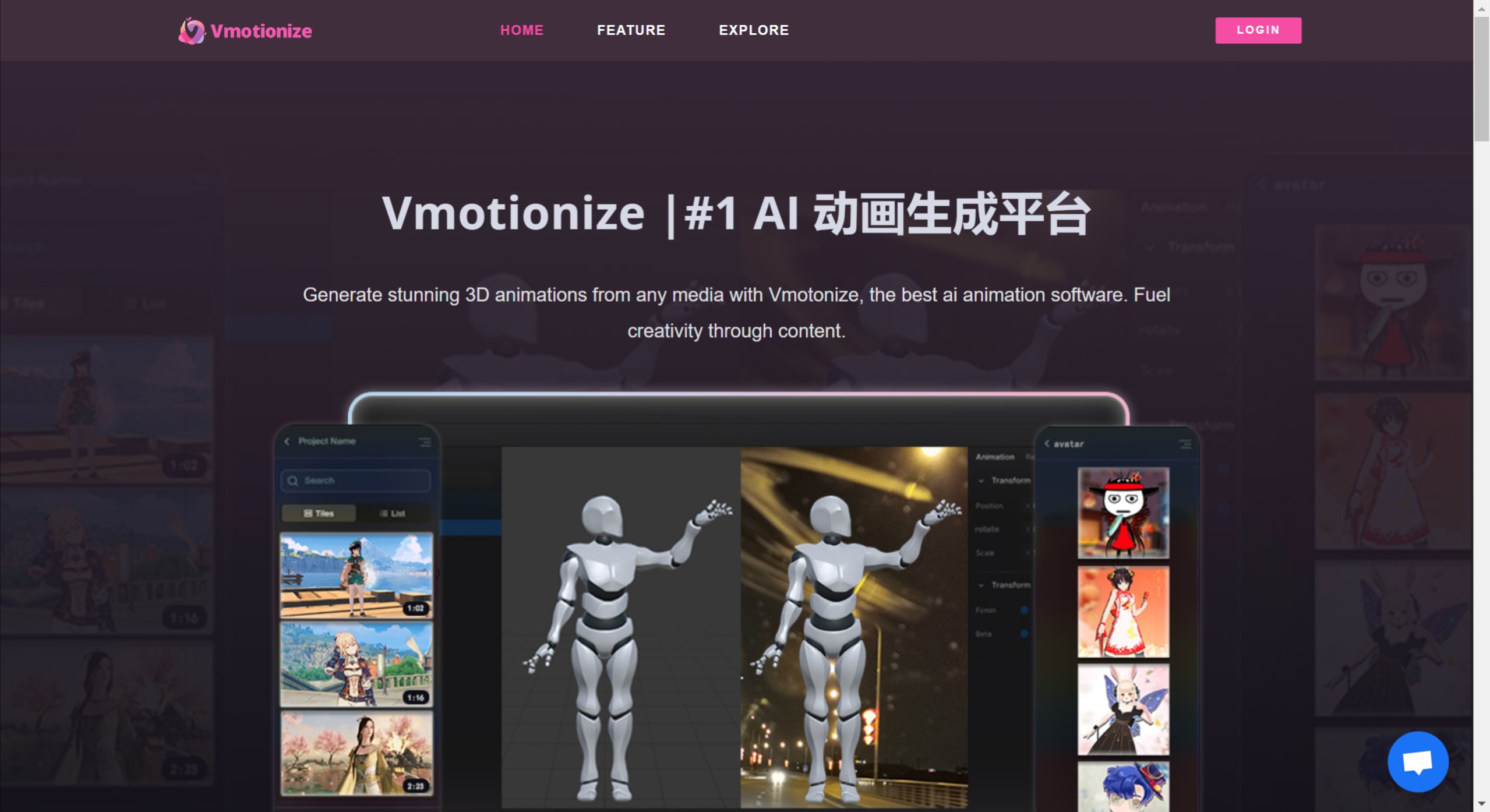
Vmotionize Key Features:
Conversion Capabilities: Supports converting video, music, text, and images into 3D animations.
Motion Capture: Able to capture character motions from any media.
Music-to-Animation: Provides music-to-animation conversion tools.
Compatibility: Can be used in combination with tools such as VTuber Maker.
How to Use Vmotionize:
Register and Log In: First, visit Vmotionize's official website and create an account. After completing the registration, log in using your account credentials.
Choose a Character Template: Once logged in, you can browse the available character templates. Vmotionize offers a variety of character styles for users to choose from, and you can select a base template based on your preferences.
Customize Character Appearance: Using the tools provided by the platform, you can customize the character's appearance, including hairstyle, clothing, facial features, and more. Vmotionize allows users to upload their own images or use the built-in design tools to make modifications.
Add Animations and Motions: Once the character's appearance is designed, you can add animation effects to the character. Vmotionize supports a variety of animation options, including facial expressions and body movements, which you can select and adjust as needed.
Upload Media Content: If you wish for your character to interact with specific audio or video content, you can upload the relevant media files. Vmotionize will analyze these files and generate corresponding animation effects.
Preview and Adjust: After completing all settings, use the preview function to see how your VTuber character performs in different scenarios. If needed, you can go back and make further adjustments.
Publish and Share: Finally, once you are satisfied with your character, you can publish it to social media or other platforms to share your creation with friends and viewers.
Since March 31, 2023, Vmotionize has continuously updated its features. Most recently, it launched version 1.1, enhancing the music-to-animation conversion capability, which works well in combination with VTuber Maker to make your virtual streamer or avatar even better.