
 Script Planner Assistant▸
 AI Apps
 AI News

FineVoice: Versatile AI Voice Platform
FineVoice: Versatile AI Voice PlatformIntroduction
FineVoice is a versatile AI voice studio that helps users create high-quality voice productions. It offers natural and unique voice transformation features, suitable for content creators, gamers, and professionals. FineVoice supports real-time voice changing, ideal for scenarios such as meetings and live streaming. In addition, it provides a free online voice changer that can transform your voice into those of over 1,000 characters and celebrities.
FineVoice Features:
Standard pronunciation, clear articulation: FineVoice breaks through the limitations of pronunciation and dialects, precisely controlling syllables and adjusting language and regional pronunciation to ensure standard and clear pronunciation.
Natural pitch, rhythm, and pacing: FineVoice automatically generates appropriate pitch based on text content and context, making the voice sound natural and expressive without the need for a voice actor.
Subtle emotions, precise expression: FineVoice can generate emotional voice ranging from joy to sadness. Simply select the desired style, and it will produce the corresponding emotional voice.
Rich sound effects, immersive experience: FineVoice allows you to directly add sound effects such as wind and footsteps to enhance immersion. It also supports adding background music to make the sound richer and more vivid.
FineVoice Target Audience:
"FineVoice's target audience includes content creators, video producers, podcasters, e-learning developers, and digital marketing experts.
FineVoice Use Cases:
Online meetings: Suitable for use in meetings to improve voice quality.
Live streaming: Provides a variety of voice options for live streams.
Podcast production: Supports high-quality podcast recording.
Video production: Provides professional voice-over for videos.
Gaming: Enhances the gaming experience by offering multiple character voices.
FineVoice Functions:
Voice transformation: Supports real-time voice changing, suitable for various occasions.
Voice cloning: Can clone any voice, suitable for creative projects.
Text-to-speech: Supports 149 languages, providing natural voice effects.
Multi-track recording: Supports multi-track recording and audio extraction.
Sound effects: Offers unlimited sound effects and studio-level recording capabilities.
How to use FineVoice to generate your own AI voice?
Sign up and log in: First, visit FineVoice's official website, register an account, and log in.
Choose voice type: In the FineVoice interface, you can select different voice types. FineVoice offers a variety of AI voice options, allowing users to choose the appropriate voice style according to their needs.
Upload voice files: If you wish to create a personalized voice, you can upload your own voice files. FineVoice supports users uploading recordings to generate AI voices similar to their own. This feature enables users to create a unique voice identity.
Adjust settings: FineVoice allows users to adjust voice pauses, emphasis, and personality traits according to personal preferences. You can customize the pitch, speed, and emotional expression of the voice through simple sliders or options to achieve a more natural effect.
Generate and download: After completing the settings, click the generate button, and FineVoice will process your request and generate the corresponding AI voice. Once generated, you can preview and download the final audio file.
The generated AI voice can be used in various scenarios, such as video dubbing, podcast production, advertising, etc., to suit different use cases.
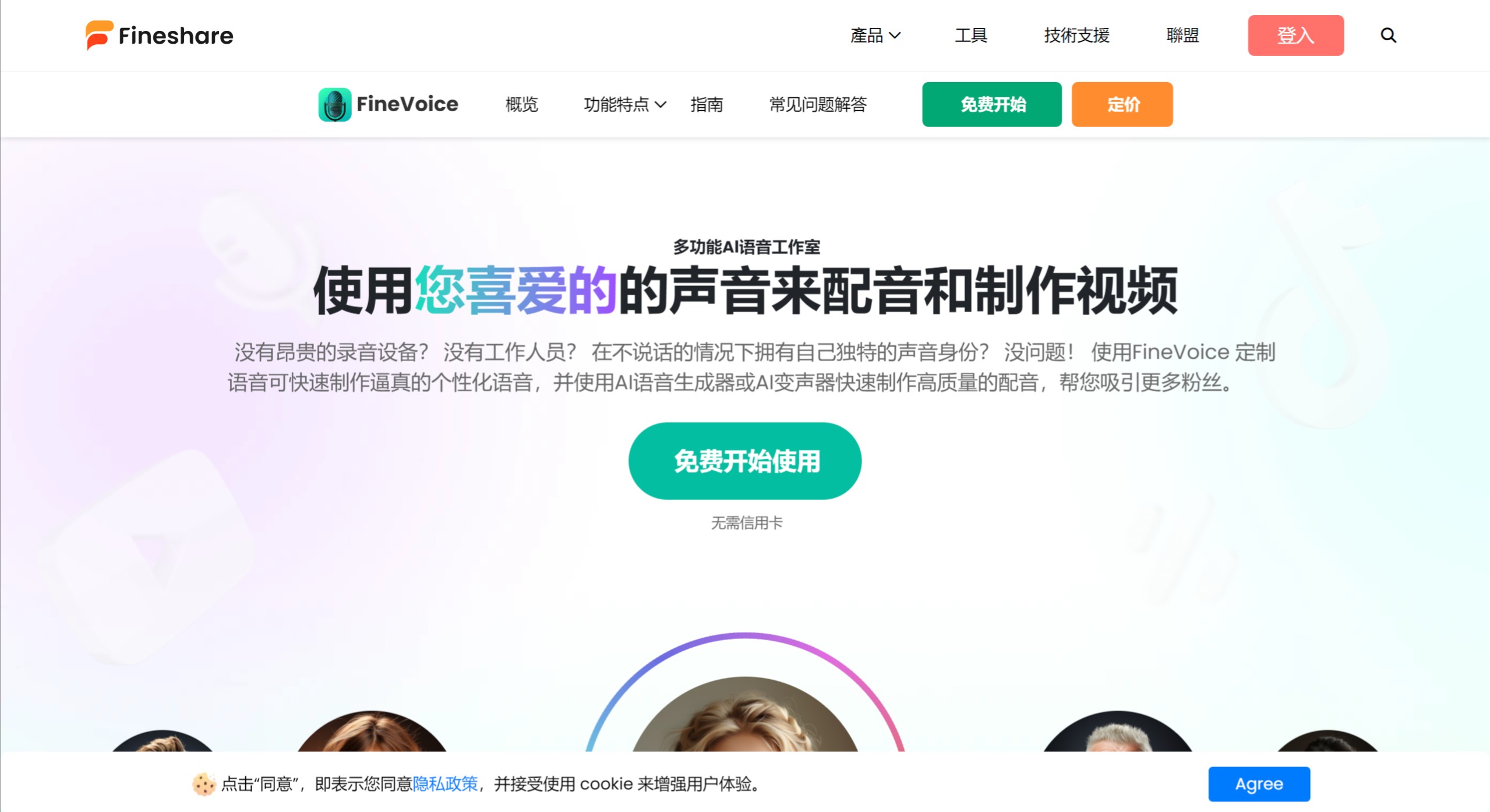
No expensive recording equipment? No staff? Want to have your own unique voice identity without speaking? No problem! Using FineVoice's customized voice, you can quickly create realistic personalized voices, and use the AI voice generator or AI voice changer to quickly produce high-quality voice-overs, helping you attract more fans.














