
 Script Planner Assistant▸
 AI Apps
 AI News

Fatkun: Batch Download Images from E-commerce Sites
Fatkun: Batch Download Images from E-commerce SitesIntroduction
Fatkun is a browser extension primarily used for batch downloading images from web pages. Users can download all images from the current page or multiple pages with a simple one-click operation. Fatkun supports Google Chrome and Microsoft Edge browsers, and can save images directly to Pinterest.
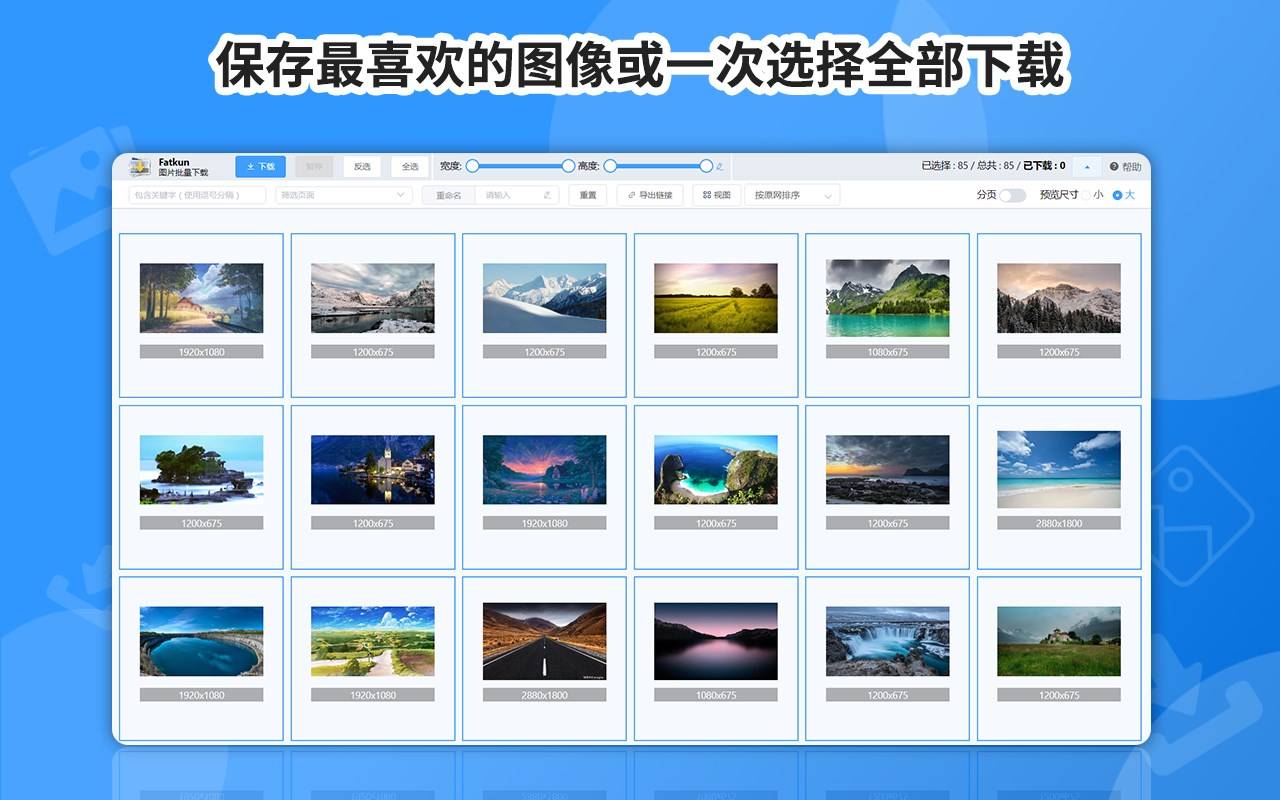
Fatkun Main Features:
Batch Download: Users can download all images from the current web page with one click, saving the time of saving them one by one.
Multi-platform Support: Fatkun can be used on multiple browsers, including Google Chrome and Microsoft Edge, ensuring wide availability.
Image Editing Functions: In addition to downloading, Fatkun also provides some basic image editing tools, such as cropping, rotating, and applying filters.
Fatkun Use Cases:
Fatkun is especially suitable for users who need to collect large numbers of images, such as designers, bloggers, or researchers. With its simple and easy-to-use interface, users can quickly obtain the visual materials they need without manually downloading them one by one.
How to Use Fatkun?
Install the Extension:
In the Chrome browser, visit the Chrome Web Store, search for and install the Fatkun Image Batch Download extension.
For Microsoft Edge users, you can find and install the extension in the Edge Add-ons Store.
Using the Extension to Download Images:
Open the web page from which you want to download images.
Click the Fatkun icon next to the browser address bar and select the "Download Current Page" option.
The extension will automatically scan all images on the current web page and display the selectable images on a new page.
In the image selection interface, choose the images you want to download, then click the "Download" button in the upper left corner.
Saving Images:
When the prompt appears, click "Save Images" and wait for the download to complete.
After the download is complete, you can click the folder button in the download dialog to view the downloaded images.
The Fatkun extension also supports filtering and custom rule settings for images, such as filtering by resolution, link, etc. For example, e-commerce images can be automatically filtered into main images, SKU images, and detail images, displayed in categories, with supported websites continuously being updated.















