
 Script Planner Assistant▸
 AI Apps
 AI News

Compress JPG: A Free Online Image Compression Tool
Compress JPG: A Free Online Image Compression ToolIntroduction
Compress JPG: A free online image compression tool for compressing JPG, JPEG, PNG, WebP, GIF, AVIF, JXL, and QOI images online for free, with no registration or login required. The compression process is completed in the browser, and up to 1,000 image files can be processed at the same time. Files never leave your device, ensuring complete privacy. The compressed results can be downloaded as a ZIP archive.
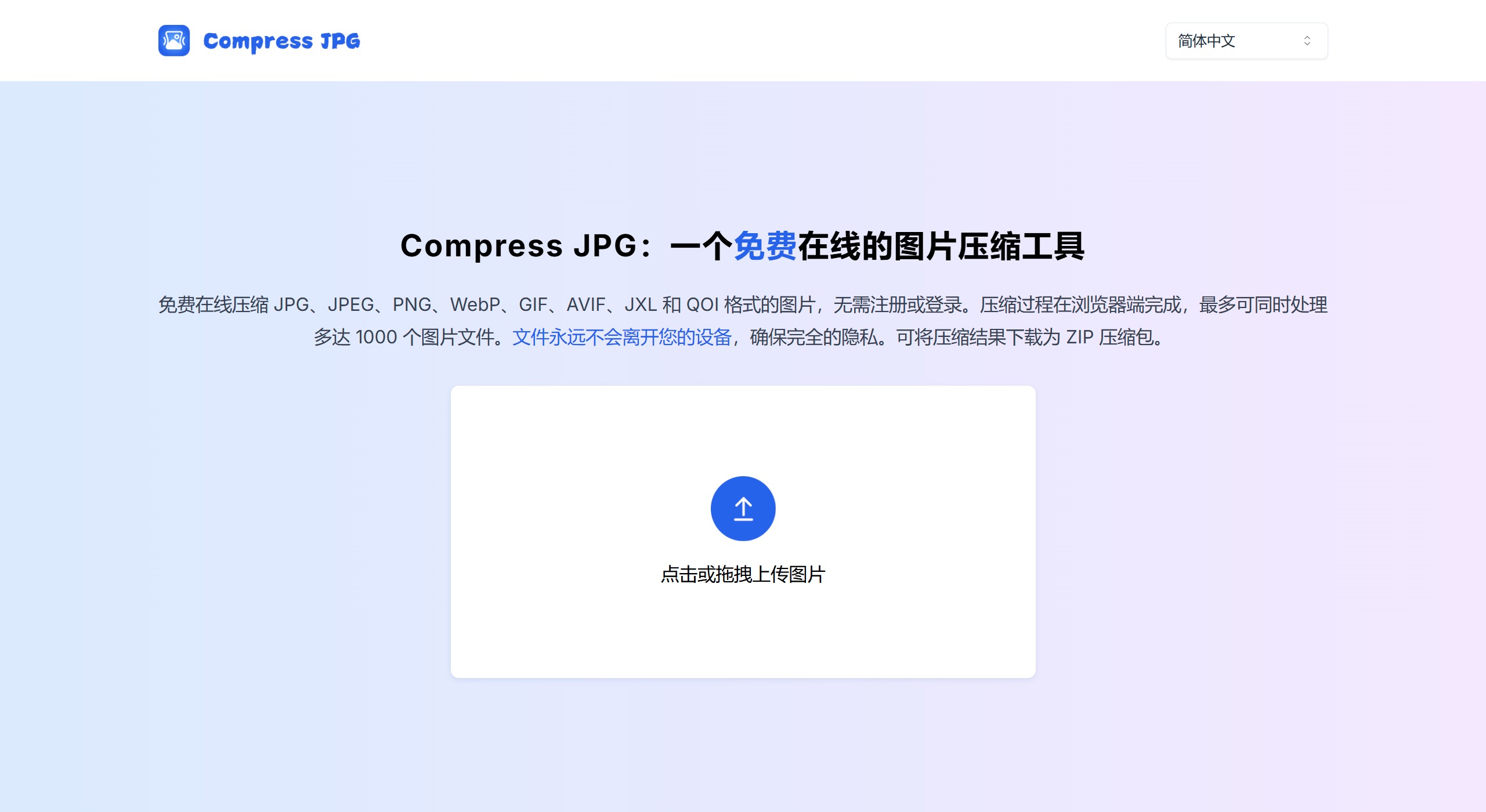
Compress JPG Features:
Compress JPG is your one-stop image compression solution, supporting online compression for multiple mainstream image formats. Whether you need to process web images, photo collections, or design files, we have you covered.
Efficient compression algorithms: Compress JPG uses advanced compression algorithms that significantly reduce image file size while maintaining image quality. Whether it's photos, charts, or design files, optimal compression can be achieved.
Secure in-browser processing: All compression operations are completed in your browser, and files never leave your device. This ensures your data security, eliminating any concerns about privacy breaches.
Multi-format support: In addition to JPG and JPEG, Compress JPG also supports multiple formats such as PNG, WebP, GIF, AVIF, JXL, and QOI. No matter which image format you use, we can provide high-quality compression services.
Batch processing capability: Compress JPG supports processing up to 1,000 files at once, greatly improving work efficiency. Batch upload, one-click compression, saving you valuable time.
Instant download: After compression is complete, you can download the processed images as a ZIP archive with one click. Extract locally to see all the compressed images.
Completely free: All features of Compress JPG are free. No registration, no credit card required, just open the website and start using it.
Responsive design: Our website features a responsive design, ensuring a smooth experience whether you're using a computer, tablet, or smartphone.
Compress JPG Use Cases:
From web developers to social media enthusiasts, whether it's easily optimizing website images, sharing high-quality photos, or efficiently managing large image libraries, Compress JPG can meet your diverse needs.
Website optimization: Compress JPG helps web developers and maintainers optimize image assets, improving website loading speed, user experience, and search engine rankings.
Social media sharing: Easily compress images to meet the size limits of various social platforms, maintaining image quality while ensuring fast uploads and sharing.
E-commerce: Optimize product images for e-commerce websites, improving page response speed while saving storage space and bandwidth costs.
Photography portfolio management: Help photographers manage large numbers of high-resolution photos, creating compressed versions suitable for online display and sharing while saving storage space.
Email newsletters: Compress image attachments to ensure emails can be sent smoothly without compromising visual quality.
Design delivery: Designers can quickly generate low-volume versions suitable for client previews, speeding up approval processes and improving work efficiency.
Compress JPG User Groups:
Web developers and designers: Website performance directly impacts user experience and SEO rankings. The batch compression feature of Compress JPG allows you to easily handle large numbers of images, with intelligent algorithms ensuring visual quality is maintained while reducing file size. Multi-format support and instant previews help you quickly optimize website image assets.
Photographers and visual artists: Large numbers of high-resolution photos bring storage and sharing challenges. Our high-quality compression technology preserves details to the greatest extent while significantly reducing file size. Batch processing and in-browser compression let you manage your entire portfolio safely and efficiently.
E-commerce professionals: You need to quickly process large numbers of product images while ensuring display quality across different devices. Compress JPG provides efficient batch compression features, allowing you to easily optimize product image libraries, improve website performance, and enhance customer experience.
Social media users and content creators: Image size limits on social platforms often leave you torn between quality and file size. Compress JPG offers intelligent compression solutions to help you easily meet platform requirements while maintaining visual appeal. Whether it's Xiaohongshu or Douyin, our tool ensures your content looks great and is easy to upload.
Marketing professionals: The fast pace of marketing work demands efficient image processing solutions. Compress JPG lets you quickly adjust and compress various marketing images, whether for social media posts or email images, ensuring quality and consistency, and improving your visual marketing efficiency.
Students and educators: When using large numbers of images in coursework and teaching materials, file size is often a constraint. Compress JPG helps you optimize images in educational content, ensuring fast loading and high-quality presentation, enhancing your teaching effectiveness and learning experience.
General users: Managing and sharing personal photos shouldn't be complicated. Our JPG compression tool provides a simple solution to help you save phone storage space while maintaining photo quality. Easily compress and share high-quality photos without worrying about file size issues.
How to Use Compress JPG?
1. Open compressjpg.io
2. Visit the Compress JPG website in your browser.
3. Upload your images
4. Click the "Upload Images" button or drag and drop images directly into the designated area.
5. Download and share
When the browser detects image files, it automatically starts the compression task. You can see information such as the current total number of images, the number of images being compressed, and the compression rate on the interface. You can upload files in multiple batches, and our asynchronous tasks will handle everything. Finally, you can preview the effects before and after compression, and click "Download All" to get the compressed images.















