
 Script Planner Assistant▸
 AI Apps
 AI News

Tuggaigai: Edit Text in Images Online
Tuggaigai: Edit Text in Images OnlineIntroduction
PhoText (图改改) is an online platform for editing text within images, offering simple and convenient text image editing tools that help users effortlessly meet their needs for modifying text in images. The goal of PhoText is to enable users to effectively edit text content in images without requiring them to master complex image editing software techniques like Photoshop.
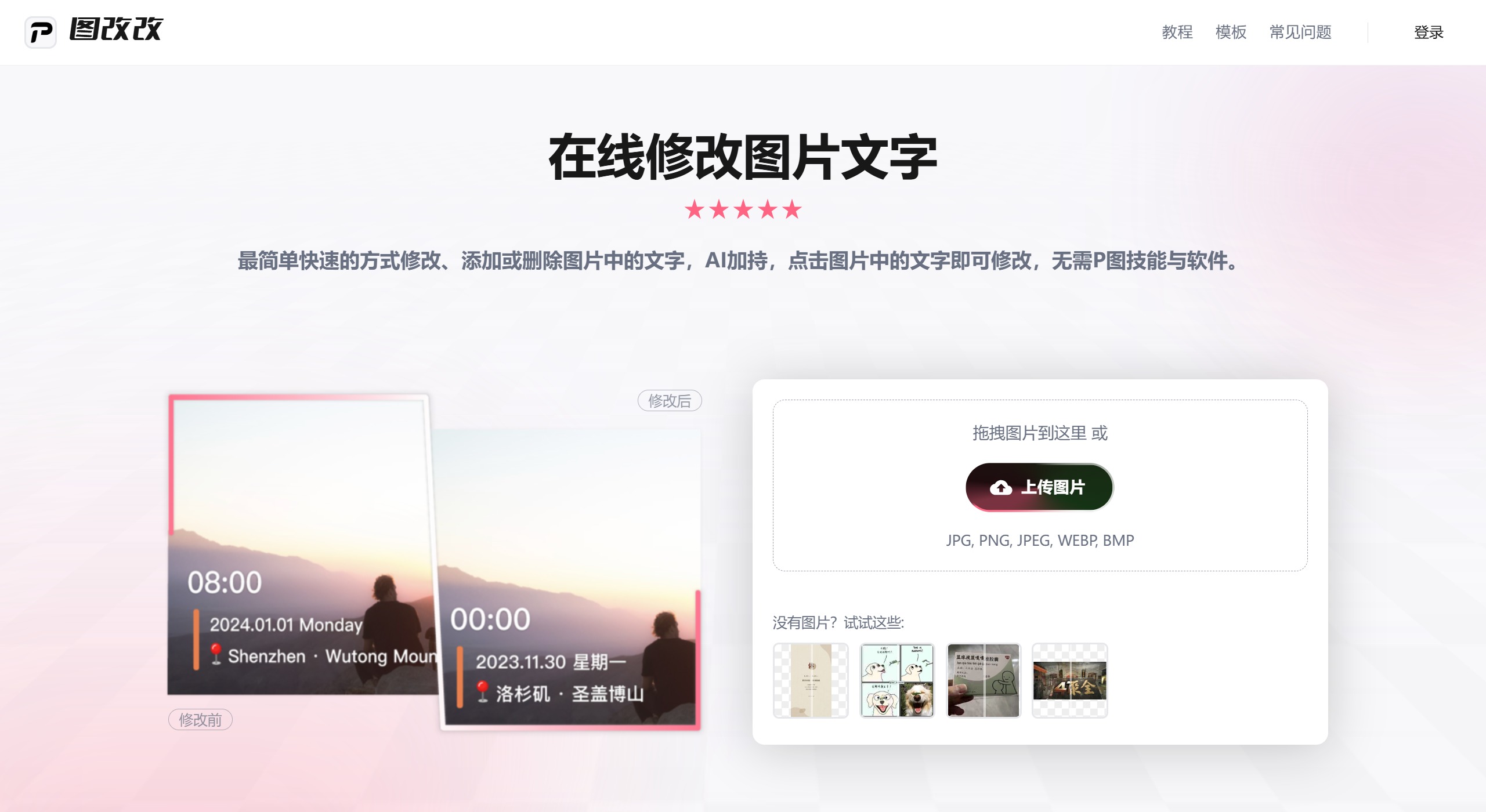
PhoText provides text recognition and editing features, including adding, modifying, and deleting text in images, as well as adjusting text style and position, making the image editing process more efficient.
In addition, it supports multiple image formats and leverages AI technology to streamline the editing workflow, allowing users to modify or remove text with a single click while maintaining image quality.
PhoText Features:
The simplest and fastest way to modify, add, or remove text in images. Powered by AI, simply click on the text in the image to edit it—no Photoshop skills or software required.
Data Security: Uses end-to-end encryption technology to ensure your data security.
Simple: Click directly on the text in the image to modify it.
AI-Driven: Uses AI to format text in images, allowing you to directly modify text within the image. ## Desktop/Mobile You can access PhoText anytime, anywhere via desktop or mobile.
PhoText Main Features:
Upload Images: Users can select and upload images that need editing, supporting multiple formats such as jpg, jpeg, png, webp, and gif.
Edit Text: Through simple click operations, users can directly select and edit the text they want to modify on the image, without needing to master complex image processing skills.
Add Features: In addition to modifying text, PhoText also allows users to add elements such as stamps, signatures, and watermarks to images, enhancing personalization and professionalism.
AI Support: The platform utilizes artificial intelligence technology to make text recognition and modification processes more efficient and accurate, providing a great user experience.
How to Use PhoText to Remove Text from Images?
Visit the PhoText Website: First, open your browser and navigate to PhoText's official website.
1. Upload Image: Find the "Upload Image" button on the homepage, click it, and choose an image containing unwanted text from your device to upload.
2. Select Target Text: After the image is uploaded, enter the editing interface and click directly on the text in the image. Taking "JUHI" in the example, click on it to enter edit mode.
3. Remove Text:
Select a Background: In the editing panel, choose an appropriate background option, including AI-generated backgrounds, and set the color to transparent so that the text area is replaced seamlessly.
Use the Erase Function: For complex or artistic text, click the "Erase" tool on the left side of the editor, draw a box around the text area to be removed, and the system will generate multiple erasure effects—choose the best one to apply.
4. Export Result: After completing the text removal, check that the result is satisfactory and export the image, ensuring it looks natural with no obvious editing痕迹.
PhoText aims to break down the barriers of learning complex image editing techniques, allowing users to easily modify text in images without relying on heavy software. Whether editing text in images or adding stamps, signatures, and watermarks, PhoText can meet your needs.















