
 Script Planner Assistant▸
 AI Apps
 AI News

MyEdit: Online Image Editor and Audio Editing Tool
MyEdit: Online Image Editor and Audio Editing ToolIntroduction
MyEdit is an online image editing and audio clipping tool that combines AI technology. Users can use the AI photo editor to enhance photos, remove people and text, and even generate images and scenes. It also provides powerful audio editing tools, including text-to-speech, speech-to-text, and background noise removal features, suitable for different user needs.
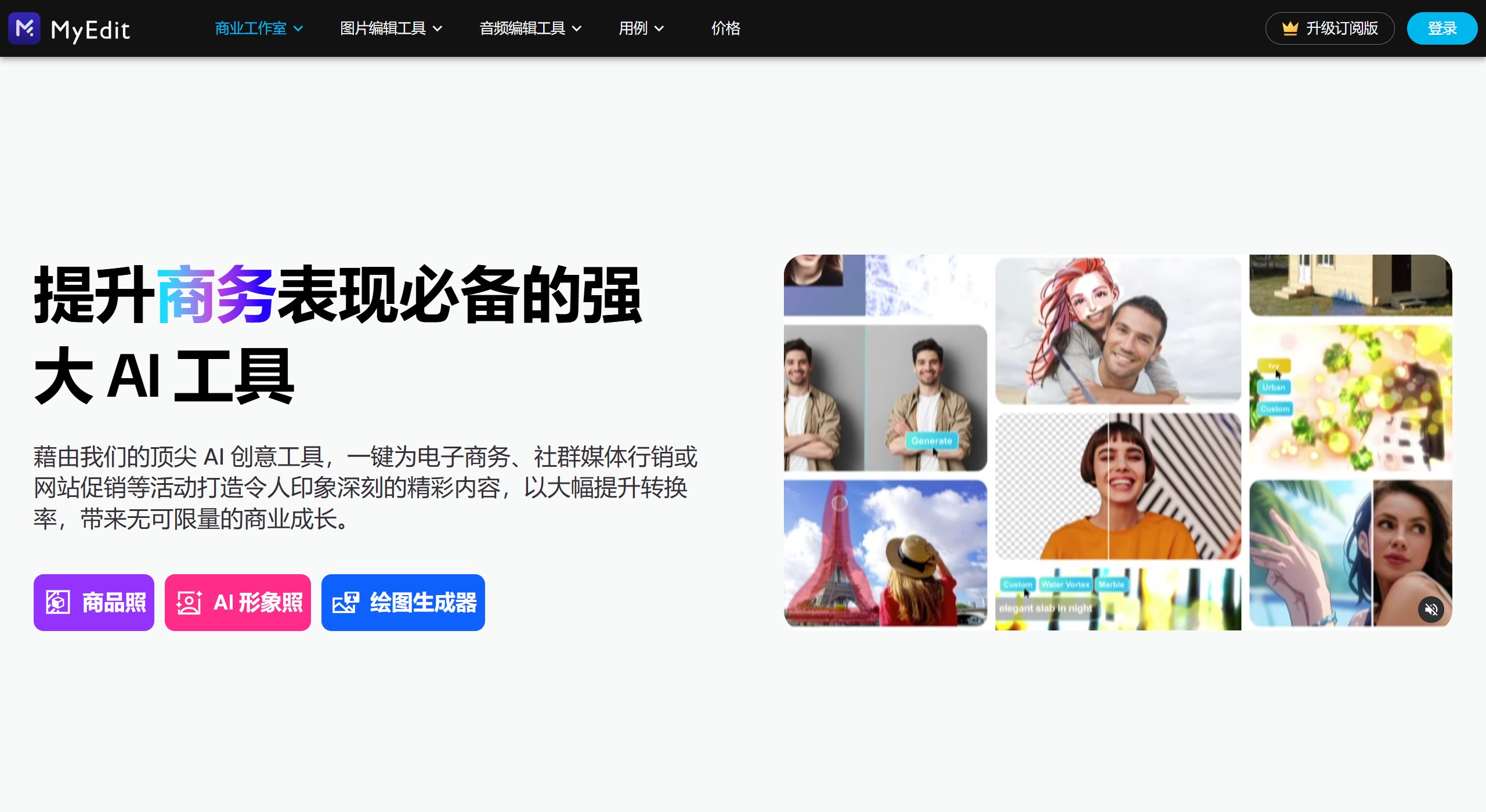
MyEdit Features:
Audio Editing Features
MyEdit offers a variety of audio editing features, including music clipping, pitch changing, BPM detection, noise removal, wind noise removal, voice enhancement, and more. The AI tool also supports speech-to-text, vocal removal, voice changer, vocal extraction, sound effect generation, and more.
Audio Clipping: Allows users to cut audio segments.
Vocal Removal: Can remove vocals from audio, leaving background music.
Noise Removal: Effectively removes background noise, such as wind or static.
Format Conversion: Supports editing and conversion of audio formats such as MP3, WAV, FLAC, or M4A.
Image Editing Features
MyEdit's image editing features include photo cartoonization, background removal, photo retouching, image quality restoration, photo resizing, cropping, and rotation. It is a completely free browser-based online tool.
AI Object Removal: Can remove unwanted objects from images.
Crop, Rotate, Resize: Basic image editing operations to meet format conversion needs.
Blur Restoration: Uses AI technology to make blurry photos clear.
Background Removal: Removes image backgrounds with a single click for easy replacement or subject highlighting.
Image Enlargement: Uses AI algorithms to enlarge images without significantly reducing quality.
Supported Formats: Includes mainstream image formats such as JPG, PNG, GIF, WebP, and BMP.
Multilingual Support: MyEdit supports multiple languages, including Traditional Chinese, Simplified Chinese, English, Japanese, and more. Users can switch languages as needed.
User Experience: MyEdit provides a simple and easy-to-use interface with fast processing speeds, suitable for users who occasionally need to edit images or audio. All features are ad-free and free to use.
Ease of Use:
No Registration Required: Users can use it directly without account registration.
Online Operation: All editing work is done in the browser, no software download required.
AI-Driven: Simplifies the editing process, making it easy even for non-professional users to get started.
MyEdit Pricing:
Free Trial Quota: MyEdit offers free trials for some features, allowing users to experience basic image editing functions without paying.
Subscription Version: To access more advanced features, users can choose to upgrade to the subscription version. The specific subscription price is ¥48 per month or ¥576 per year.
In 2024, MyEdit further enhanced its AI technology, providing more comprehensive image editing features such as AI drawing and image restoration.















