
 Script Planner Assistant▸
 AI Apps
 AI News

Lenso.ai:AI反向图像搜索_云技派,专注ai人工智能!
Lenso.ai:AI反向图像搜索_云技派,专注ai人工智能!Introduction
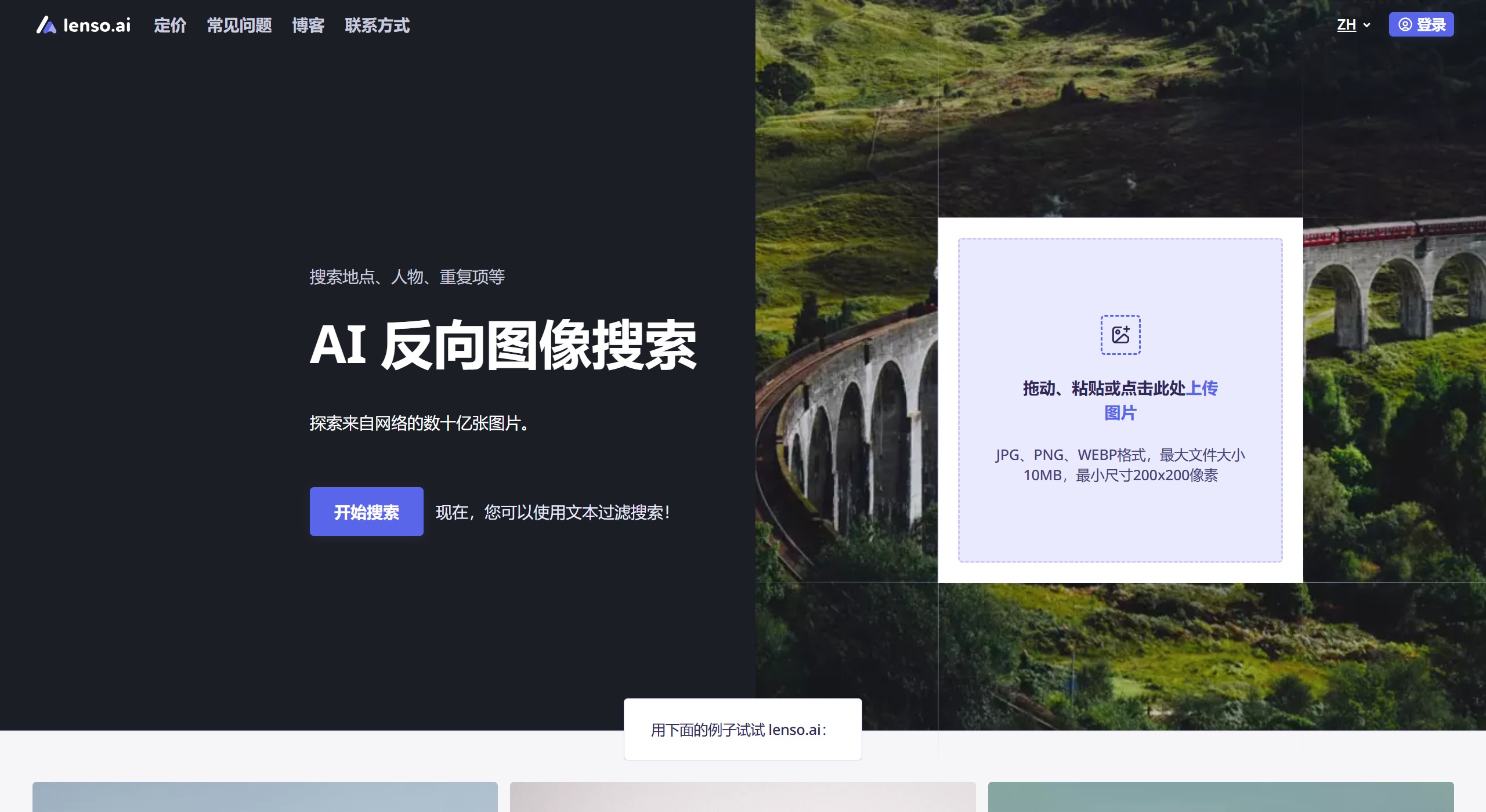
Lenso.ai is an advanced reverse image search platform that leverages artificial intelligence technology to help users quickly find content related to uploaded images. Users simply need to upload a photo, and Lenso.ai can identify faces, locations, duplicates, and similar images within the image. This feature is particularly suitable for photographers, designers, and content creators, who can use it to protect their intellectual property, monitor the usage of their work, or seek inspiration and ideas.
Lenso AI Technical Principles:
Image Recognition: Uses image recognition technology to perform searches.
Digital Signature: Creates unique digital signatures for images.
Fingerprint Matching: Compares fingerprints with images in the index.
Partial Matching: Can find partial matches of images.
No Metadata Used: Does not rely on image names or metadata.
Key features of Lenso.ai include:
Face Recognition: The platform can accurately identify facial features and find matching images even under different angles and lighting conditions.
Similarity Search: Users can find images similar to specific objects by analyzing visual elements such as colors and shapes, which is very useful for product design and market research.
Duplicate Content Detection: Lenso.ai can track modified images, helping users discover unauthorized use of their work and take necessary legal action.
Landmark Search: Users can find other related images of a location by uploading photos of landmarks, which is especially helpful for travelers and researchers.
How to use lenso.ai for image search?
1. Open the Lenso homepage and upload an image.
On desktop: Use ctrl+v to paste an image, or click the upload button to upload from your computer.
On mobile: Upload an image from the gallery, or take a new photo.
2. Select a category:
Check the images available in each category and expand your favorite category by clicking "Show more."
3. Open your favorite image
If there is only one source, you will see the link to the image directly below it. Right-click on desktop or long-press on mobile to view all options.
Click the image to open it in a new tab, or click the link below the image to open the source.
If there are multiple sources, click "View all" to open more options.
Select the image icon to open the image in a new tab, or click any link next to the image to view a specific source.
Key differences between Lenso.ai and TinEye:
Functionality: TinEye focuses on finding where exact or similar images appear online, while lenso.ai provides detailed image content analysis along with reverse image search capabilities.
Technology: TinEye only uses image recognition to match images, while lenso.ai uses AI to provide more context about the image, not only finding the best match but also related/similar images.
Image Index: TinEye is ideal for tracking generally well-known images, while lenso.ai handles more detailed and lesser-known images well in addition to this capability.
Both Lenso.ai and TinEye are useful reverse image search tools, but each meets different needs. TinEye excels at finding where images appear online, making it very useful for image tracking. Meanwhile, lenso.ai offers comprehensive image analysis, suitable for users who need more detailed information and those who require in-depth and relevant reverse image searches.
Lenso.ai uses sophisticated algorithms to match user-uploaded images with those in the index. Thanks to AI technology, Lenso can match different features in an image within seconds.
Related Information:















