
 Script Planner Assistant▸
 AI Apps
 AI News

TinEye: Reverse Image Search Engine
TinEye: Reverse Image Search EngineIntroduction
TinEye is a powerful reverse image search engine that uses image recognition technology to help users find images similar to uploaded images. It works by creating a unique digital signature or "fingerprint" for an image when a user uploads it, then searching its index for matching images. This technology enables TinEye to find exact matches, including images that have been cropped, edited, or resized.
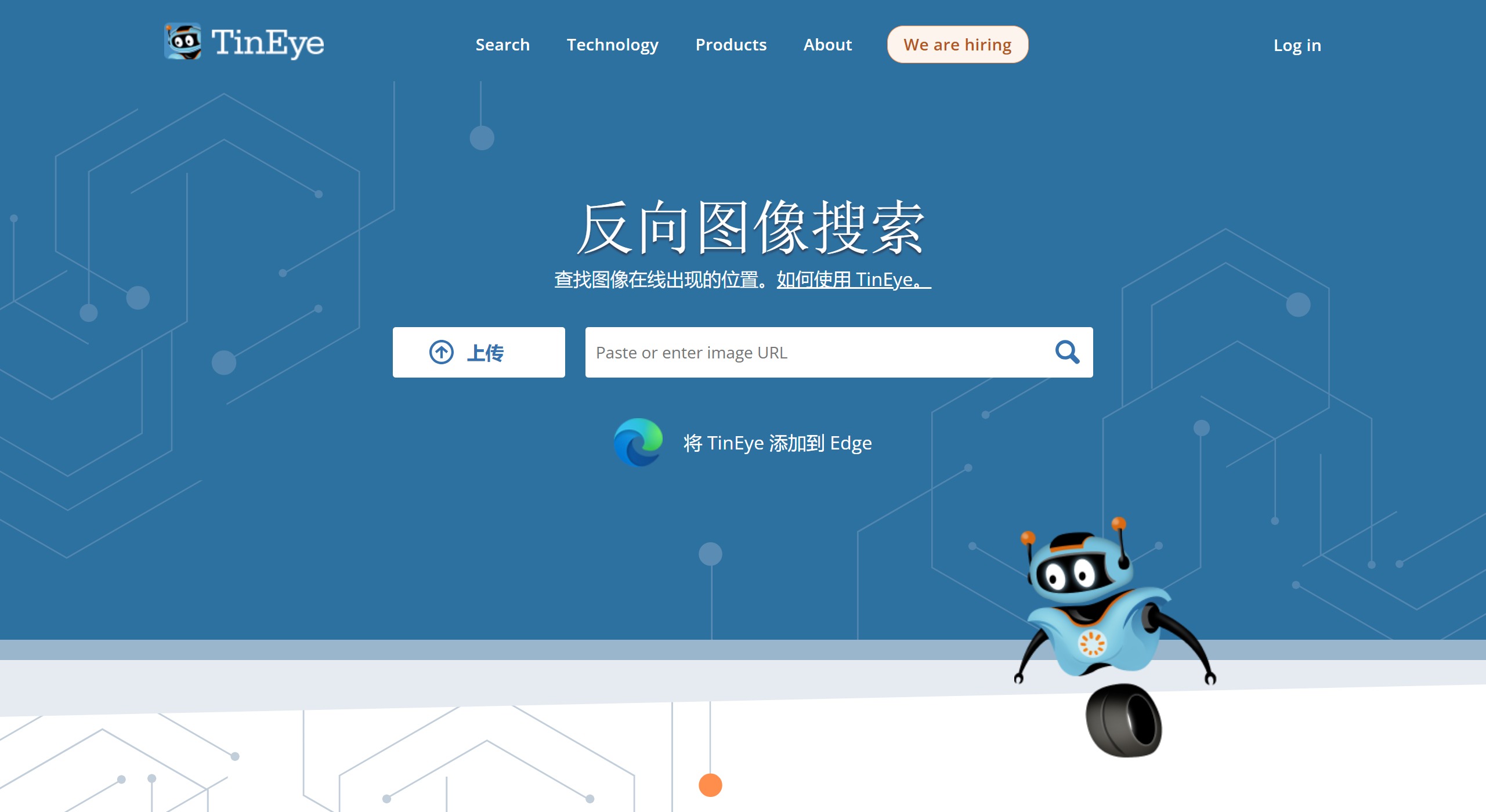
TinEye's main features include:
Image verification: Users can use it to verify the authenticity of news photos or check whether avatars on social media have been stolen by others.
Image attribution: TinEye can help users trace the original source and ownership of images, ensuring proper copyright attribution.
High-resolution version lookup: Users can use TinEye to find higher-resolution versions of images to meet different usage needs.
Modified versions: Discover modified or edited versions of images.
Help with attribution: Help with image attribution.
TinEye use cases:
TinEye is very useful for copyright monitoring, brand management, verifying the original source of images, and tracking the use of images on the internet.
News and media: Journalists and editors can use TinEye to verify the source of images and ensure the accuracy of reporting.
Social media: Users can check whether their photos have been used by others without authorization, protecting personal privacy and copyright.
Marketing: Brands can track the use of their product images on the web to maintain brand image and copyright.
Academic research: Researchers can use TinEye to find the history and variations of specific images to support their research work.

How to use TinEye?
Users can search by uploading images, entering image URLs, or directly dragging and dropping images onto the TinEye website. The search results will display all images similar to the uploaded image and their source websites.
Upload image: Click the upload button to upload an image.
URL search: Copy and paste the image URL into the search box.
Drag and drop image: Drag and drop an image from a browser tab onto TinEye.
Clipboard paste: Copy and paste an image from the clipboard.
Right-click search: Right-click an image on a webpage to choose to search it on TinEye.
For user convenience, TinEye offers browser extensions that support Chrome, Firefox, Edge, and Opera, allowing users to right-click an image directly from a webpage to perform a reverse search.
TinEye, as a pioneering reverse image search engine, was developed by Idée, a company based in Toronto, Canada.
Related information:















