
 Script Planner Assistant▸
 AI Apps
 AI News

Youdao AI PPT: Smart Presentation Maker
Youdao AI PPT: Smart Presentation MakerIntroduction
Youdao AI PPT is an intelligent PPT generation tool developed by the Youdao team. Youdao AIPPT quickly generates professionally designed PPT slides by understanding the user's input text content or topic. It automatically optimizes page layout to ensure visual appeal. In addition, AIPPT offers a massive library of beautiful templates, supports intelligent image matching, and allows online real-time editing, greatly improving office efficiency. Youdao AIPPT is suitable for a variety of scenarios such as workplace, education, and sales, helping users save time and effort.
Youdao AI PPT provides a variety of features, including text generation, topic generation, PPT inspiration, rich template selection, intelligent layout, and one-click export, making it suitable for education, business, personal introductions, and many other scenarios.
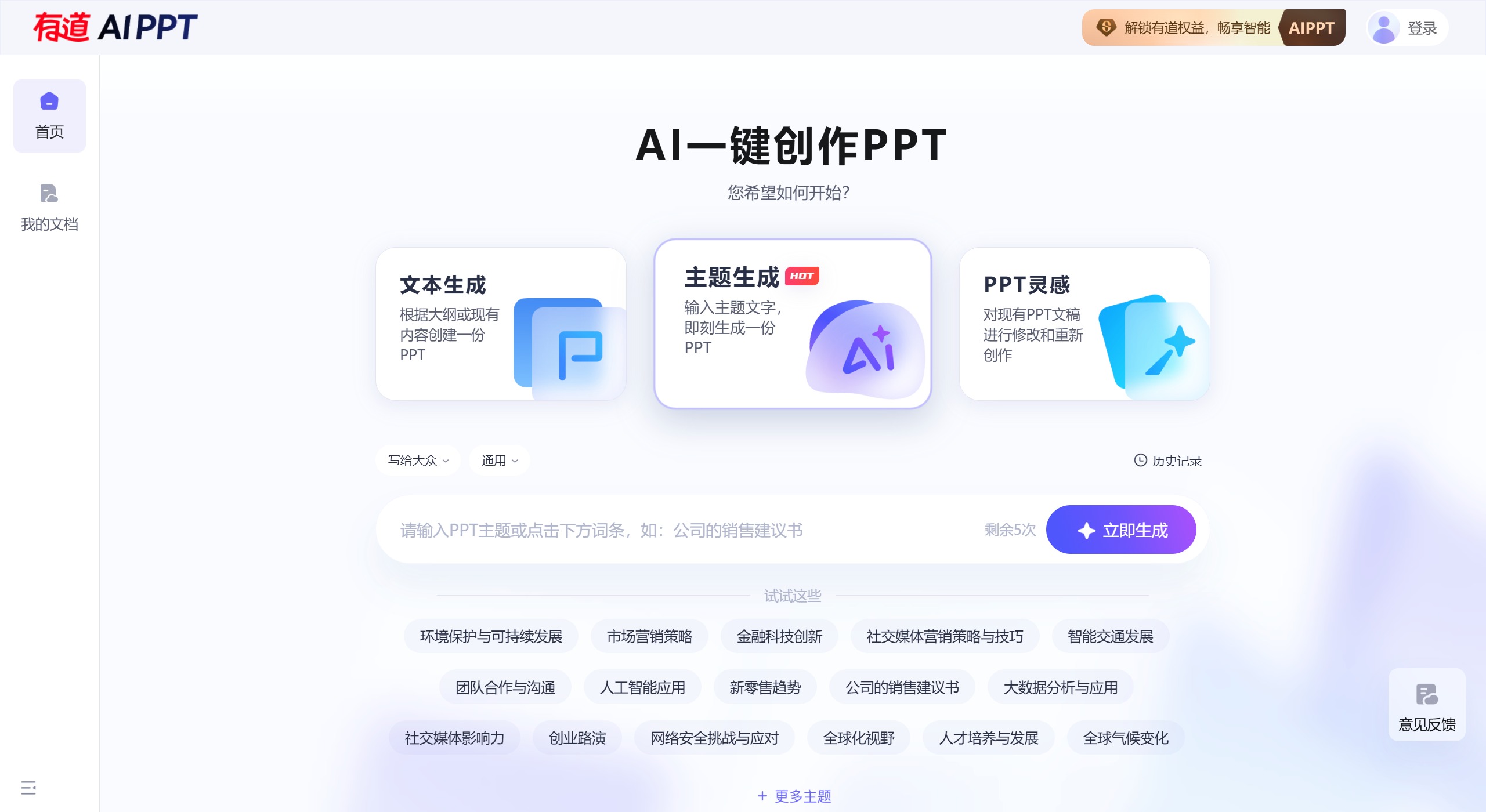
Youdao AIPPT Features:
One-click generation: Users only need to enter a topic or keyword, and AiPPT will automatically generate a complete PPT document.
Intelligent layout: Automatically adjusts layout based on content, ensuring every PPT page looks polished and elegant.
Theme customization: Offers a variety of preset themes, allowing users to choose a suitable style for any occasion.
Content optimization: Automatically optimizes text content to ensure clear and concise expression.
Chart generation: Automatically generates various charts based on data for intuitive information display.
Youdao AIPPT Application Scenarios:
Workplace presentations: project reports, company annual meetings, team-building activities, business plans.
Education: classroom teaching, academic reports, graduation defense, training lectures.
Sales and marketing: product introductions, market analysis reports, client proposals, brand promotion.
Personal use: travel record sharing, personal resume creation, family album display, hobby introductions.
Steps to Use Youdao AIPPT:
1. Visit the Youdao AI PPT website and log in.
2. Choose how to create a PPT, such as text generation, topic generation, or PPT inspiration.
3. Based on the selected creation method, enter the corresponding text or topic.
4. The system will automatically generate a PPT draft.
5. Edit and adjust the auto-generated PPT, including content, layout, and design.
6. Choose suitable templates and design elements for personalization.
7. After editing, preview the PPT to ensure it meets your needs.
8. Export the PPT to your desired format, such as PDF or PPT file.
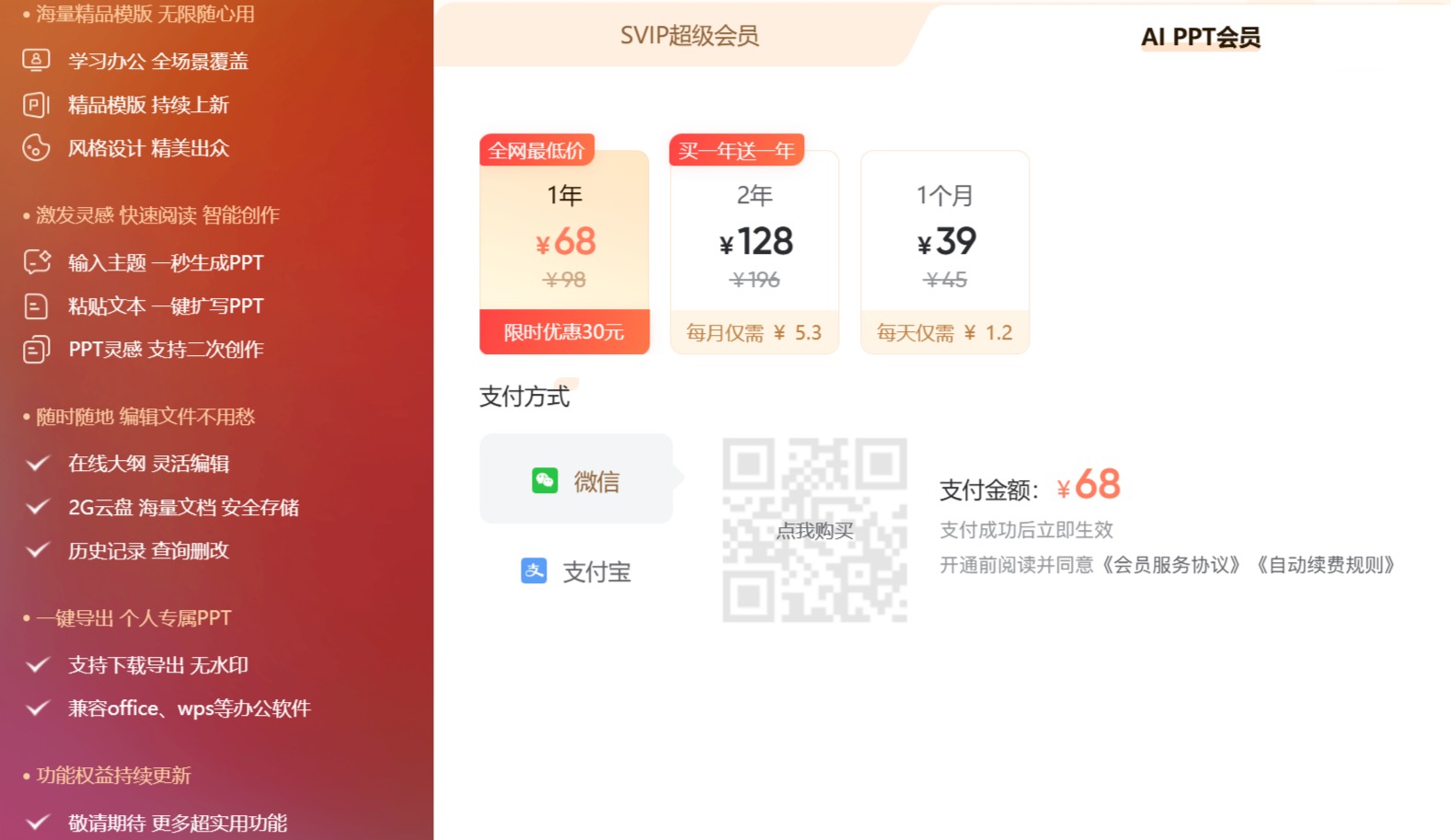
What advantages does Youdao AIPPT have compared to other PPT generation tools?
Chinese language support: Youdao AIPPT excels in Chinese language processing capabilities, making it particularly suitable for users who need to create Chinese PPTs. This gives it a clear competitive advantage in the domestic market.
Rich templates: Youdao AIPPT offers a large number of beautifully designed localized templates that can meet the needs of various scenarios. These templates are not only visually appealing but also help users quickly create professional-level presentations.
Ease of use: Users only need to enter a topic or outline, and Youdao AIPPT can quickly generate a complete PPT presentation. It has a user-friendly interface and simple operation, allowing even users without a design background to get started easily.
Intelligent layout and image matching: Youdao AIPPT features intelligent layout capabilities that automatically optimize page layout and match relevant images based on content, ensuring visual appeal.
Related Information:















