
 Script Planner Assistant▸
 AI Apps
 AI News

蜜蜂剪辑: Online Video Editing Assistant
蜜蜂剪辑: Online Video Editing AssistantIntroduction
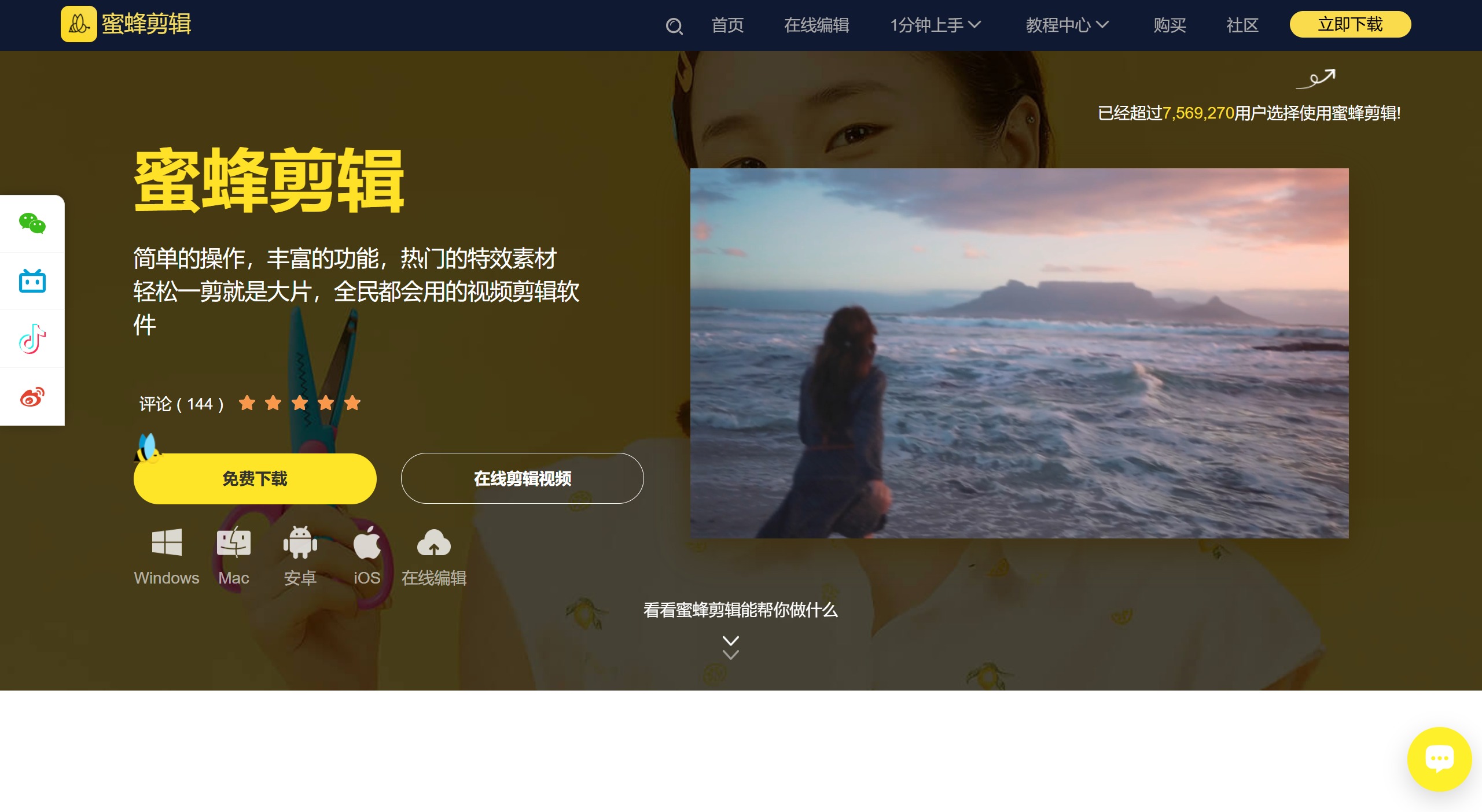
BeeCut is a video editing software developed by Shenzhen Wangxu Technology Co., Ltd. It is known for its simple operation and professional features, suitable for individuals, businesses, and enterprise users. The software supports multiple platforms including Windows, Mac, iOS, and Android, meeting the editing needs of different users.
BeeCut provides a wealth of features and素材 including video cutting, adding subtitles, adding music, cropping videos, and other basic editing functions, as well as advanced features like picture-in-picture and split-screen video. It supports multiple video aspect ratios and formats, such as 16:9 suitable for most video platforms, 9:16 suitable for mobile short-video platforms like TikTok, and 3:4 and 1:1 suitable for creating Taobao main image videos, providing various possibilities for creation.
In terms of adding effects, BeeCut provides text, filters, overlays, transitions, and animations effects. You can directly click the plus button on an effect to add it, or drag the effect directly onto the timeline. Regarding transition addition, BeeCut also supports randomly adding transitions to the timeline, saving you the trouble of repeatedly adding transitions.
BeeCut's interface design is intuitive. After launching the software, a project aspect ratio selection box will pop up, allowing you to choose the ratio according to your video size. After opening the software, you can see the working interface of the current project. The left toolbar provides the imported素材 library, text, filters, overlays, transitions, and animation effects. The upper right part is the video preview window, and the lower part of the interface is the timeline, including video tracks, picture-in-picture tracks, text tracks, and audio tracks. The middle of the interface contains the regular editing tools, such as split, crop, delete, zoom, add mosaic, and export video, which are commonly used.
BeeCut also supports online and offline editing, suitable for both beginners and advanced users. It provides video editing tutorials to help users quickly get started and improve video editing efficiency. In addition, BeeCut supports screen size settings, allowing you to choose the screen size you need during installation. It offers multiple language settings, allowing you to select the language you can understand. It can export in video and audio formats, and the operation is simple—just select the素材 you need and drag it onto the timeline to take effect. The素材 is comprehensive and ready to use after download. You can preview the effect first and then decide whether to drag it onto the timeline for editing. You can upload local music as background music.
Featured Functions of BeeCut:
Supports multiple video aspect ratios: BeeCut supports video aspect ratios required by various platforms, such as 16:9 suitable for most video platforms, 9:16 suitable for mobile short-video platforms like TikTok, and 3:4 and 1:1 suitable for creating Taobao main image videos. This provides various possibilities for your creation, displaying your videos at the best quality and avoiding the hassle of cropping after video production, adding great convenience.
Diverse design templates: To make it easier for video beginners to get started, we provide a rich variety of design styles in the素材 library. Your videos can be paired with filters of different styles, smooth and natural transition effects can be added, interesting overlay effects can be applied, and animations can be added to each frame. Simply right-click the素材 and select "Add to Track" to complete the operation. Creating a masterpiece is that simple!
Multiple tracks editing simultaneously: If you want to add some images or picture-in-picture effects to this frame of video, BeeCut's multi-track editing can help you! Based on the original video track, an additional track is automatically opened. You can drag素材 into it for editing and processing, making the video layers richer! And you can simultaneously edit subtitle and background music素材, watching the overall video effect in real time.
Directly adjust video parameters: Want to edit video by simply changing contrast, brightness, speed, and other parameters? Drag the original video to the timeline and double-click the素材 to see the parameters at a glance. Speeding up/slowing down the video, rotating the video 90°, and post-production light compensation can all be achieved here, which is very convenient!
One-click replacement of background music: Self-made videos with noise will affect viewing. Switching to a catchy background music can upgrade the entire video. In BeeCut, you can separate the original video's audio with one click to edit it separately or mute it directly, then embed your audio素材 to complete the background music replacement.
Efficient operation buttons: When you want to quickly split, crop, zoom, add mosaic, and discard video clips, drag the split axis to the node you want to edit and click the corresponding small button on the toolbar to complete the operation. In addition, we also provide many shortcut keys to greatly improve your efficiency.
BeeCut is positioned as a lightweight video editing software, very suitable for video bloggers to quickly edit the videos they want. It supports Windows and MacOS systems, and Android and iOS versions will be released in the future. BeeCut's interface design is intuitive, and the regular editing functions can be found immediately, making it very convenient to use. Overall, BeeCut, as a powerful and easy-to-use entry-level video editing tool, is suitable for users who want to create daily life videos and upload them to Bilibili, make wedding albums, or create travel short films.
BeeCut belongs to Shenzhen Wangxu Technology Co., Ltd. Wangxu is a company focused on providing intelligent multimedia solutions for users worldwide, committed to helping users solve needs such as screen recording, audio and video processing, and multimedia conversion in their daily life and work. Our product line also covers mobile phone transfer and management.















